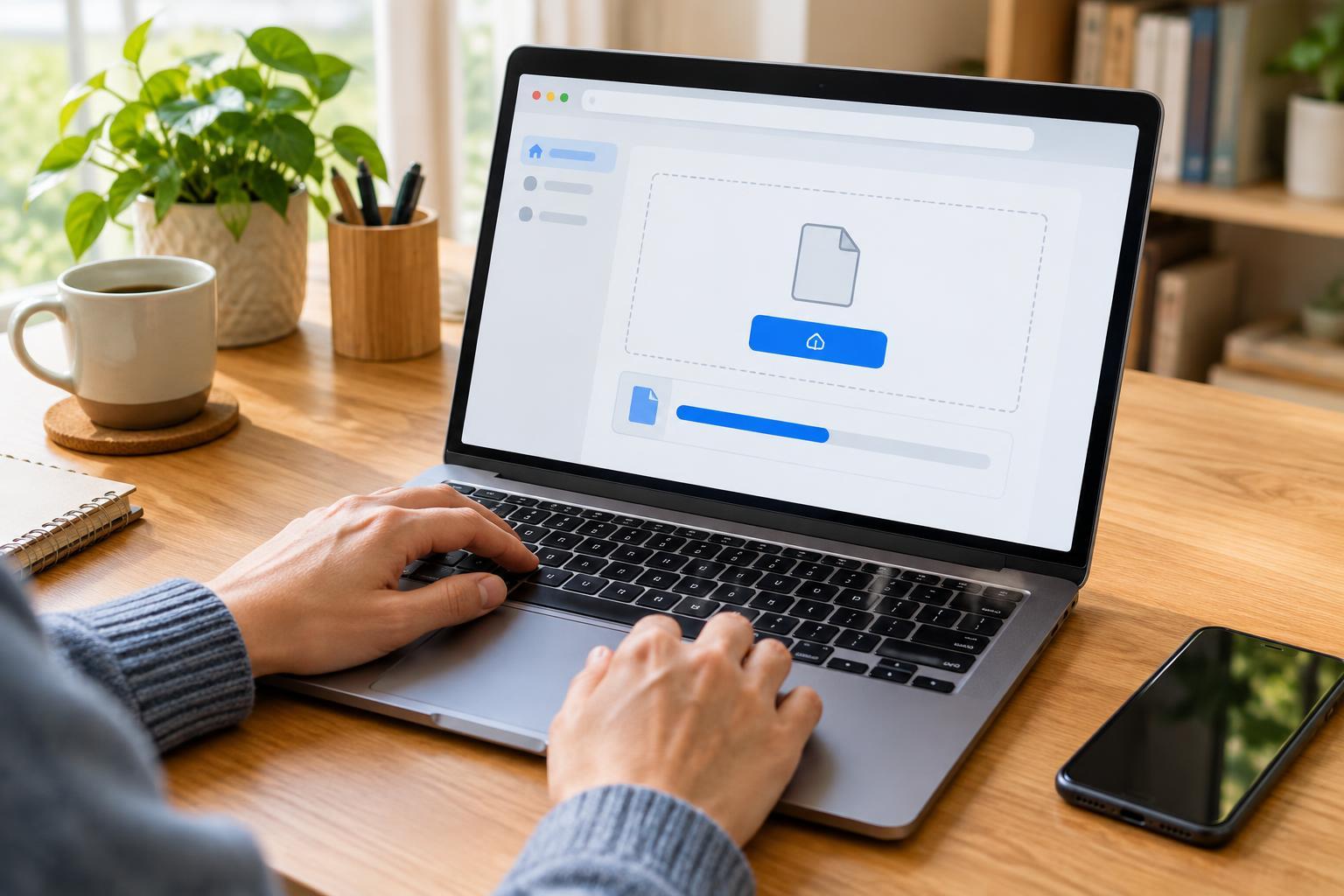
Digital SkillsUploading a file means sending a copy from your phone, tablet, or computer to a website. Learn how to find the right file, complete the upload, check that it worked, and avoid common mistakes.
Read article · 4 min↗

Digital SkillsA useful online answer is not always a trustworthy one. Learn how to check who made a claim, where its evidence comes from, whether important context is missing, and when to pause before sharing it.
Read article · 4 min↗
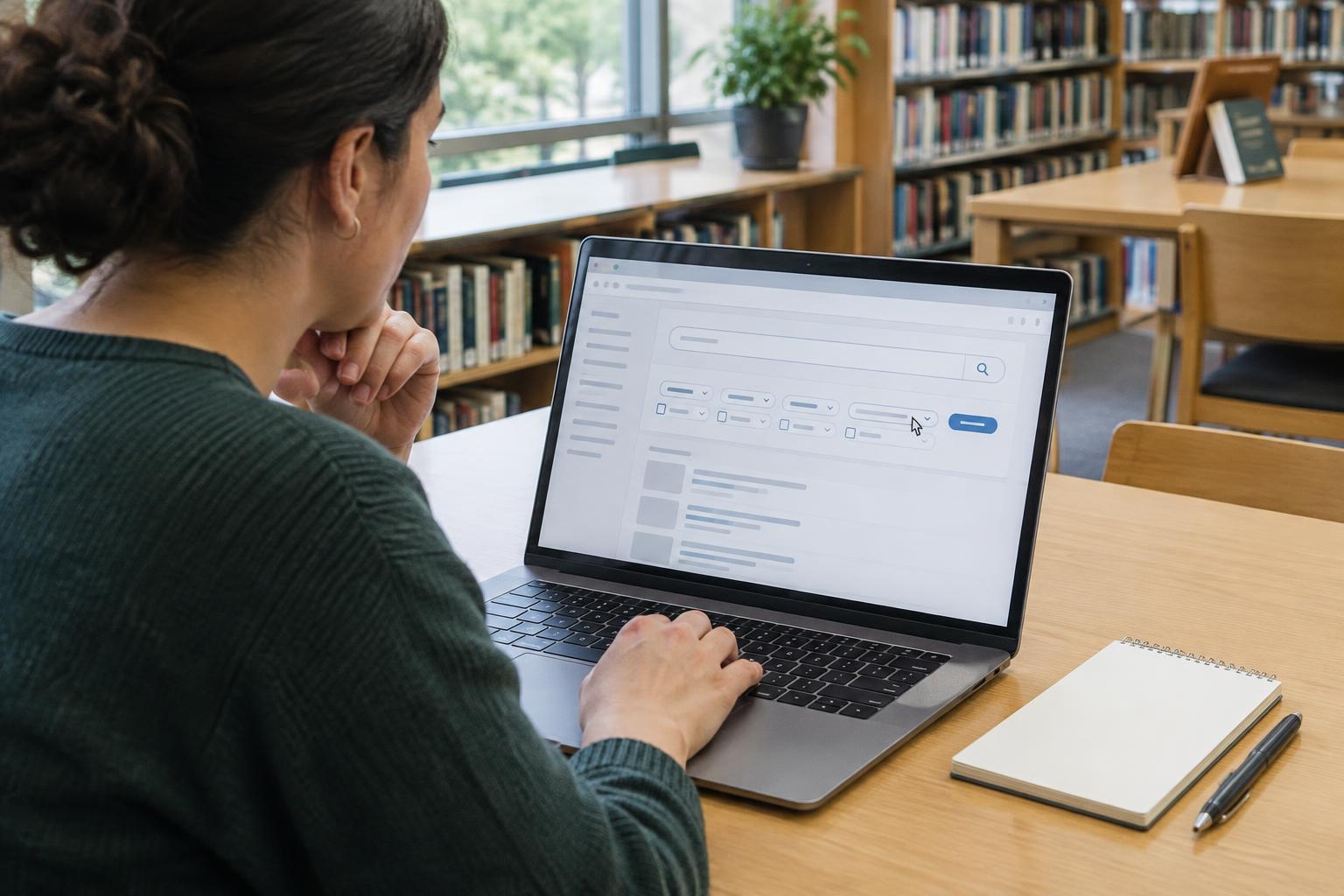
Digital SkillsA useful web search starts with the words you choose. Learn how to turn a question into specific keywords, narrow results with search tools, and check whether a result answers what you need.
Read article · 4 min↗
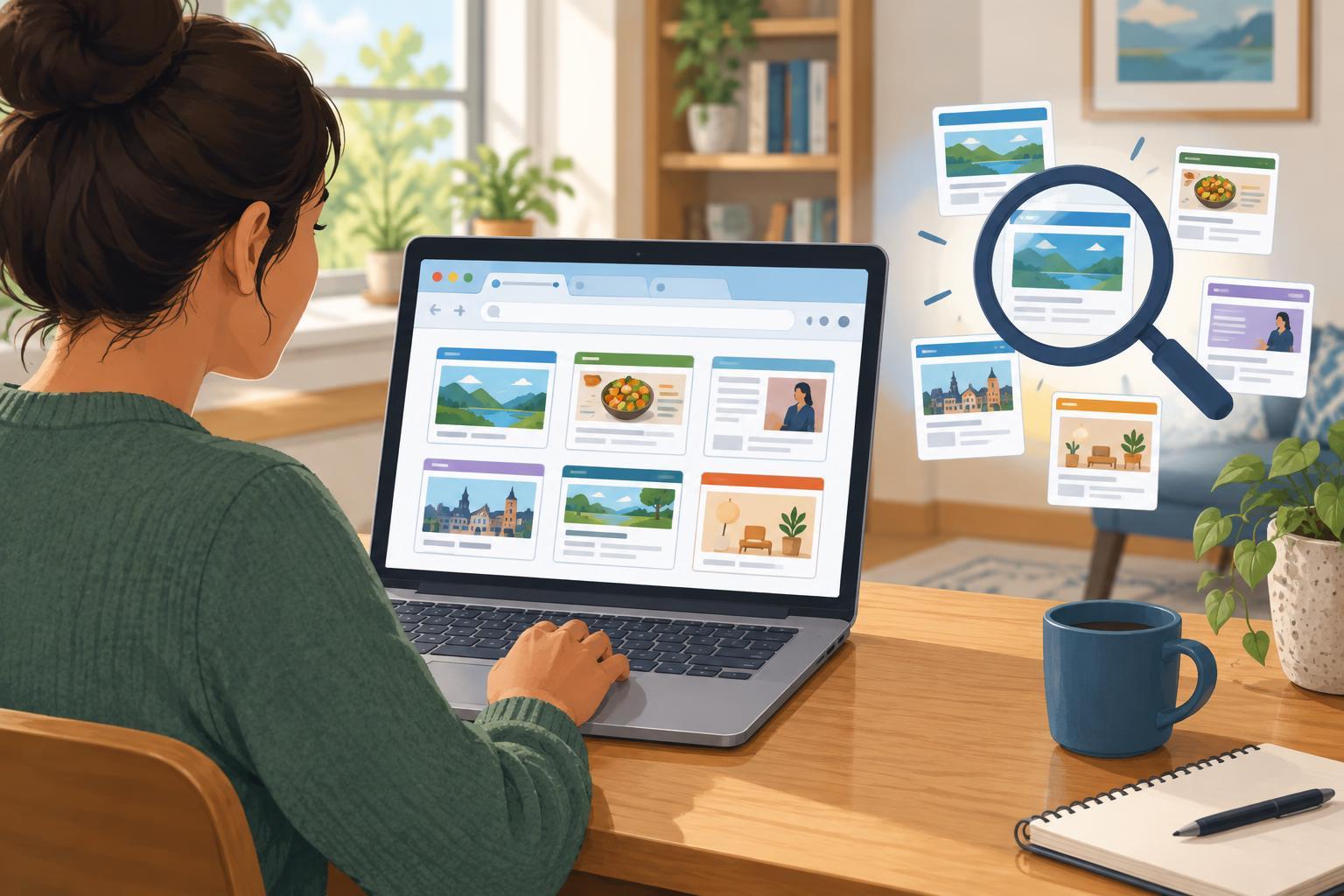
Digital SkillsA web browser opens and displays websites. A search engine helps you find them. Learn how the two tools work together, why the address bar can be confusing, and when to use a search instead of going directly to a website.
Read article · 4 min↗
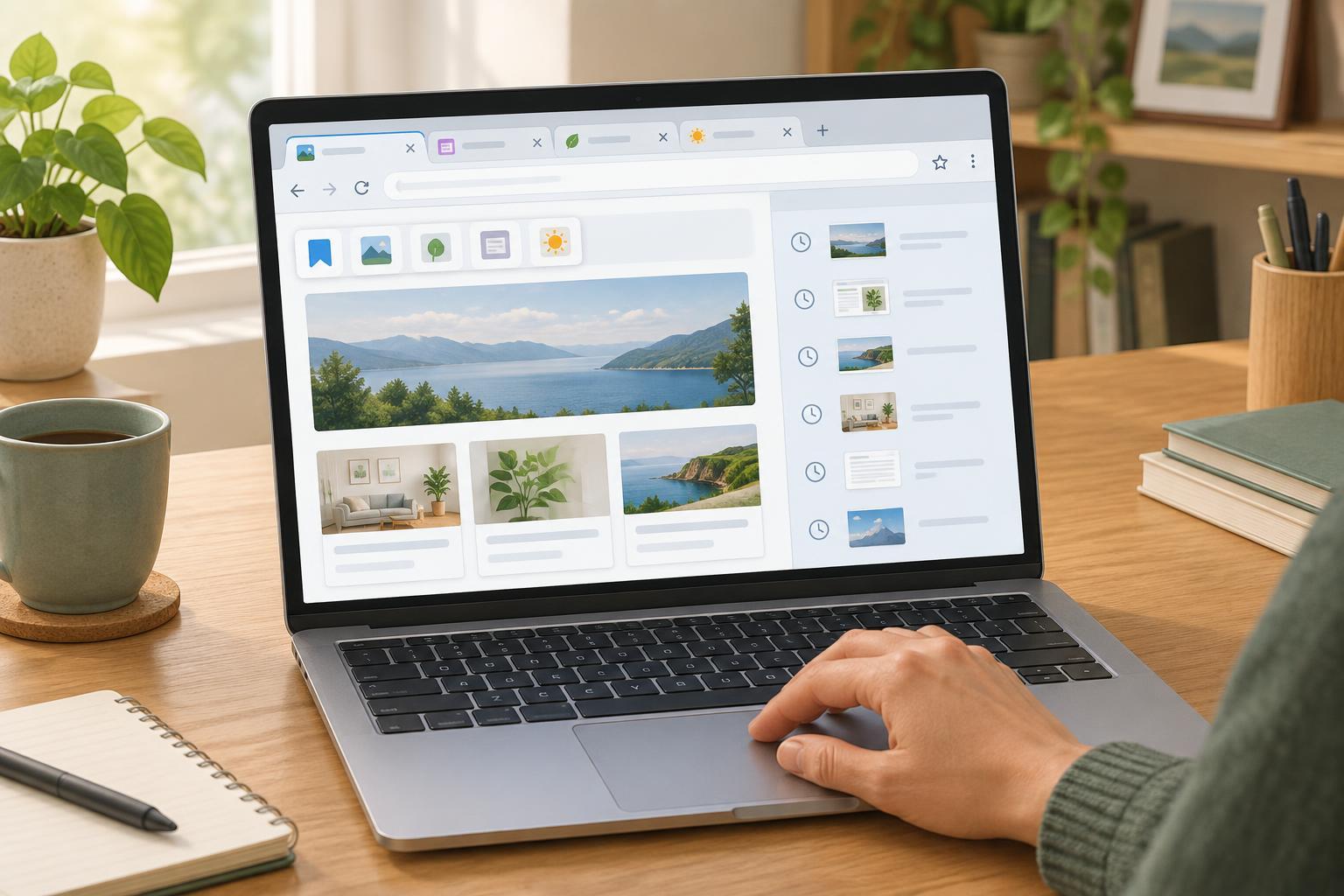
Digital SkillsTabs, bookmarks, and browsing history all help you find web pages, but they serve different purposes. Learn when to use each one, how they work together, and what to check when using a shared device.
Read article · 4 min↗

Digital SkillsA small set of keyboard shortcuts can make writing, searching, and switching between tasks feel easier. Learn useful combinations for Windows and Mac, when they may vary, and how to practice without memorizing a long list.
Read article · 4 min↗
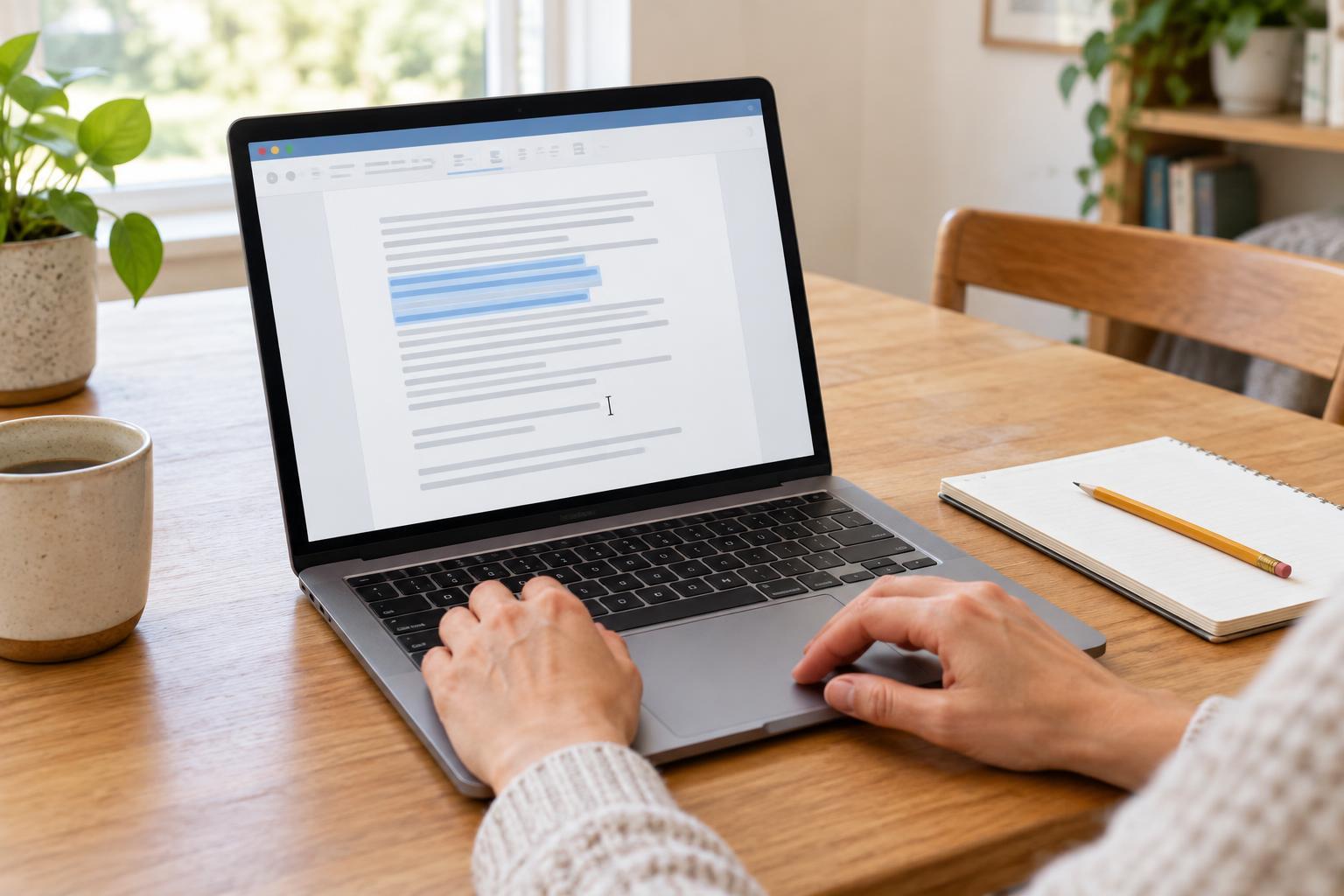
Digital SkillsCopy, cut, paste, and undo are small actions that make writing and organizing information much easier. Learn what each one does, how to use common shortcuts, and how to recover when an edit does not go as planned.
Read article · 4 min↗
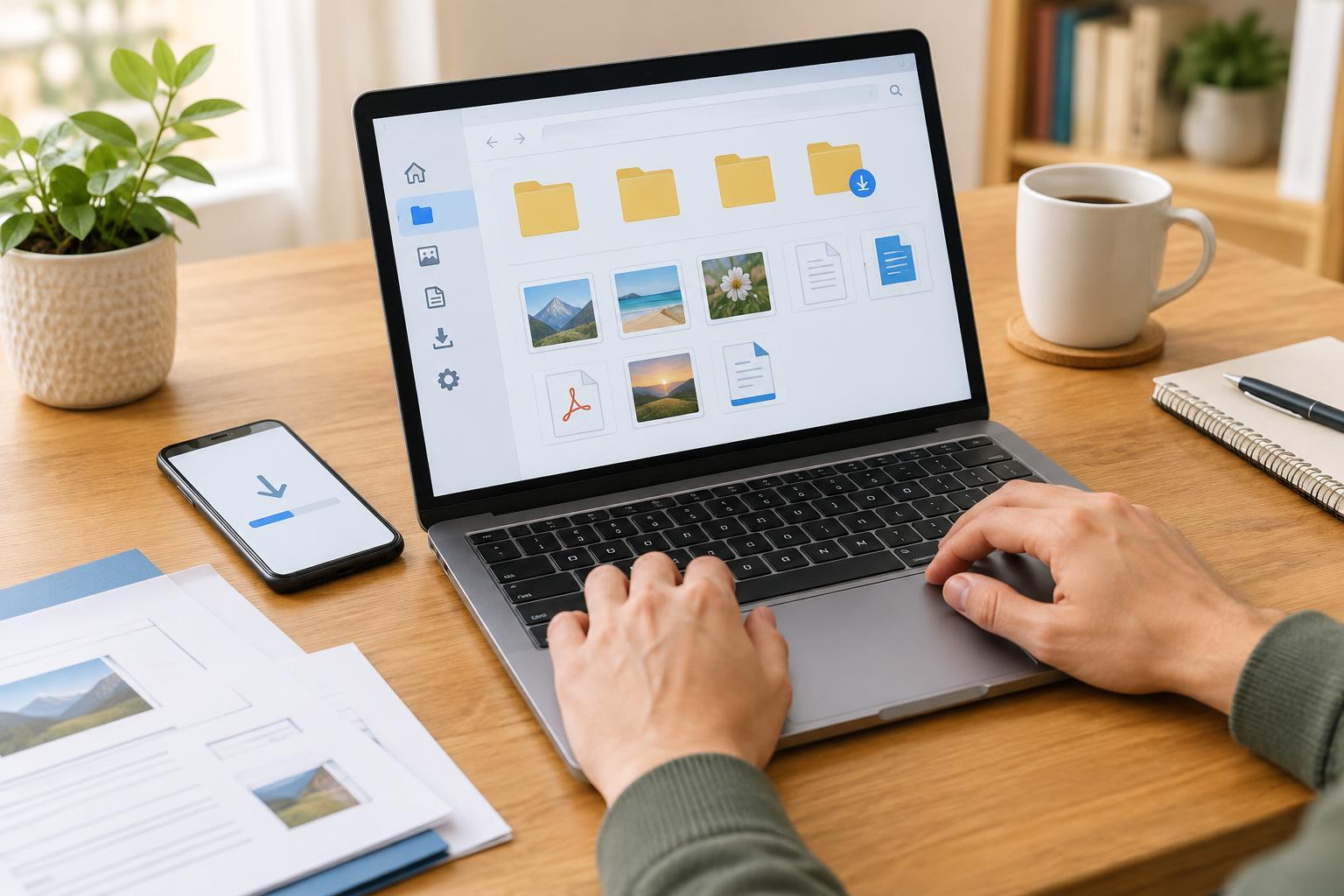
Digital SkillsA practical guide to downloading documents, pictures and other files, then locating them on a computer, phone or tablet. Learn where downloads usually go, how to search when a file seems missing and how to choose a place you can find again.
Read article · 4 min↗
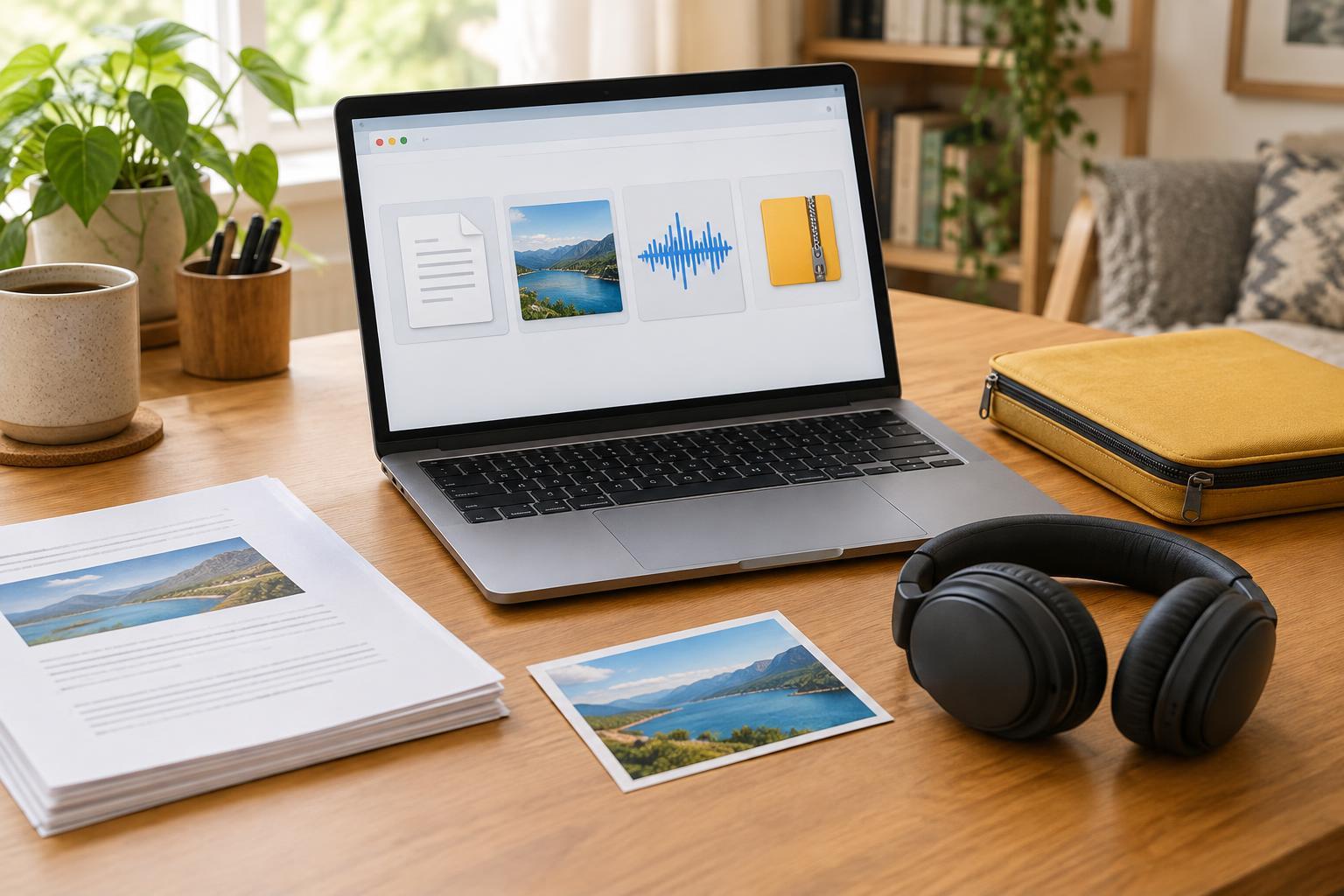
Digital SkillsWhat does the ending of a filename tell you? This guide explains common document, image, audio, and archive formats, with practical tips for opening, sharing, and organizing them.
Read article · 4 min↗
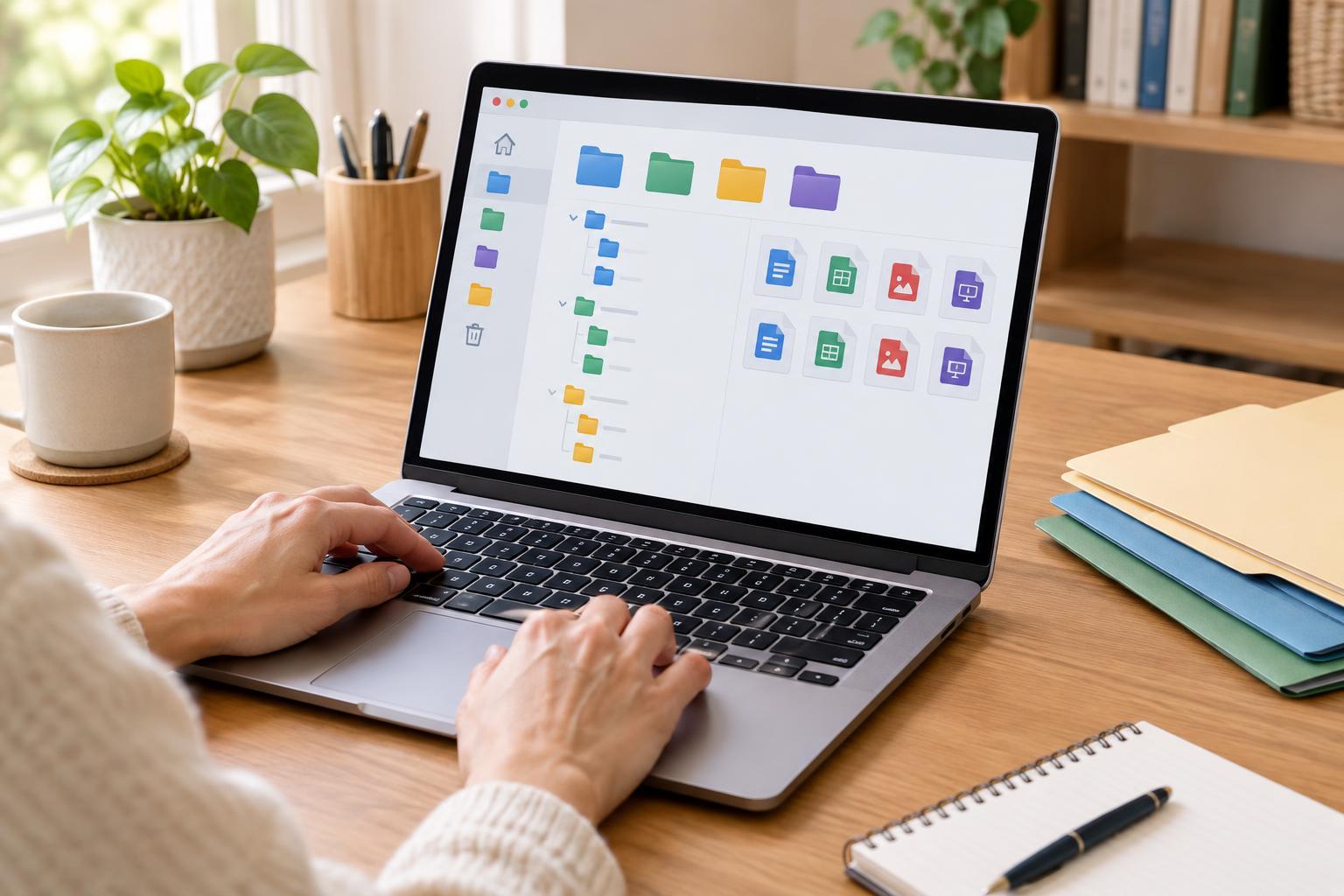
Digital SkillsA clear file name and a simple folder structure can save time whenever you need a document again. Learn how to choose useful names, sort files into manageable folders, handle versions and keep your system easy to maintain.
Read article · 4 min↗
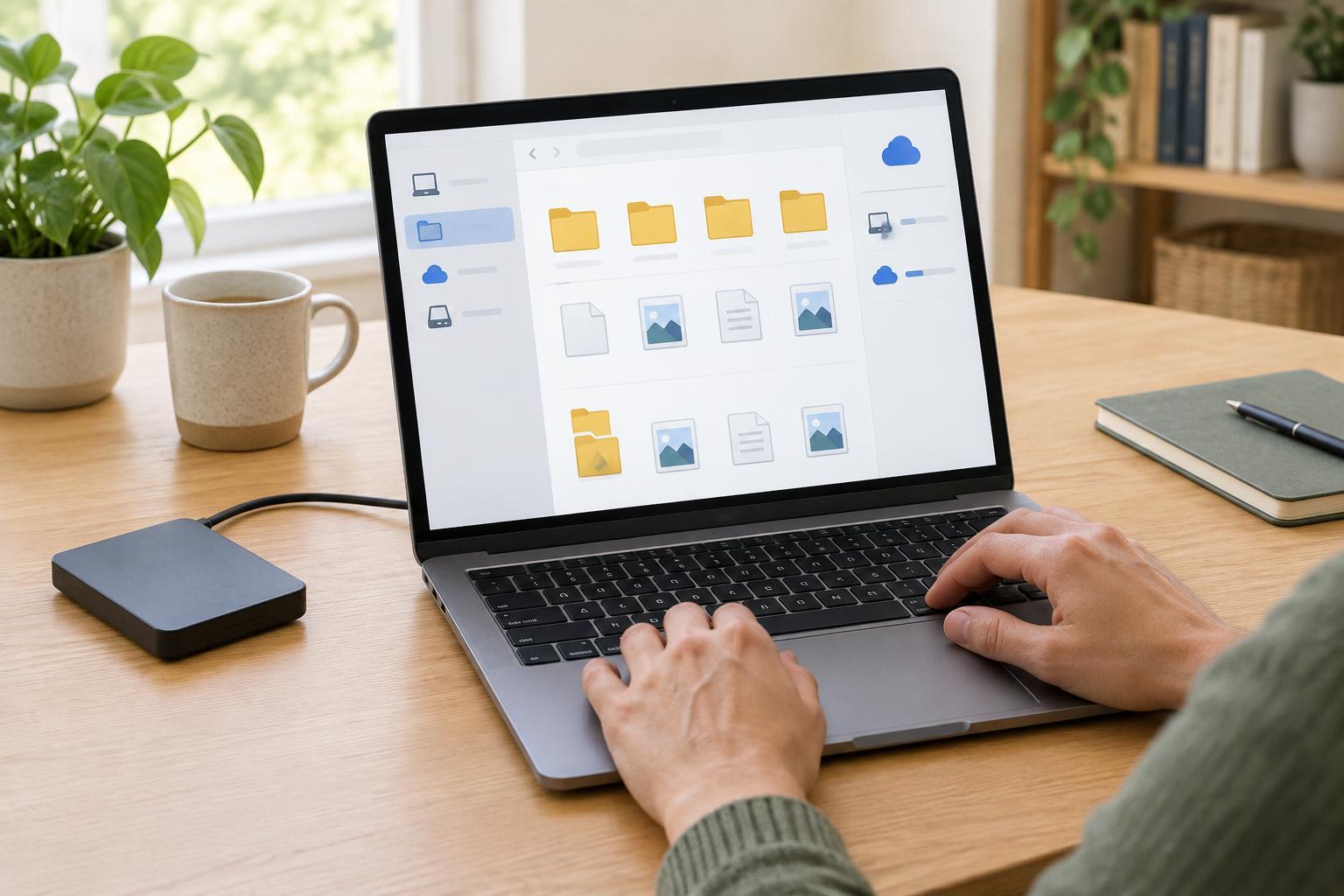
Digital SkillsA practical guide to finding your documents, understanding folders and file names, and checking whether your work is saved on your device or in an online account.
Read article · 4 min↗
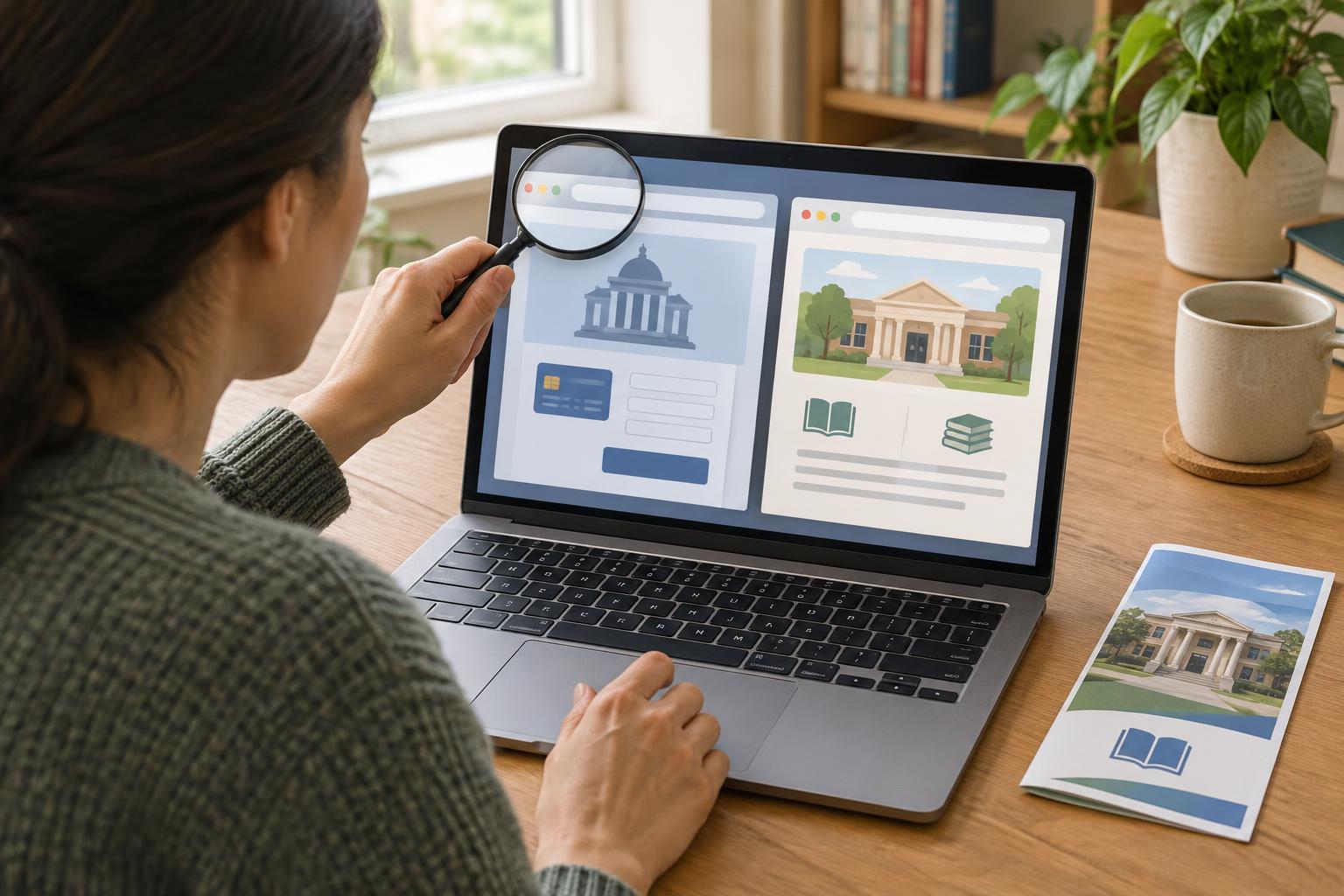
Accessible ServicesA website can look like a public-service portal without being one. Learn how to check where a page comes from, avoid misleading fees and forms, and find the right service through trusted channels.
Read article · 4 min↗

Accessible ServicesA bill-payment portal may offer several ways to pay, but the easiest option is not the same for everyone. Learn how to compare payment methods, check whether the portal works with your accessibility tools, and keep a clear record of what you have paid.
Read article · 4 min↗
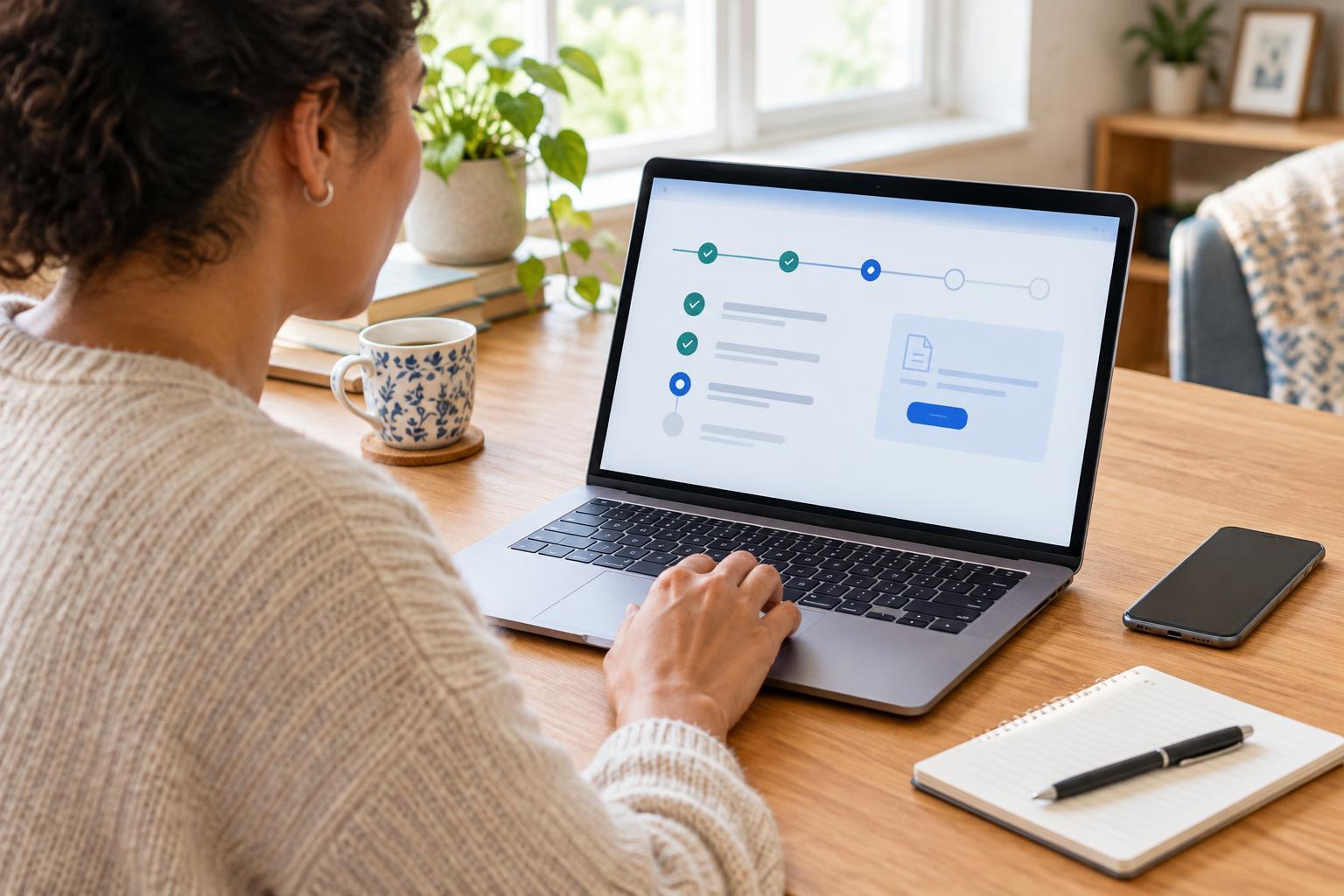
Accessible ServicesSubmitted an online form and wondering what happens next? Learn where to find a request’s status, what common status labels mean, how to respond to requests for more information, and what to do if the portal is difficult to use.
Read article · 3 min↗
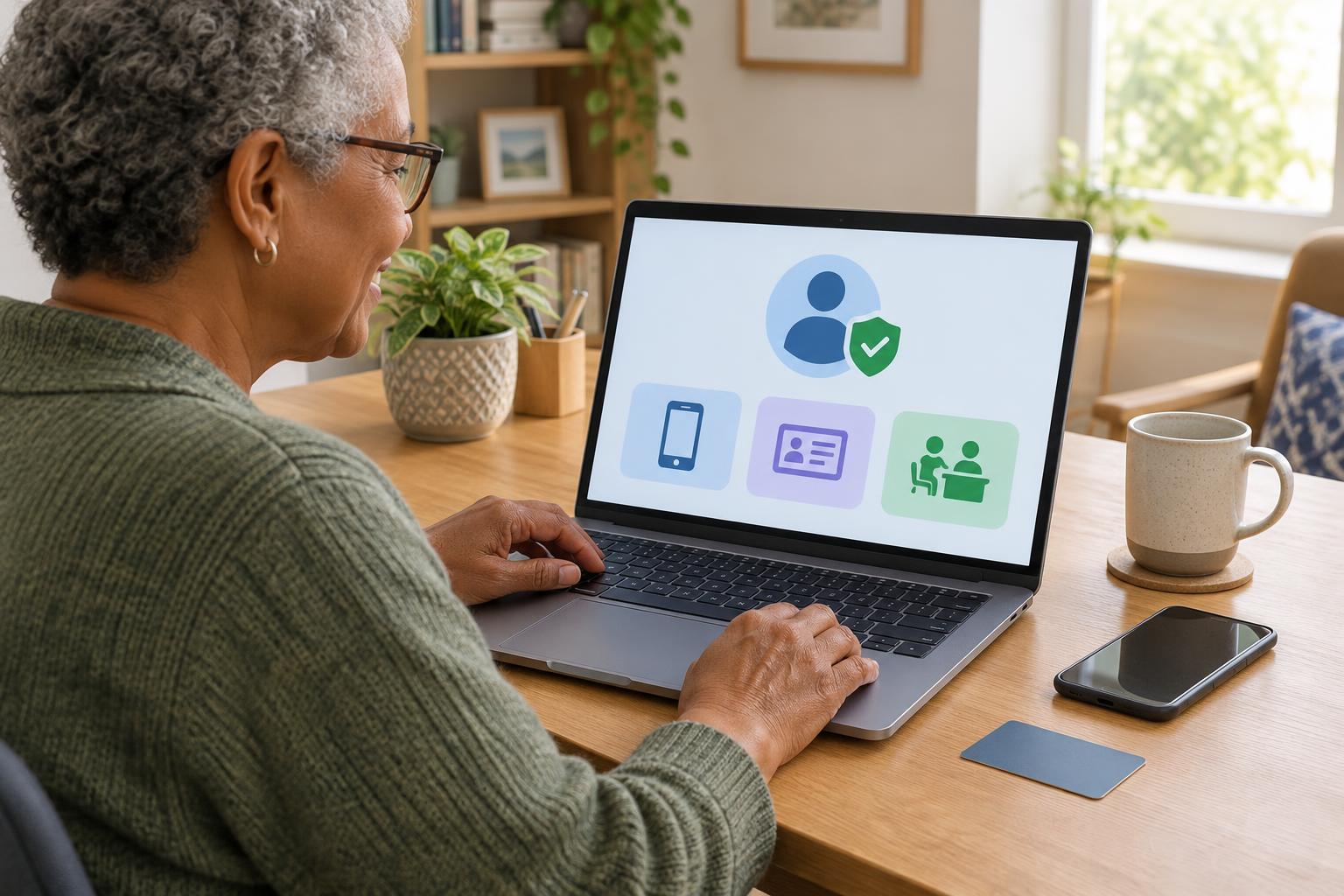
Accessible ServicesOnline public services may ask you to prove who you are before you can view records, submit an application or change personal details. This guide explains common verification methods, how to choose an accessible option, and what to check before sharing sensitive information.
Read article · 4 min↗

Accessible ServicesWhen a website or app blocks a task, a clear report can help its provider understand the barrier and offer another way to use the service. Learn what to record, where to send it, and how to follow up without sharing unnecessary personal information.
Read article · 4 min↗

Accessible ServicesYou can ask for help with an online form, account or appointment without giving anyone your password. Learn how to prepare your question, use safer support options and keep control of your account.
Read article · 3 min↗

Accessible ServicesA slow connection does not have to stop you from completing an important online task. Learn how to prepare documents, reduce data use, handle interruptions and find another way to reach a service when its website will not load.
Read article · 4 min↗

Accessible ServicesGovernment and healthcare websites can be difficult to use when their main language is not yours. Learn where to look for translated information, how to request an interpreter, and what to check before sharing personal details.
Read article · 4 min↗

Accessible ServicesA step-free route involves more than finding a station with a lift. Learn how to use journey planners, station maps and service updates to check the whole trip, including transfers, boarding and the final stop.
Read article · 4 min↗
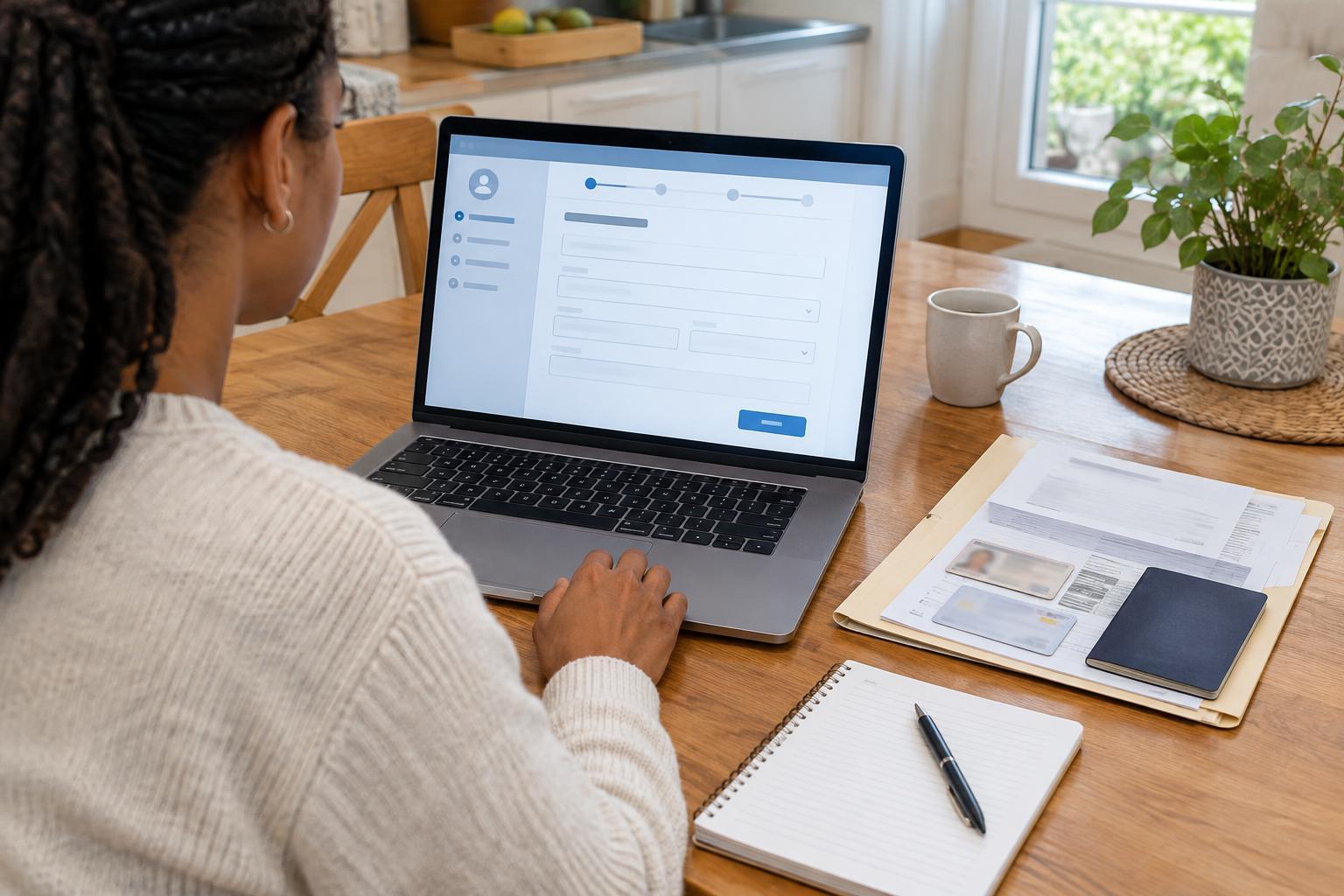
Accessible ServicesAn online benefits application is easier to manage when you prepare your documents, understand the usual steps and keep a record of what you submit. This guide explains how to get organized, handle common form questions and follow up safely.
Read article · 4 min↗
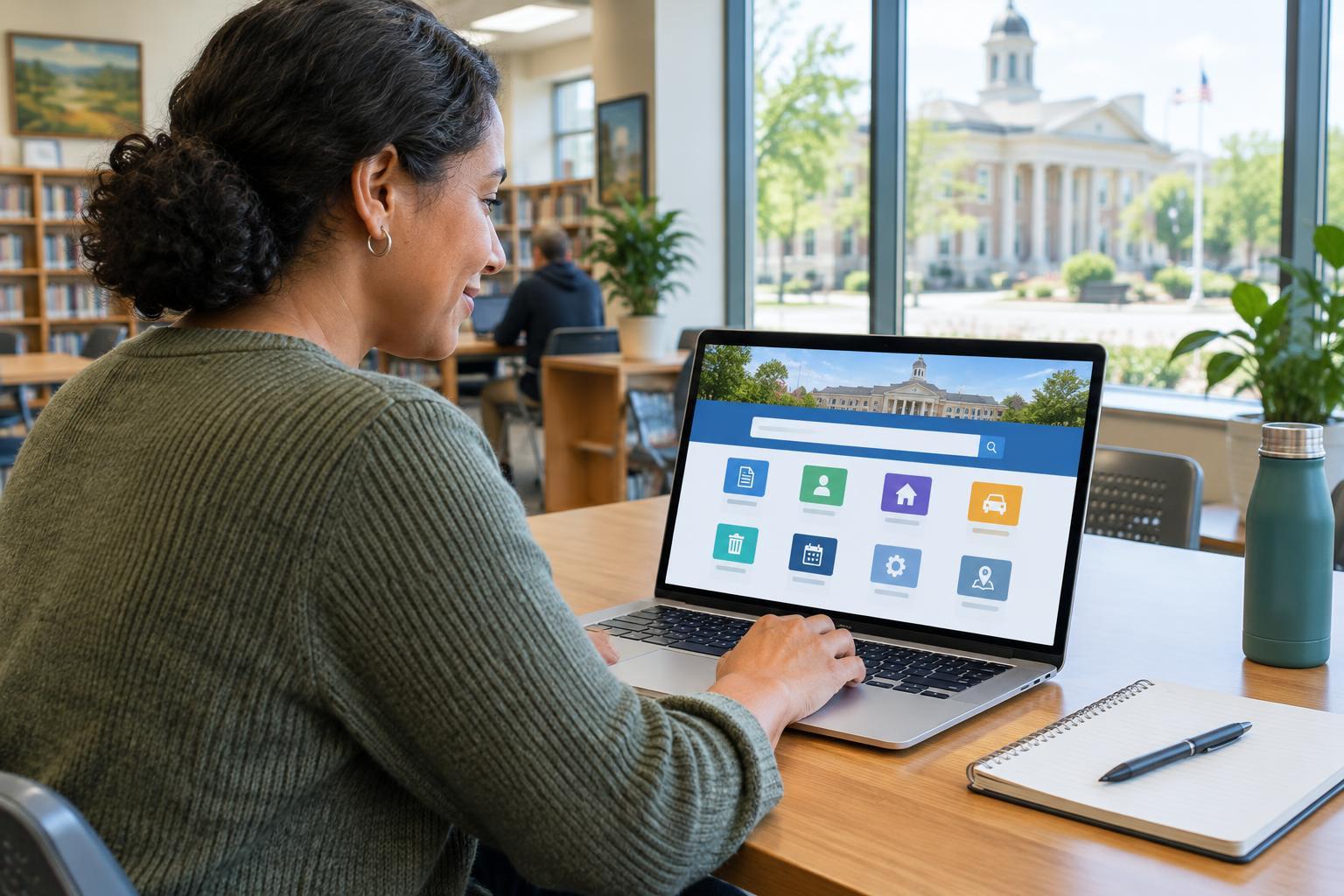
Accessible ServicesLocal government portals can help you request records, report problems, book appointments and check service information. This guide explains how to find the right portal, verify that it is official, complete a task and keep a record of what you submitted.
Read article · 4 min↗
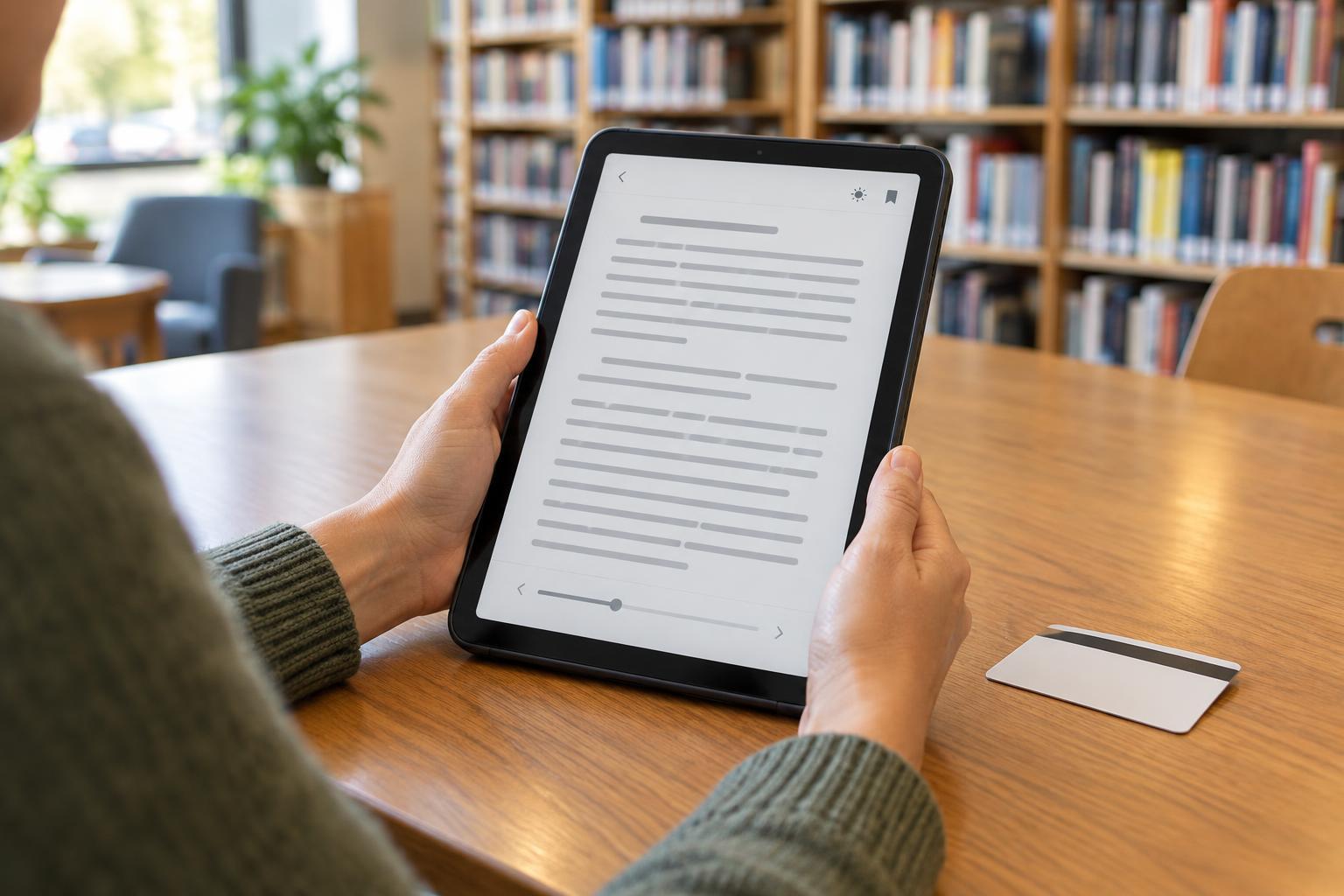
Accessible ServicesA library card may give you access to ebooks, audiobooks, magazines, learning tools and other online resources. This guide explains how to find your library’s services, sign in, borrow materials and solve common access problems.
Read article · 4 min↗

Accessible ServicesA video appointment can make it easier to speak with a healthcare provider without traveling. This guide covers how to book, check access needs, set up your device, prepare questions and handle common connection problems.
Read article · 4 min↗

Accessible ServicesAn online form may be convenient, but it is not always the easiest way to get help. Compare online, phone, and in-person options for essential services, and use a simple checklist to choose the route that works for you.
Read article · 4 min↗
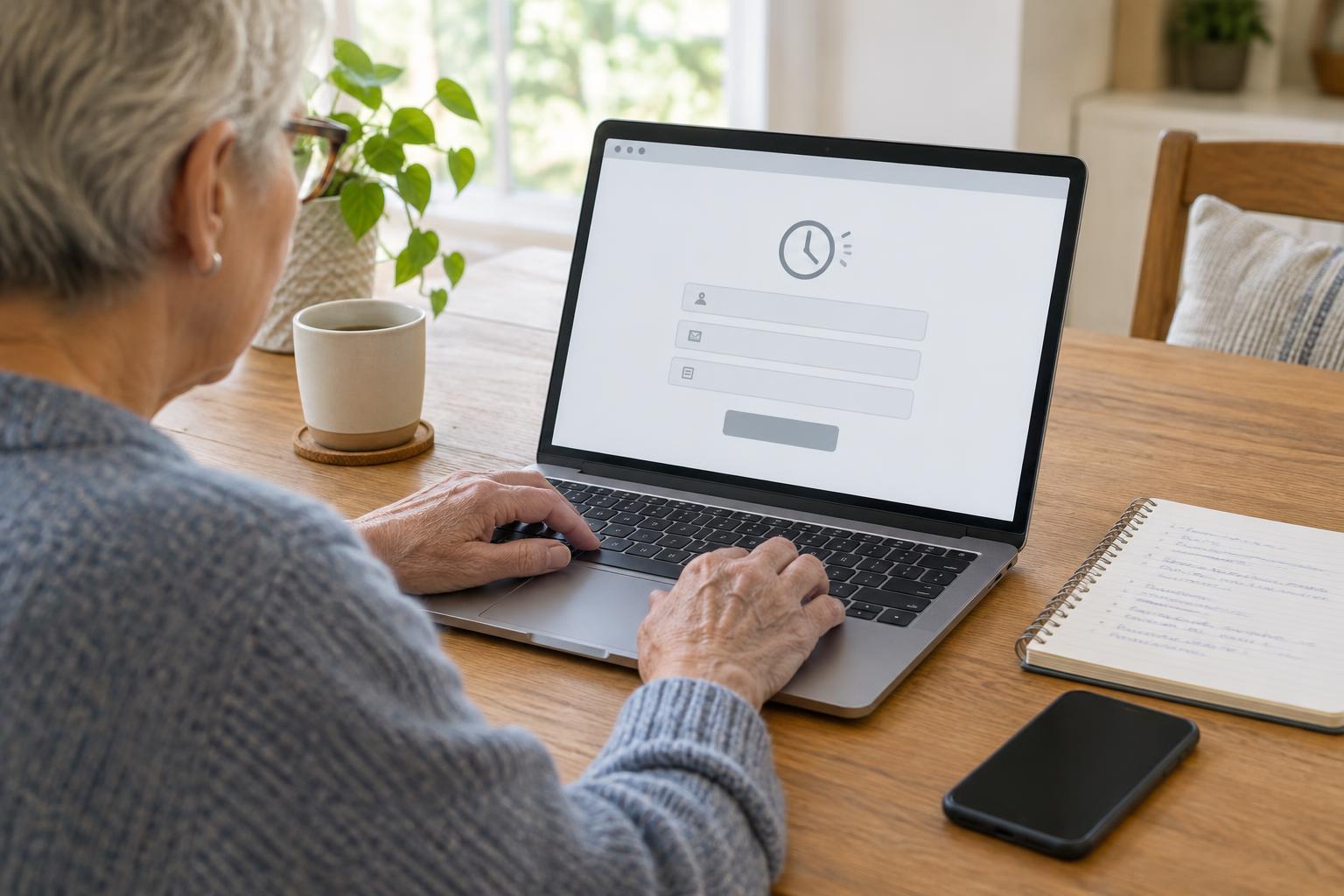
Accessible ServicesA form that expires can erase careful work, but there are ways to make the next attempt easier. Learn how to check whether anything was submitted, prepare longer answers outside the form, look for a time extension, and ask the service for another way to complete your request.
Read article · 4 min↗
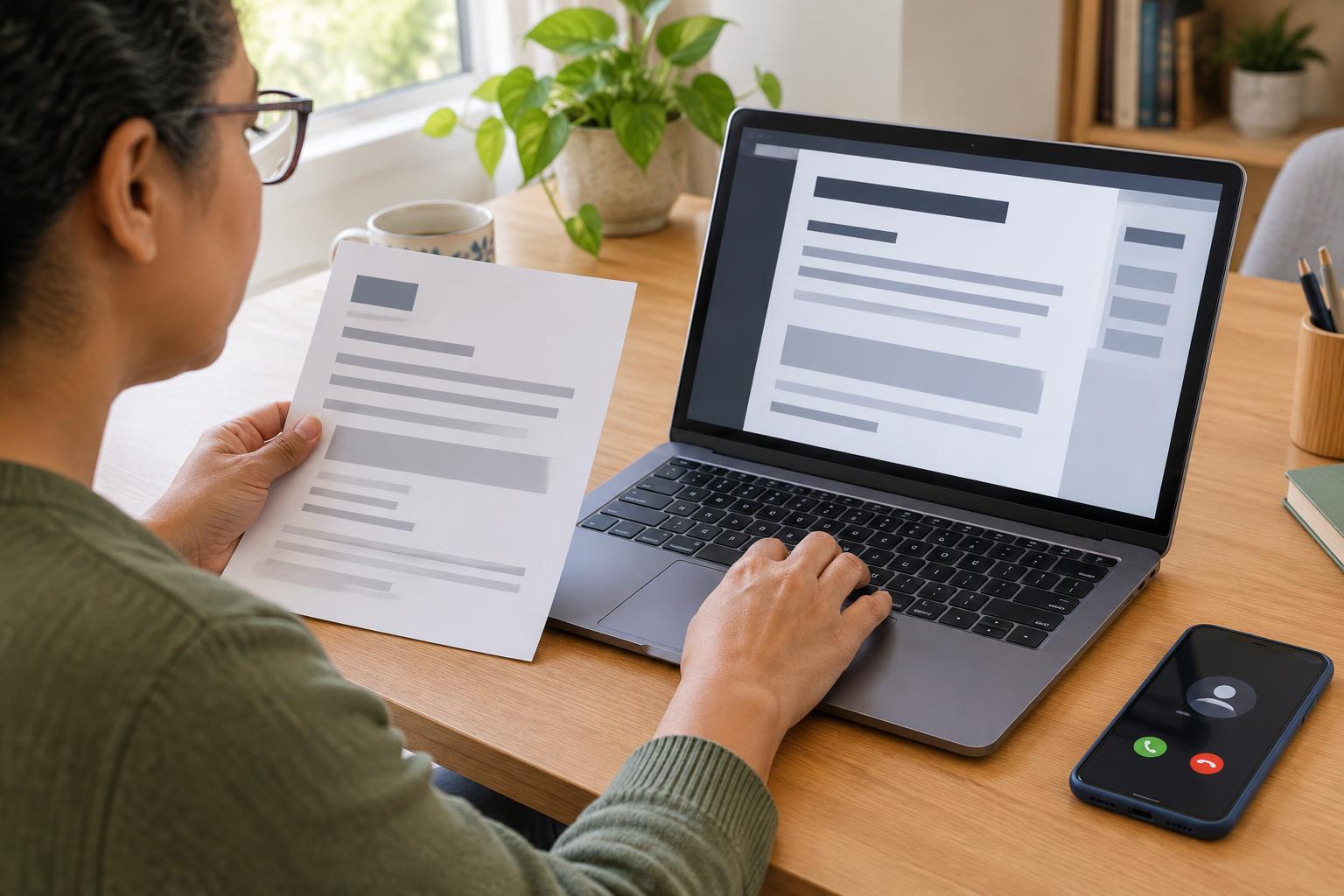
Accessible ServicesA bill, form, letter or set of instructions is useful only if you can read and use it. Learn how to describe the format you need, make a clear request to a service provider and follow up if the first version does not work.
Read article · 4 min↗
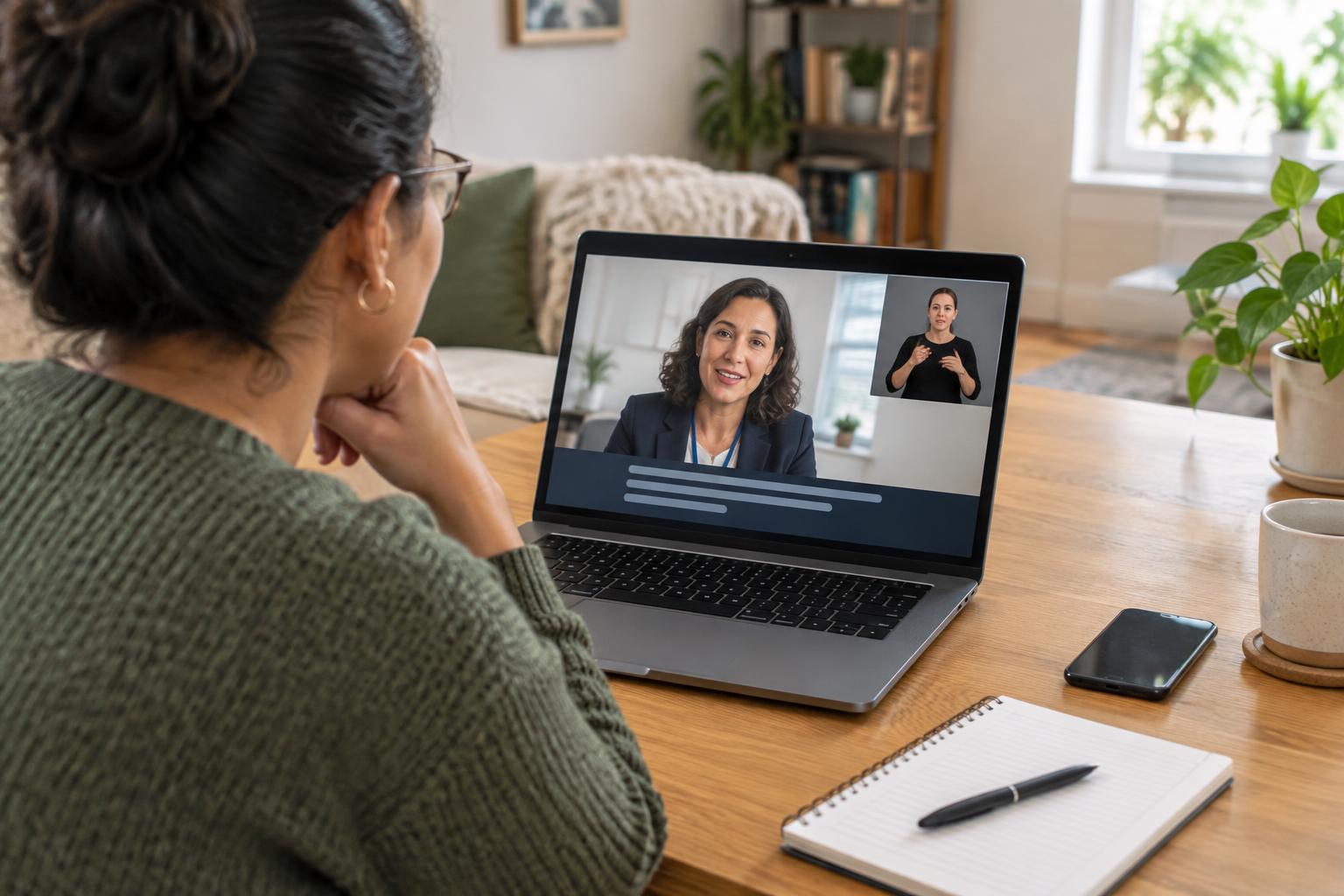
Accessible ServicesAn online appointment is easier to use when you know what communication support is available before it begins. Learn where to look for captions and sign-language interpretation, what to ask the service, and how to prepare a backup plan.
Read article · 4 min↗
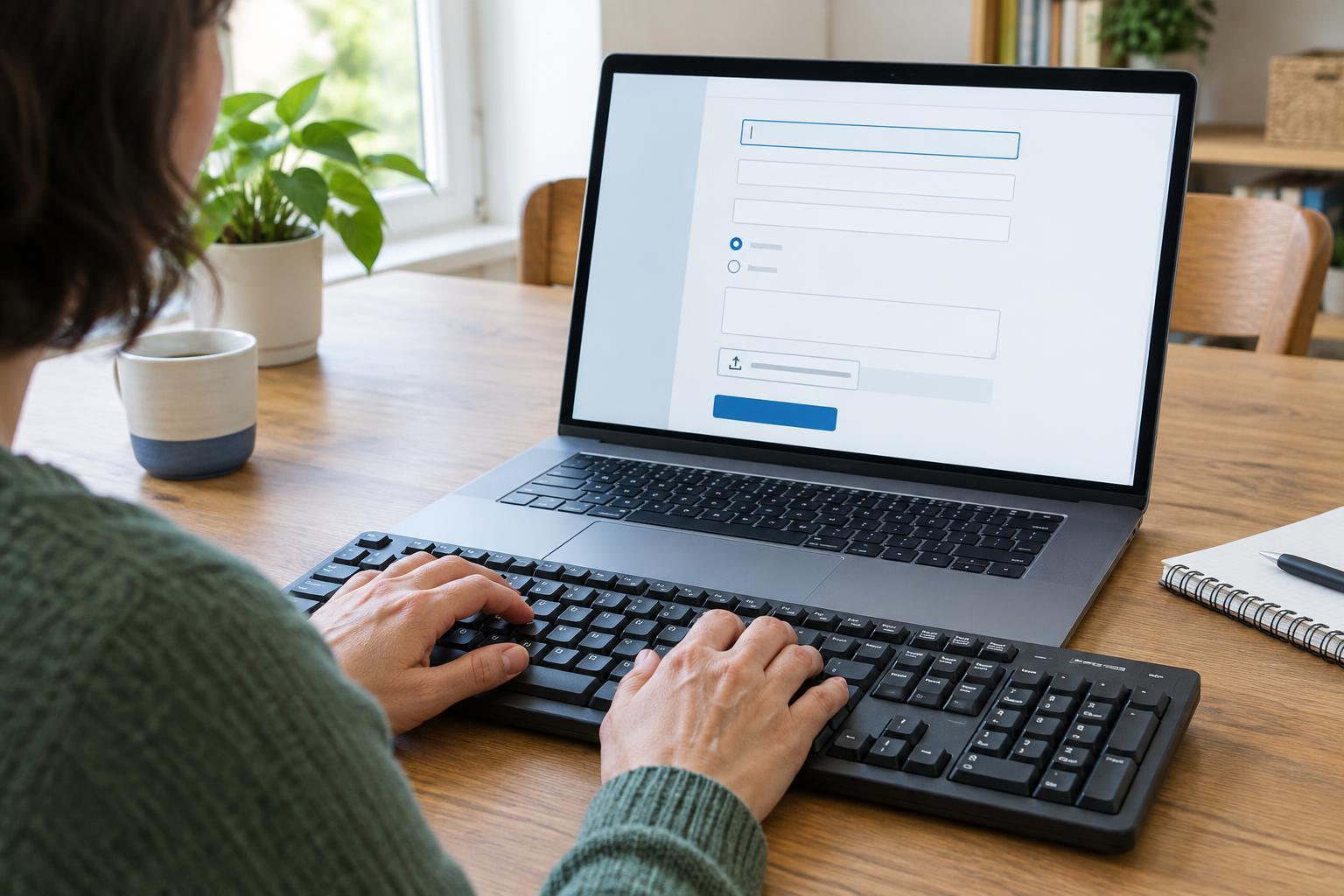
Accessible ServicesYou can complete many online service forms without a mouse. Learn how to move between fields, choose options, handle uploads and review errors using your keyboard.
Read article · 4 min↗
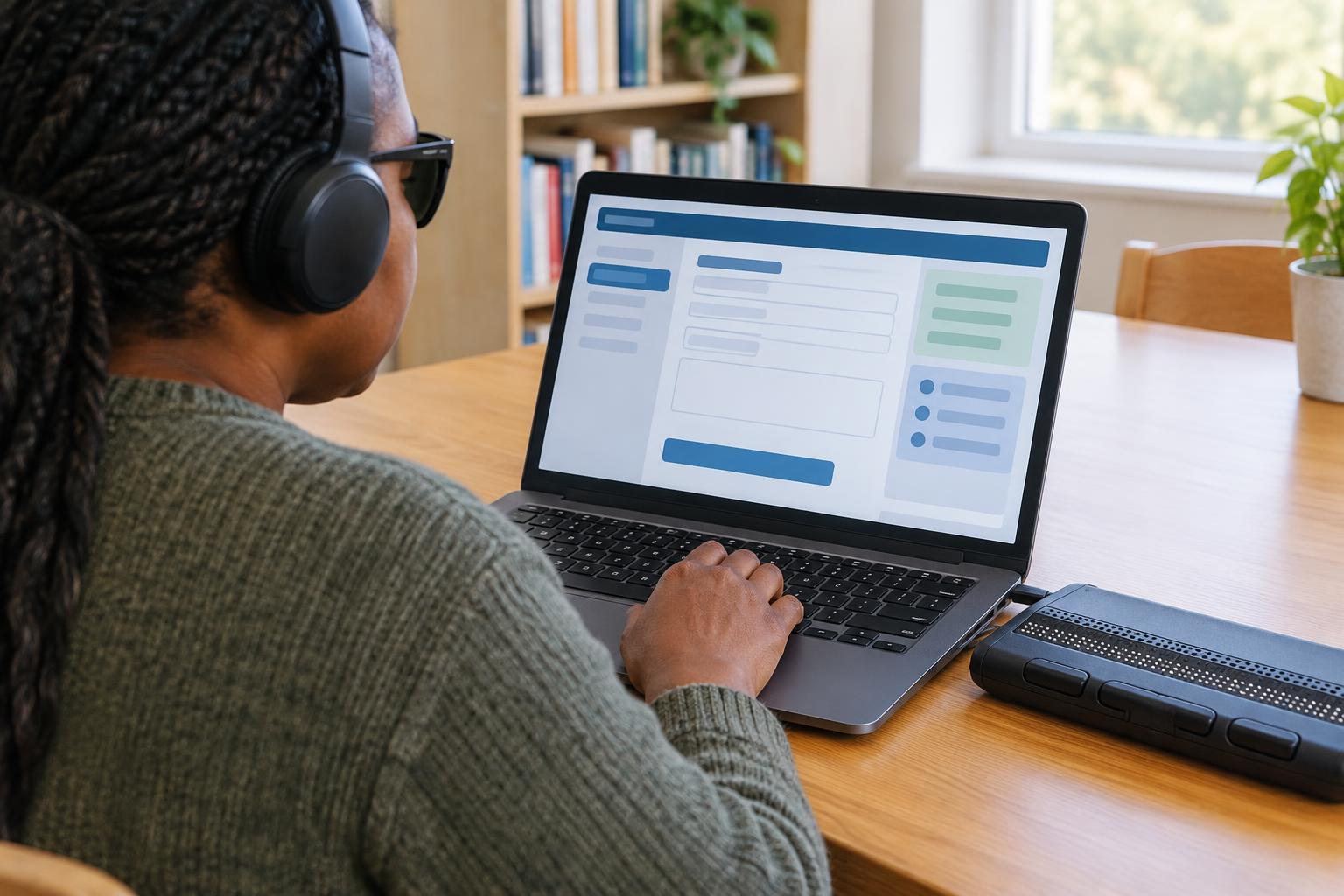
Accessible ServicesPublic-service websites can be easier to use when you know how to move by headings, find form labels and check for errors. This guide offers a practical approach to completing online tasks with a screen reader, including what to do when a page is difficult to access.
Read article · 4 min↗

Accessible ServicesA few checks on public pages can reveal whether an online service is likely to work for you. Learn how to inspect sign-up forms, test keyboard navigation and zoom, find accessibility information, and decide what to do when you cannot check a feature in advance.
Read article · 4 min↗