
Privacy and SecurityBrowser extensions can make everyday tasks easier, but some can also access information on the pages you visit. Learn how to check what is installed, understand permissions, remove unused extensions, and keep the ones you need under control.
Read article · 3 min↗

Privacy and SecurityA factory reset is an important step, but it is not the whole job. Use this practical checklist to save what you need, disconnect accounts, handle removable storage, erase the device and check that it is ready for its next owner.
Read article · 4 min↗
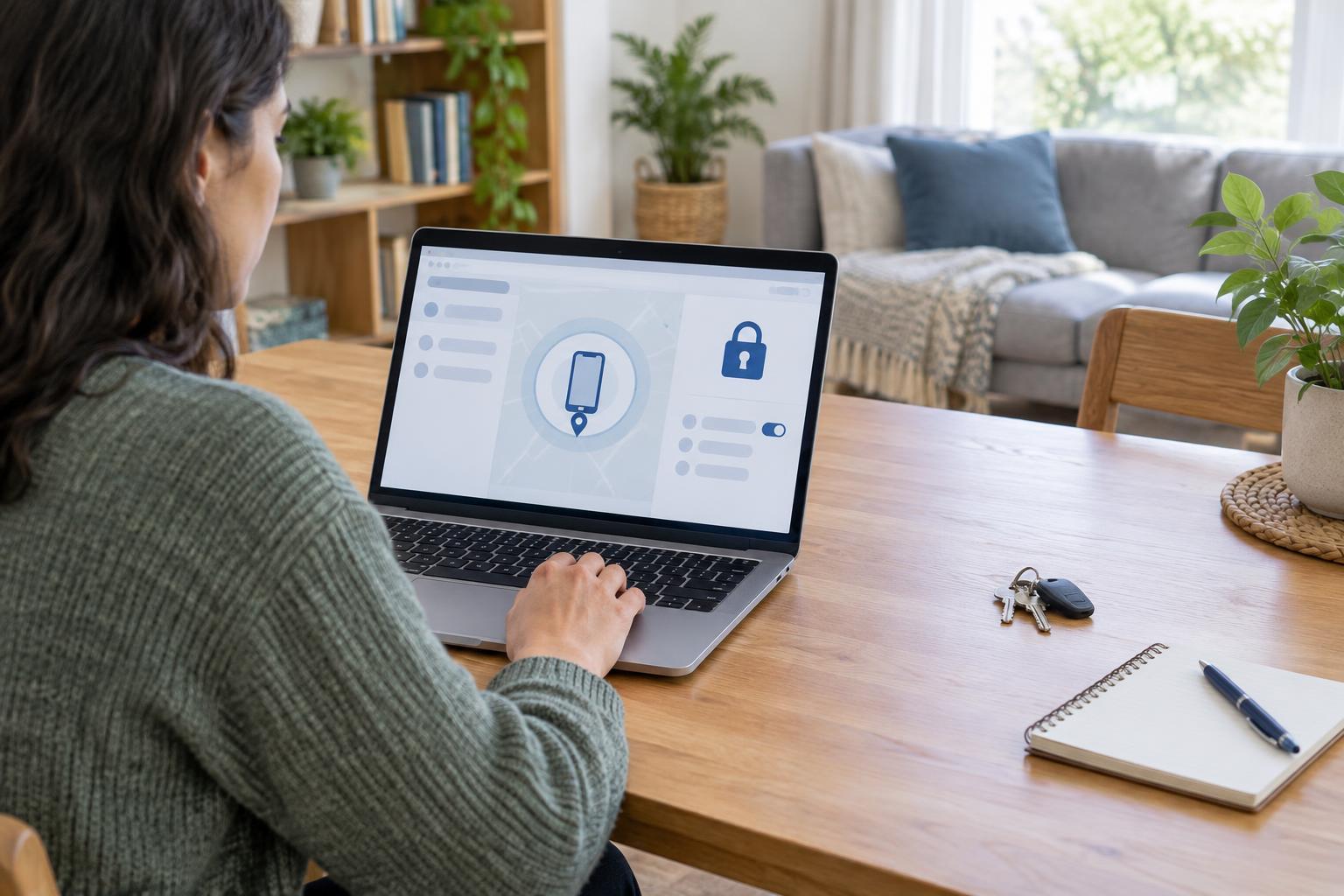
Privacy and SecurityA missing phone can put messages, saved passwords and account sign-in codes at risk. Follow a calm sequence: look for the device safely, secure it remotely, protect your phone number and important accounts, then plan how to restore access.
Read article · 4 min↗

Privacy and SecurityA breach notice can be unsettling, but you do not have to fix everything at once. Learn how to check whether a notice is genuine, secure the affected account, protect other accounts and watch for follow-up scams.
Read article · 4 min↗

Privacy and SecurityA sign-up form may ask for more than a service needs. Learn how to spot optional fields, choose an appropriate email address, review permissions and check what information remains visible after you create an account.
Read article · 4 min↗
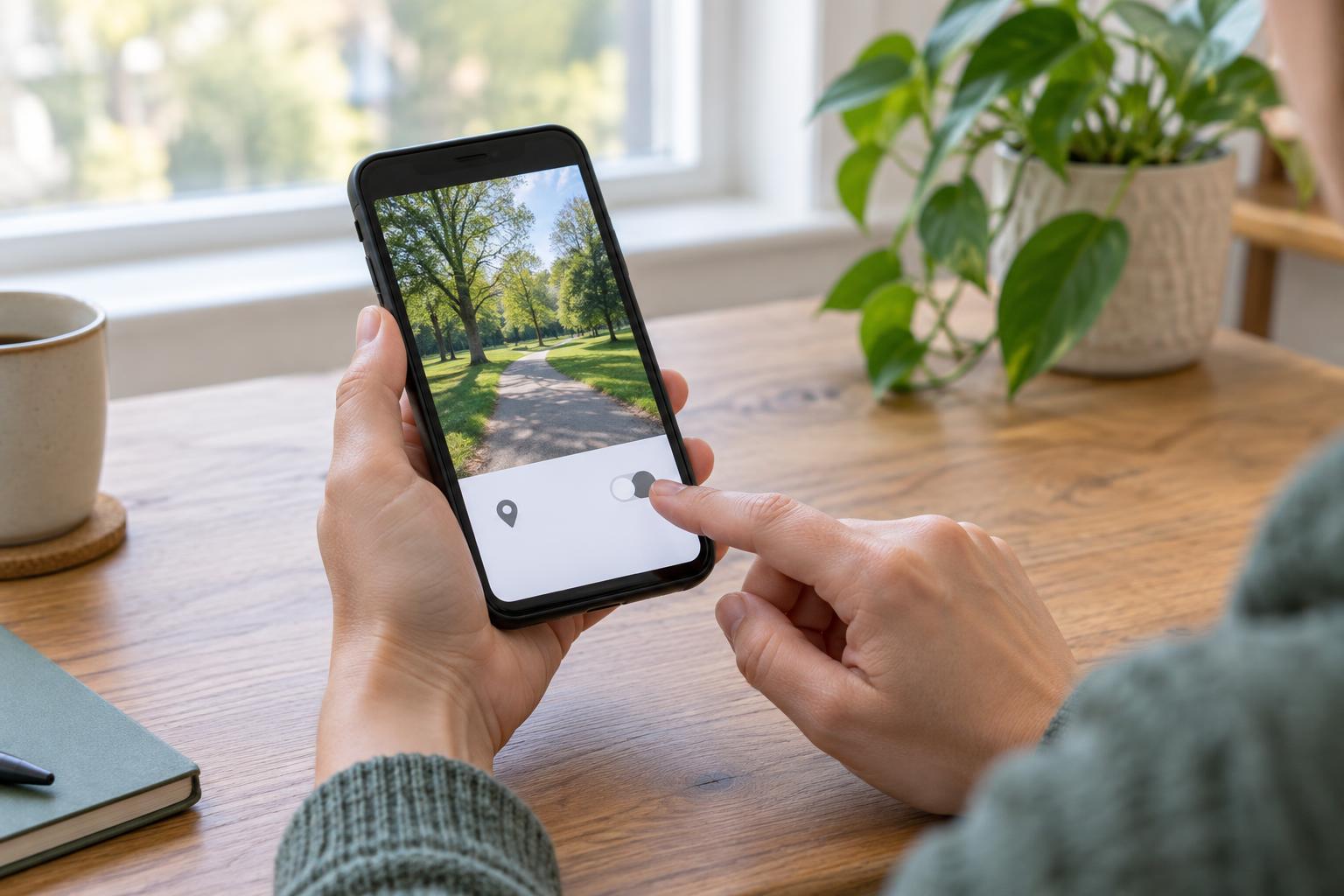
Privacy and SecurityA photo can reveal where it was taken through hidden location data or details visible in the picture. Learn how to check for location information, share a copy without it, and review the image before you send it.
Read article · 3 min↗
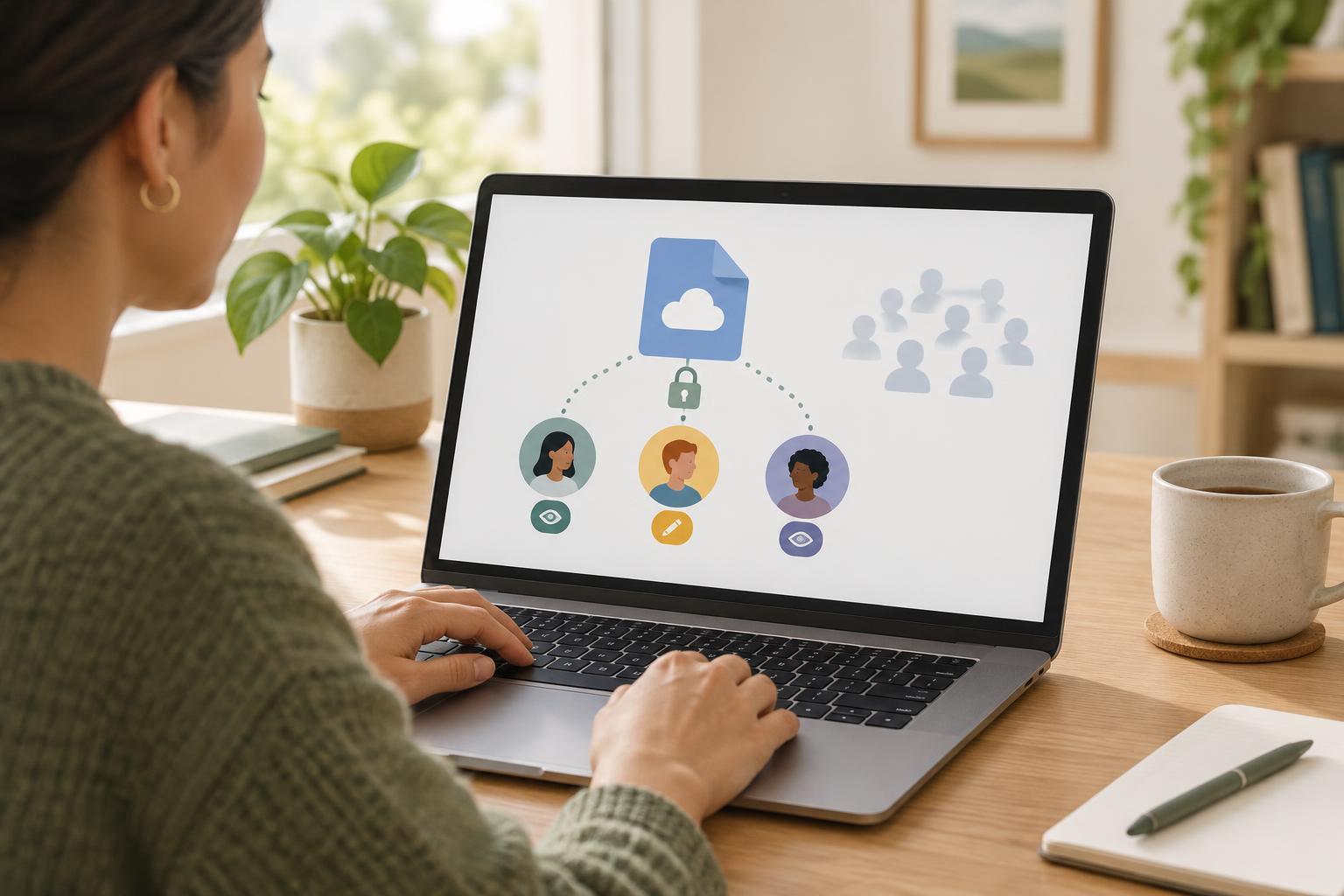
Privacy and SecurityCloud sharing is convenient, but a link can reach more people than you intended. Learn how to choose specific recipients, set the right permissions, check what others can see, and remove access when it is no longer needed.
Read article · 4 min↗

Privacy and SecurityPublic Wi-Fi can be convenient, while a mobile hotspot gives you more control over the connection. Learn what each option protects, what it does not, and how to make a practical choice when working away from home.
Read article · 3 min↗
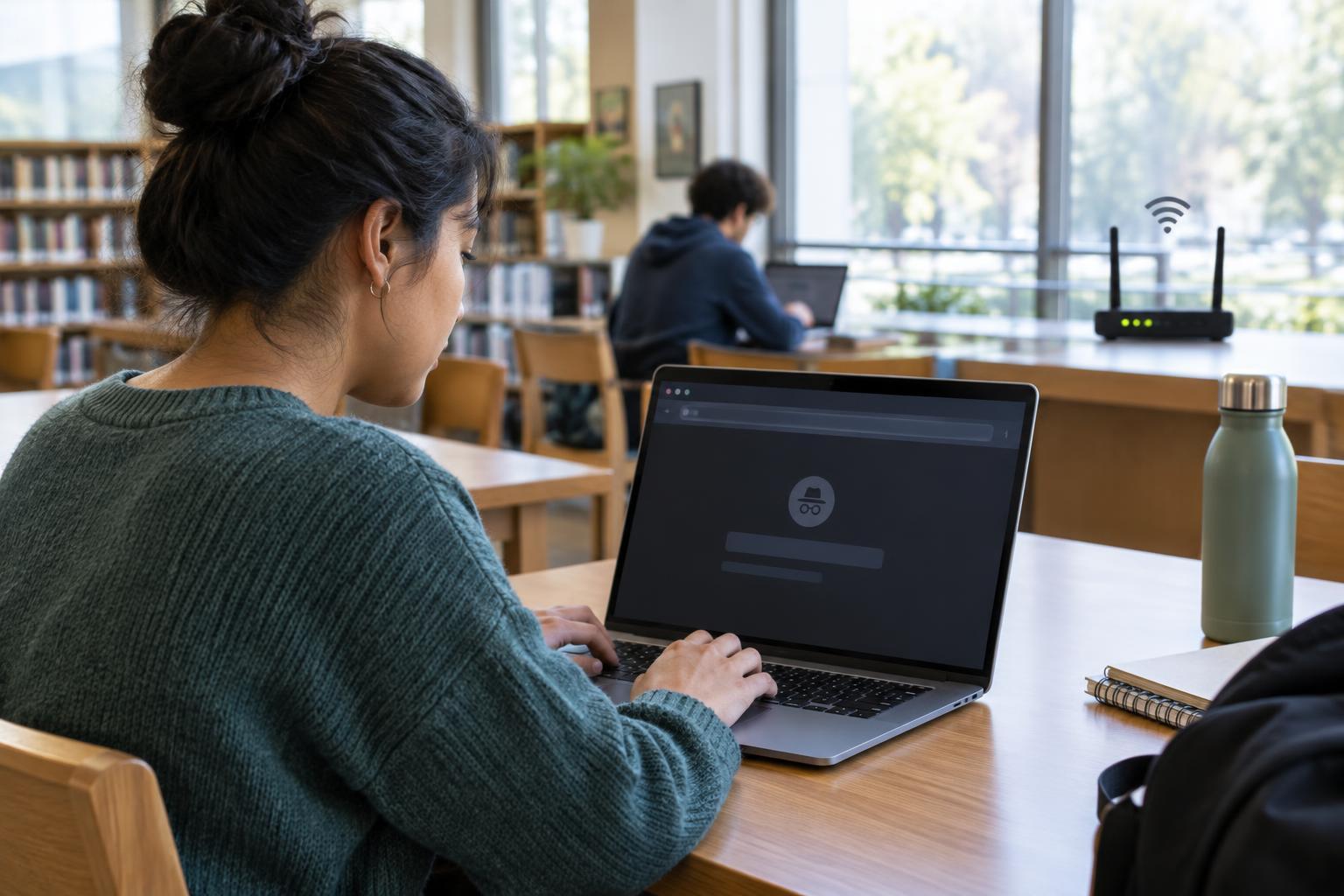
Privacy and SecurityPrivate browsing can help keep a browsing session out of your regular browser history, especially on a shared device. It does not make you anonymous online. Learn what it changes, what remains visible, and when to use it.
Read article · 4 min↗
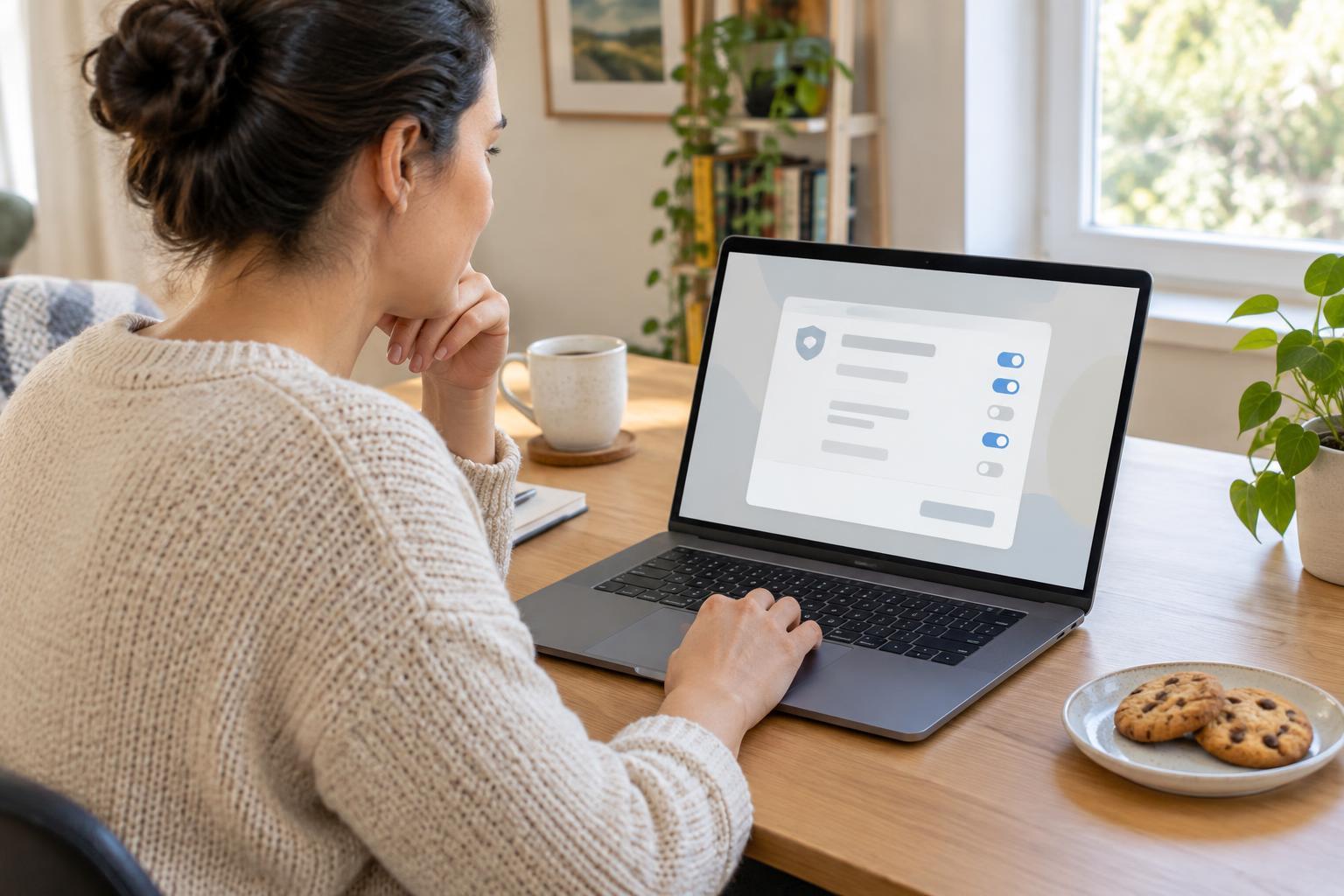
Privacy and SecurityCookies can keep you signed in, remember your settings and help websites measure visits. They can also support tracking across sites. Learn how to read cookie choices, adjust browser settings and decide what to keep.
Read article · 4 min↗
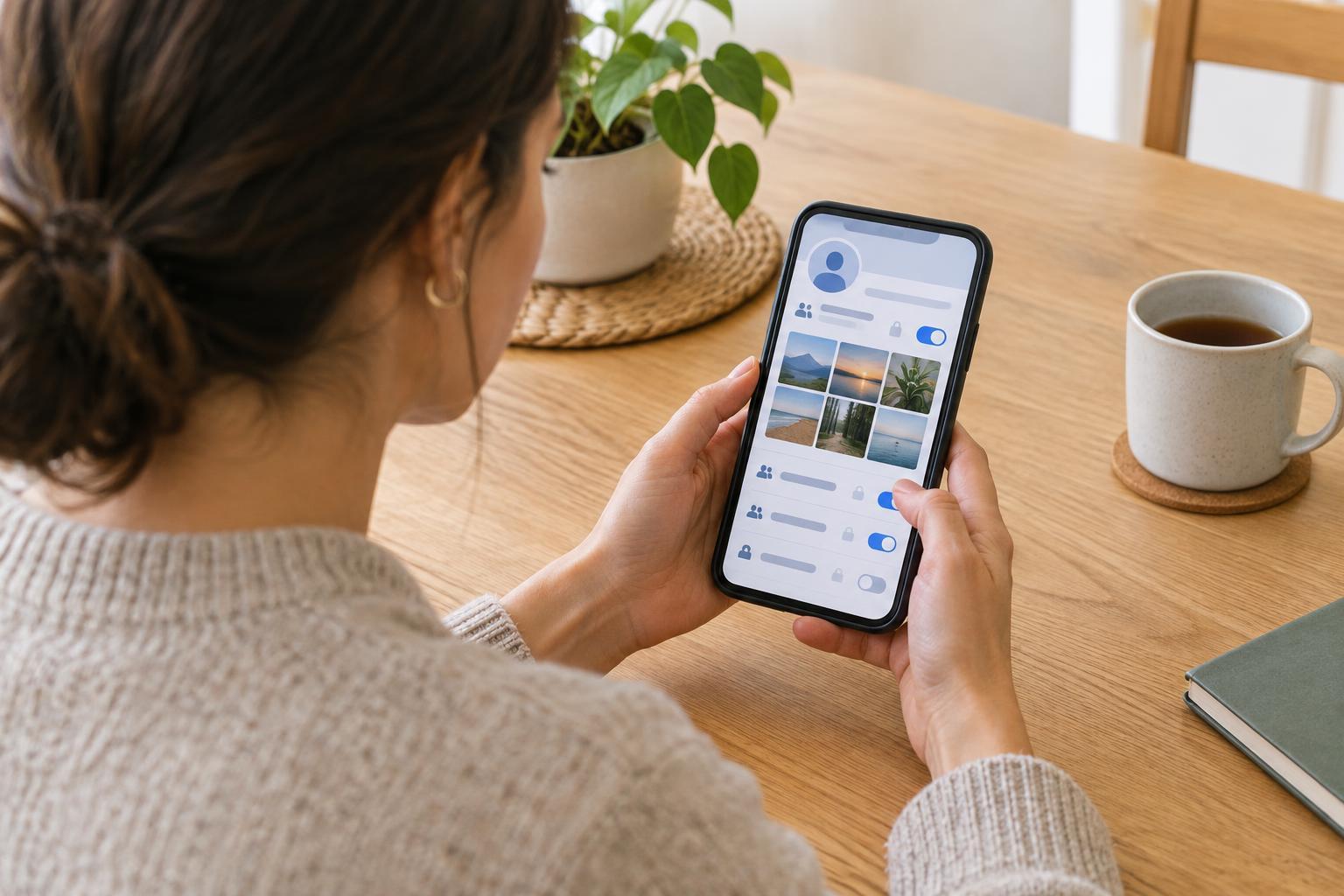
Privacy and SecuritySocial media privacy is not one switch. Learn how to review your profile details, choose an audience for new and older posts, manage tags and check what other people can see.
Read article · 4 min↗
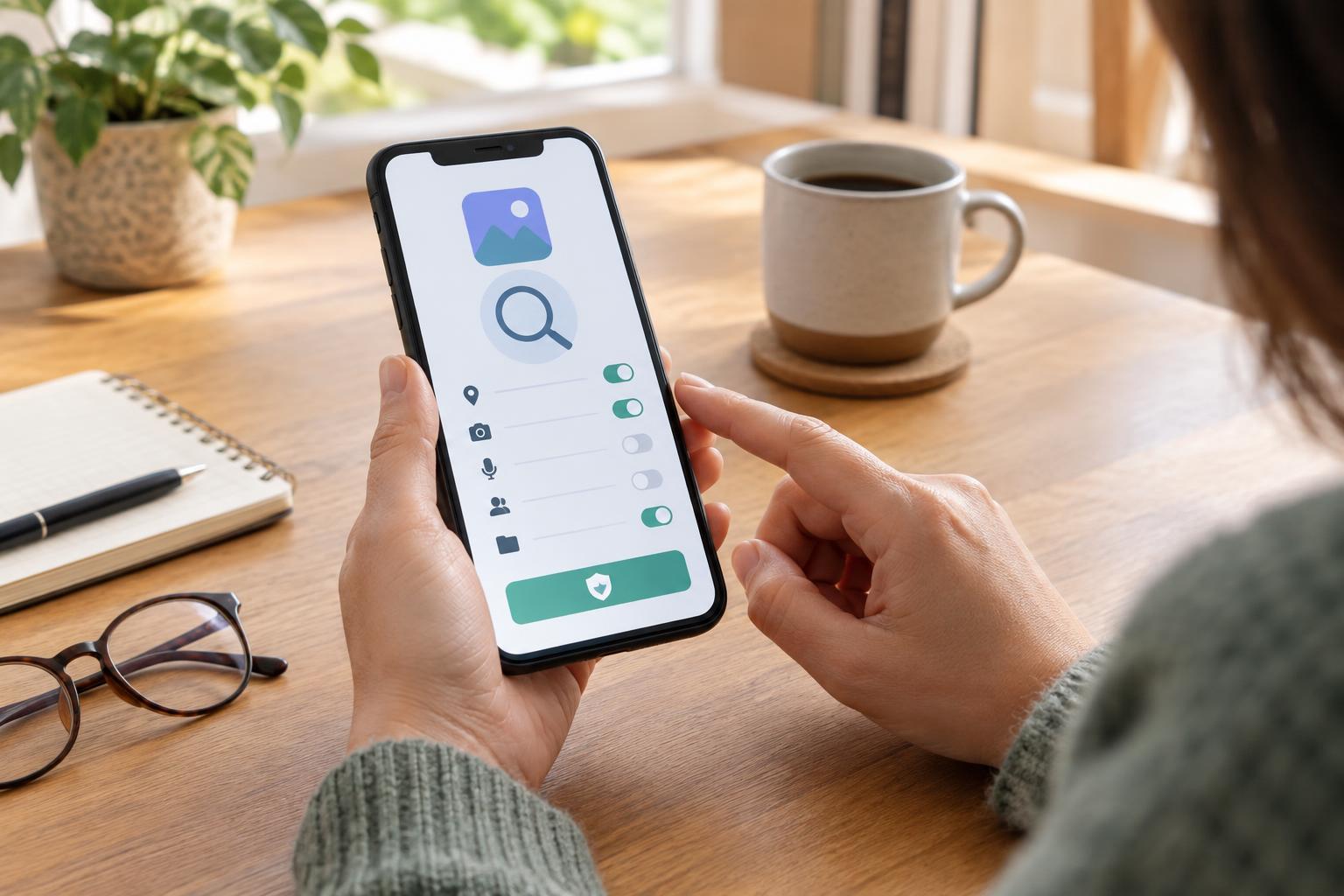
Privacy and SecurityA useful app should not require a leap of faith. Learn how to check its source, publisher, permissions and privacy information before installing it, then keep an eye on its behavior afterward.
Read article · 4 min↗
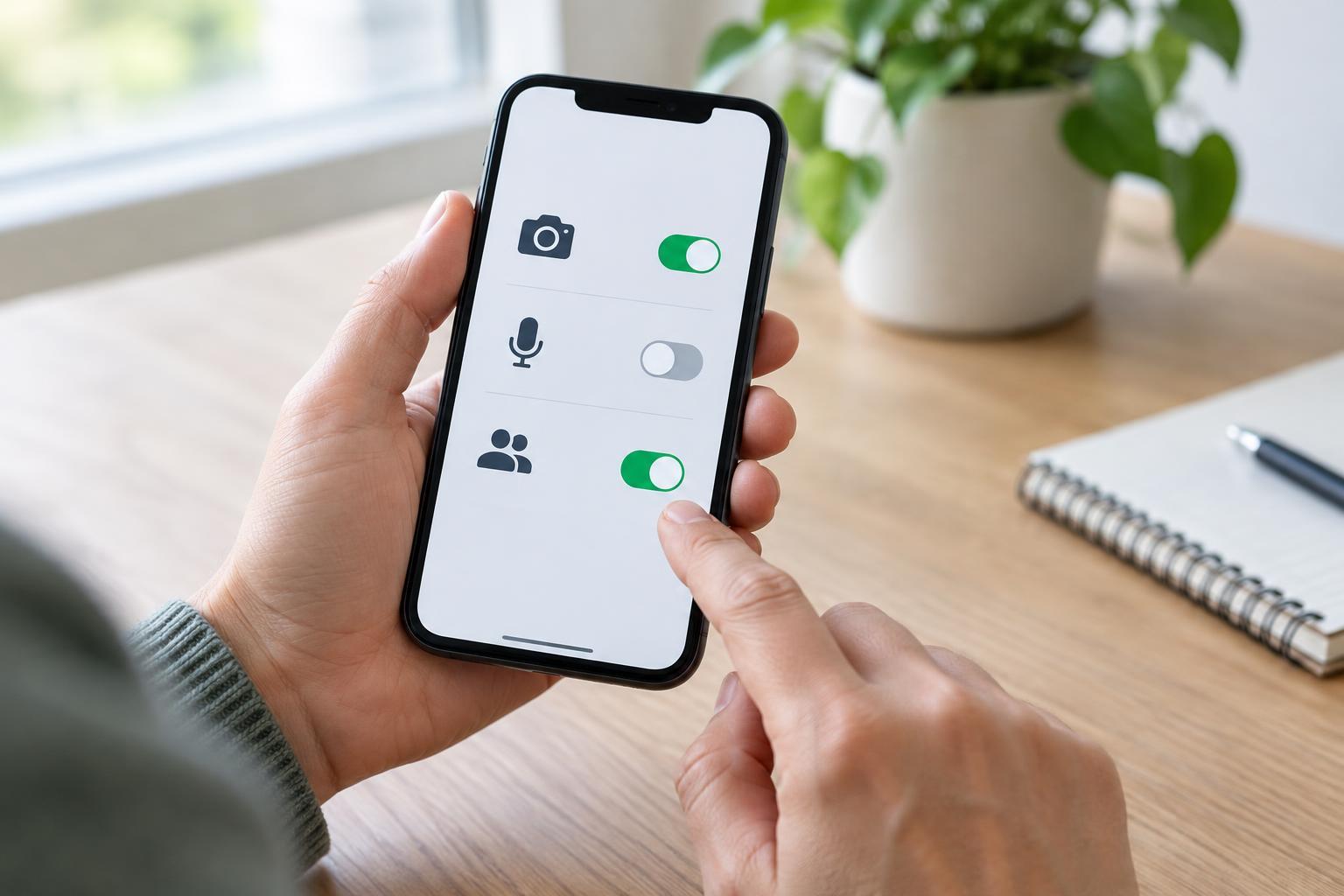
Privacy and SecurityCamera, microphone, and contacts permissions can help an app do its job, but they are not always needed. Learn how to check access on your phone or computer, choose narrower settings where available, and test whether an app still works after you make a change.
Read article · 4 min↗
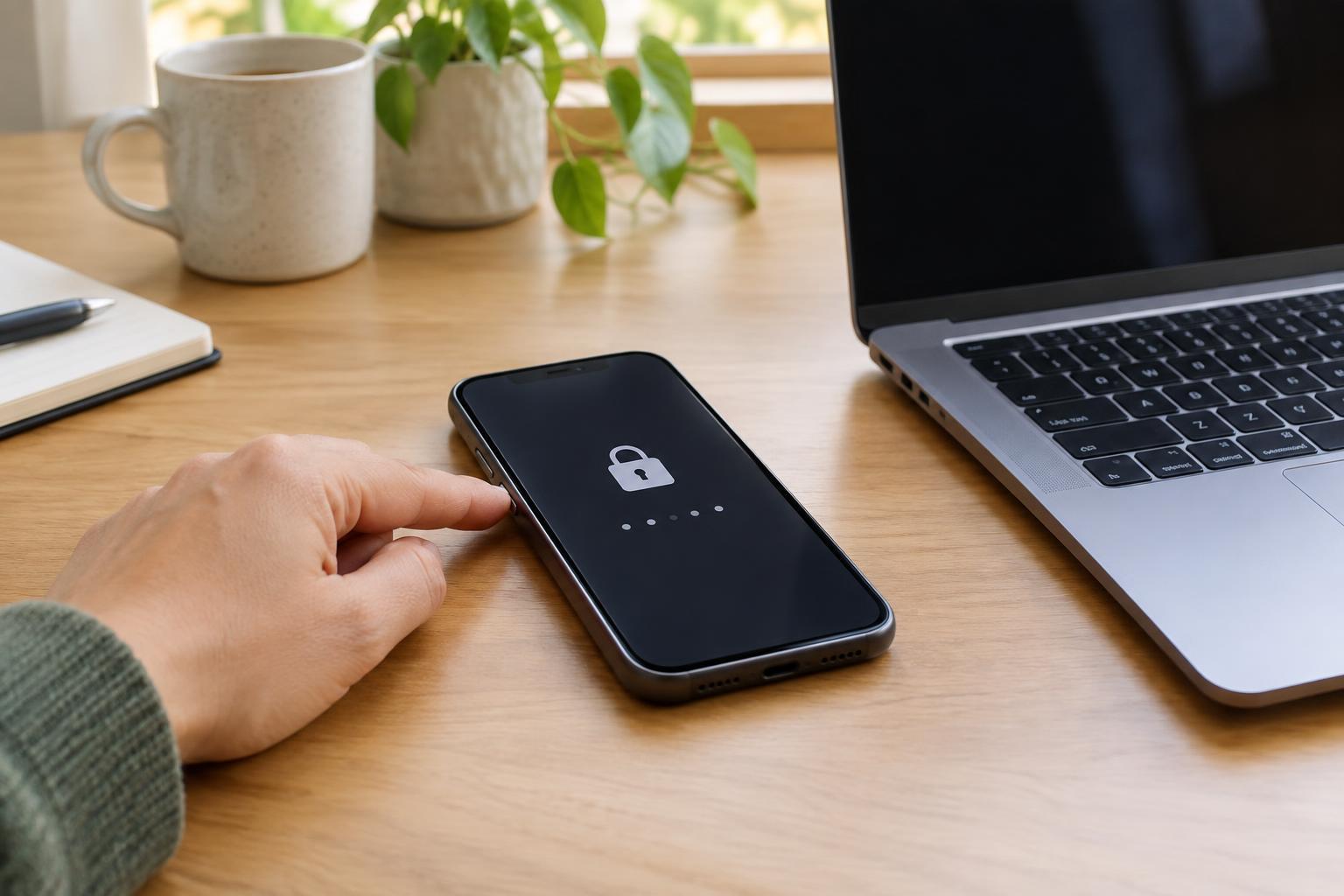
Privacy and SecurityA screen lock helps keep other people from opening your messages, files and accounts when you step away from a device. Learn how to find the setting, choose a practical unlock method and check that the lock works when you need it.
Read article · 4 min↗

Privacy and SecuritySecurity updates help protect phones, computers, apps and other connected devices by fixing weaknesses that could be misused. Learn how to recognize a genuine update, install it safely and build a simple routine for keeping devices current.
Read article · 4 min↗
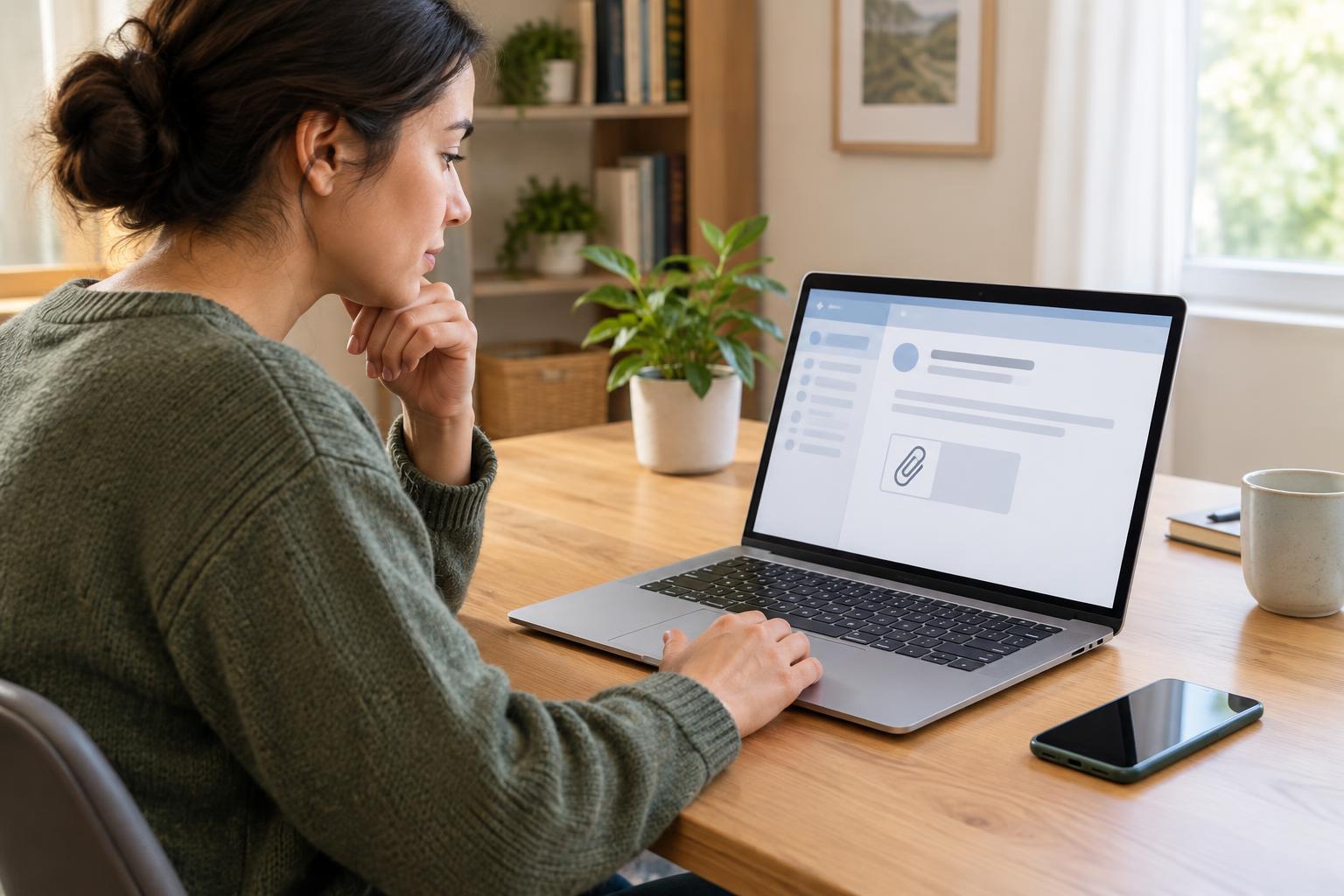
Privacy and SecurityAn attachment can look routine even when the message is not. Learn how to check the sender, the request and the file itself, and what to do if you have already opened something suspicious.
Read article · 4 min↗
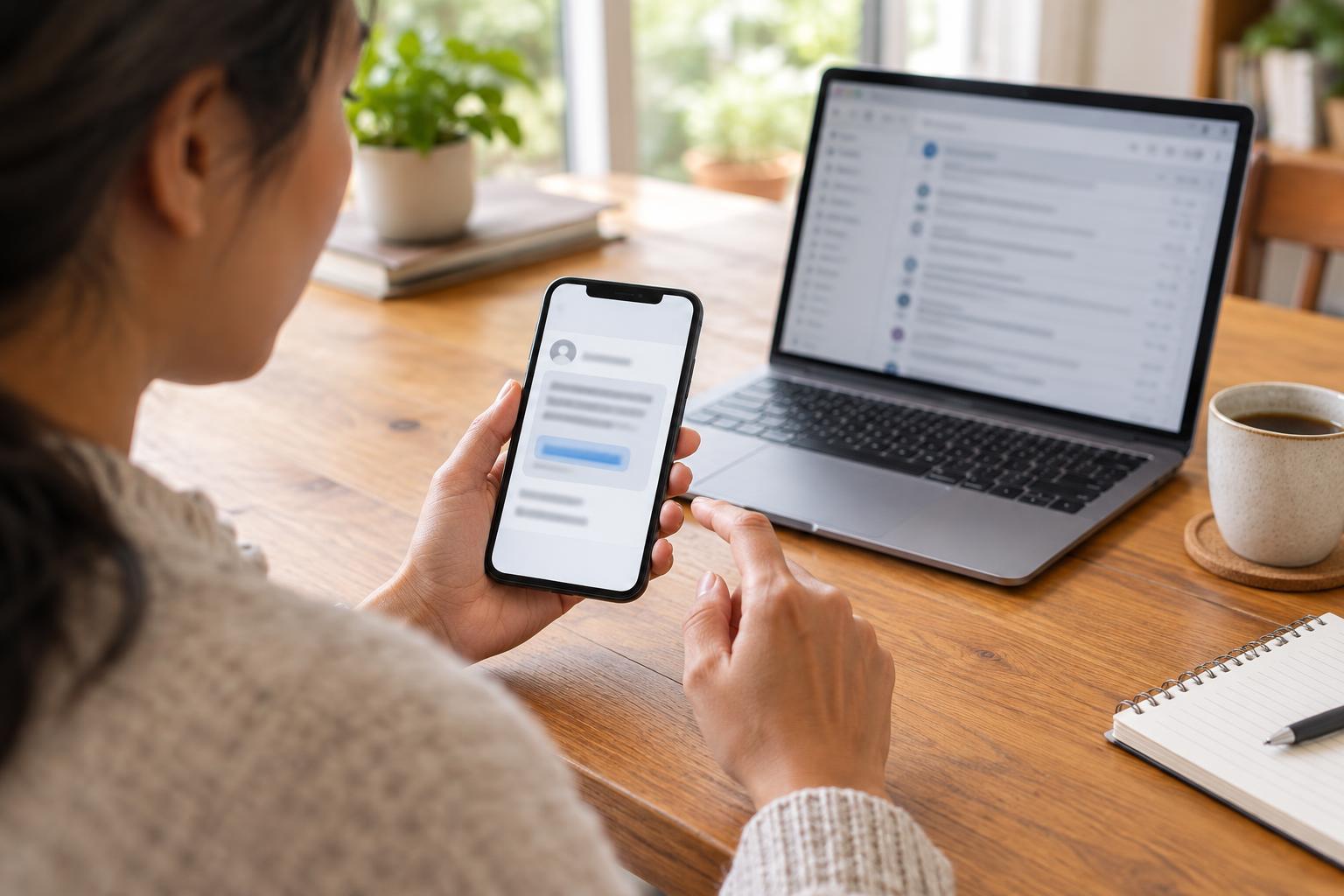
Privacy and SecurityPhishing messages try to persuade you to share information, open a harmful link, or send money. Learn the common warning signs, how to check a message safely, and what to do if you have already responded.
Read article · 4 min↗
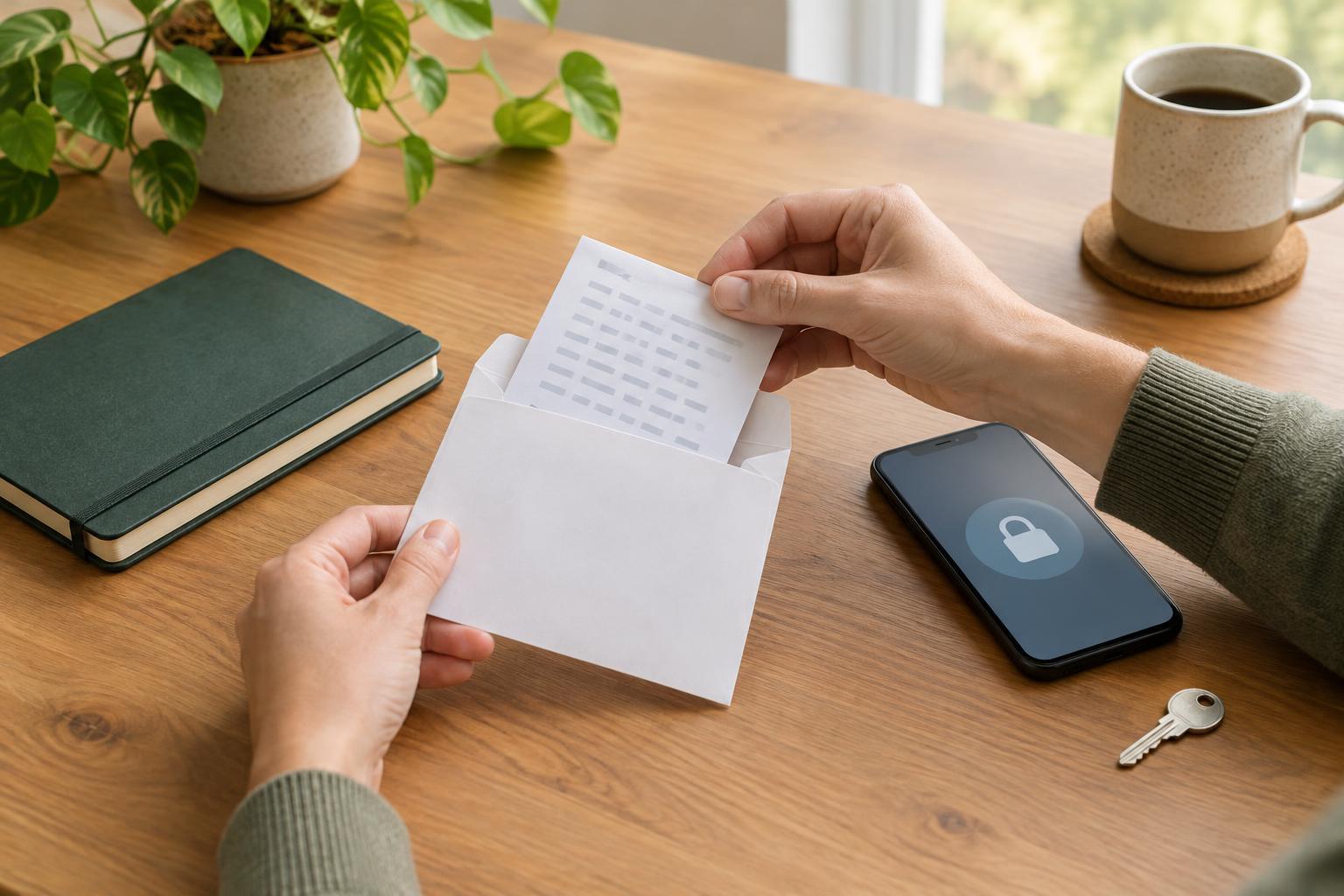
Privacy and SecurityRecovery codes can help you regain access when you cannot use your usual sign-in method. Learn how to store them safely, keep recovery options current, and make a calm plan for a locked account.
Read article · 4 min↗
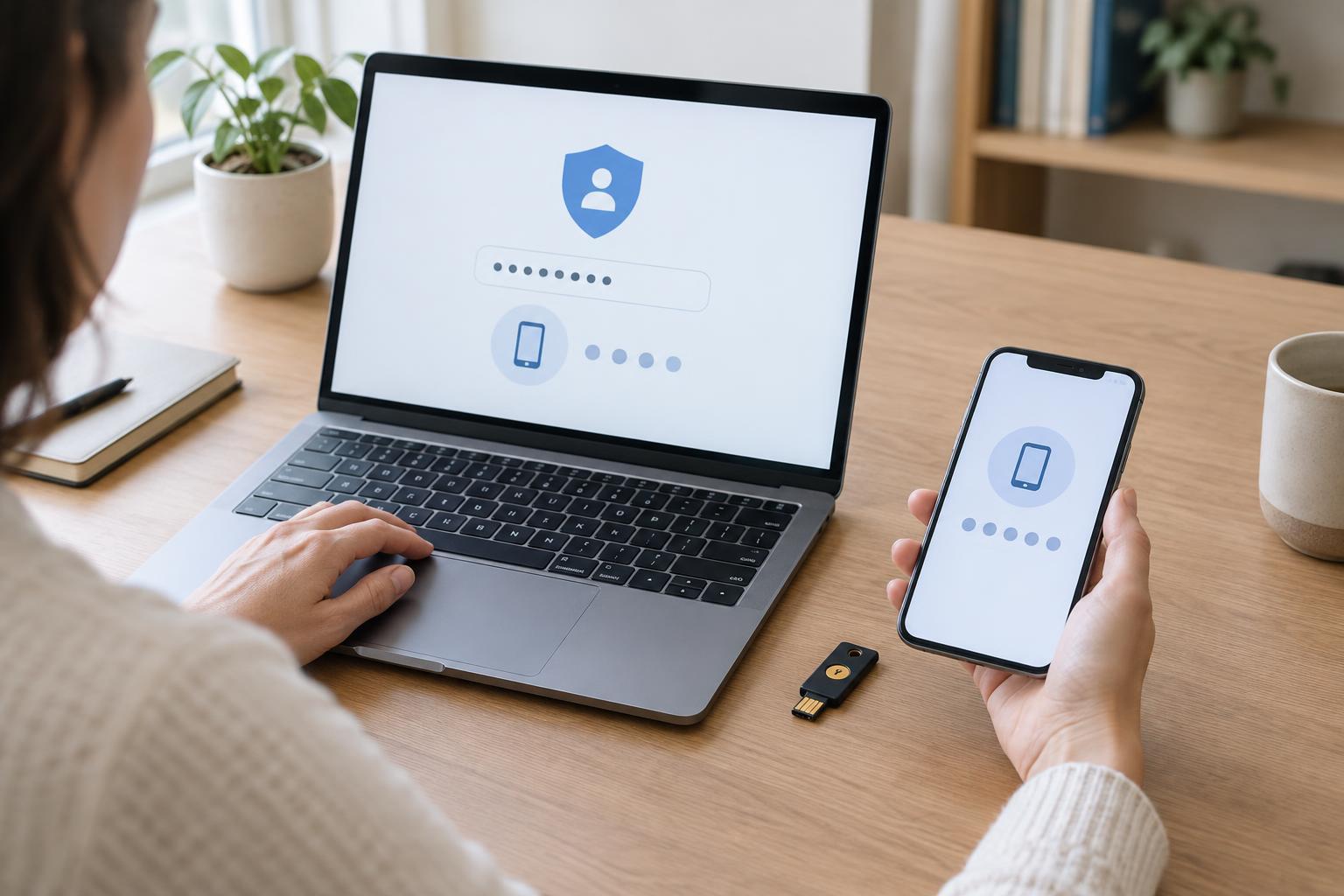
Privacy and SecurityTwo-factor authentication adds a check beyond your password when you sign in. Learn where to find the setting, how common second-factor options compare, and what to do before you rely on it.
Read article · 4 min↗
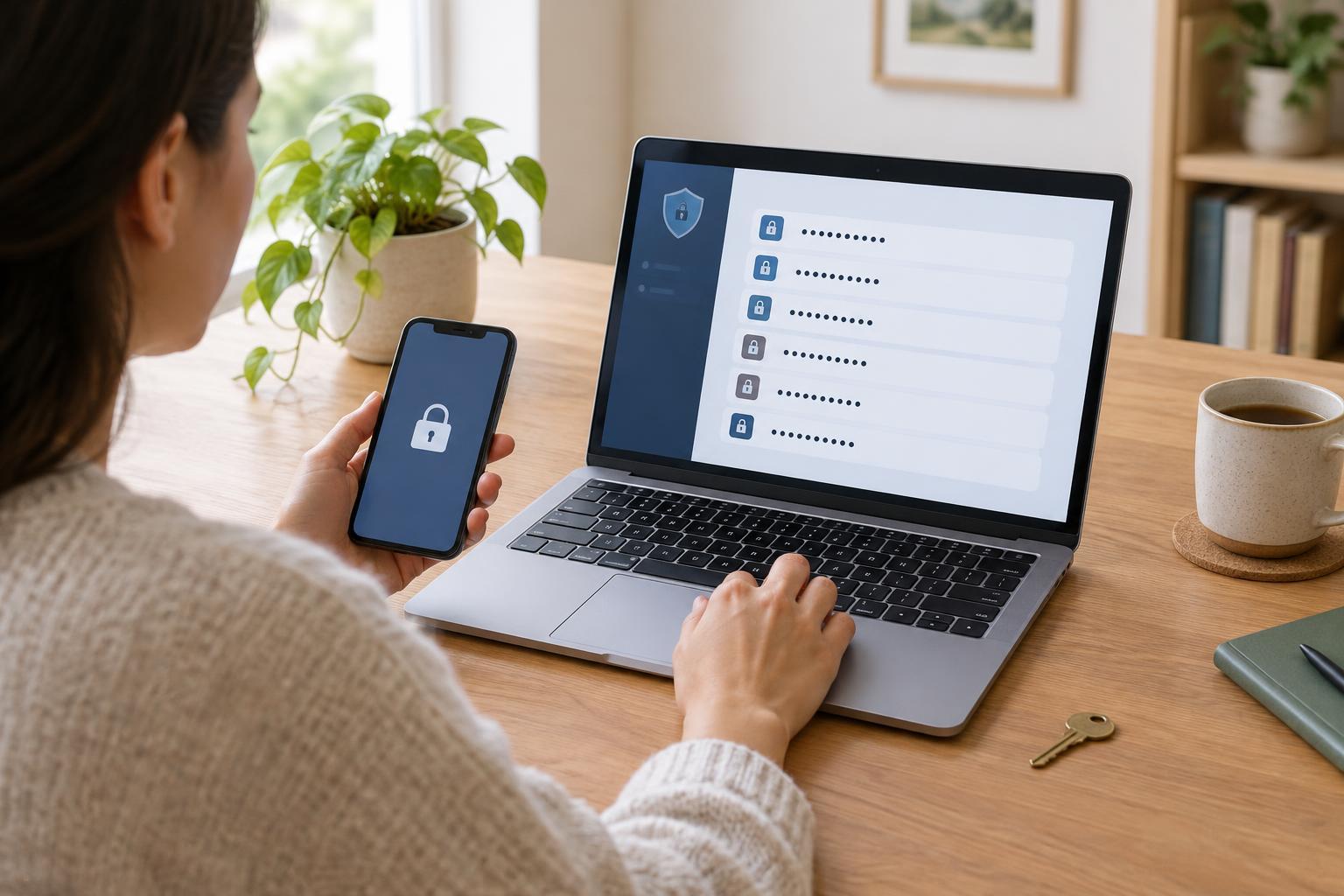
Privacy and SecurityA password manager can help you create a different strong password for each account without memorizing them all. Learn how password vaults work, how to choose and set one up, and which everyday habits keep your accounts safer.
Read article · 4 min↗

Privacy and SecurityA strong passphrase can be easier to remember than a short, complicated password. Learn how to make one that is long and hard to guess, keep every account unique, and use a password manager when there are too many credentials to remember.
Read article · 4 min↗