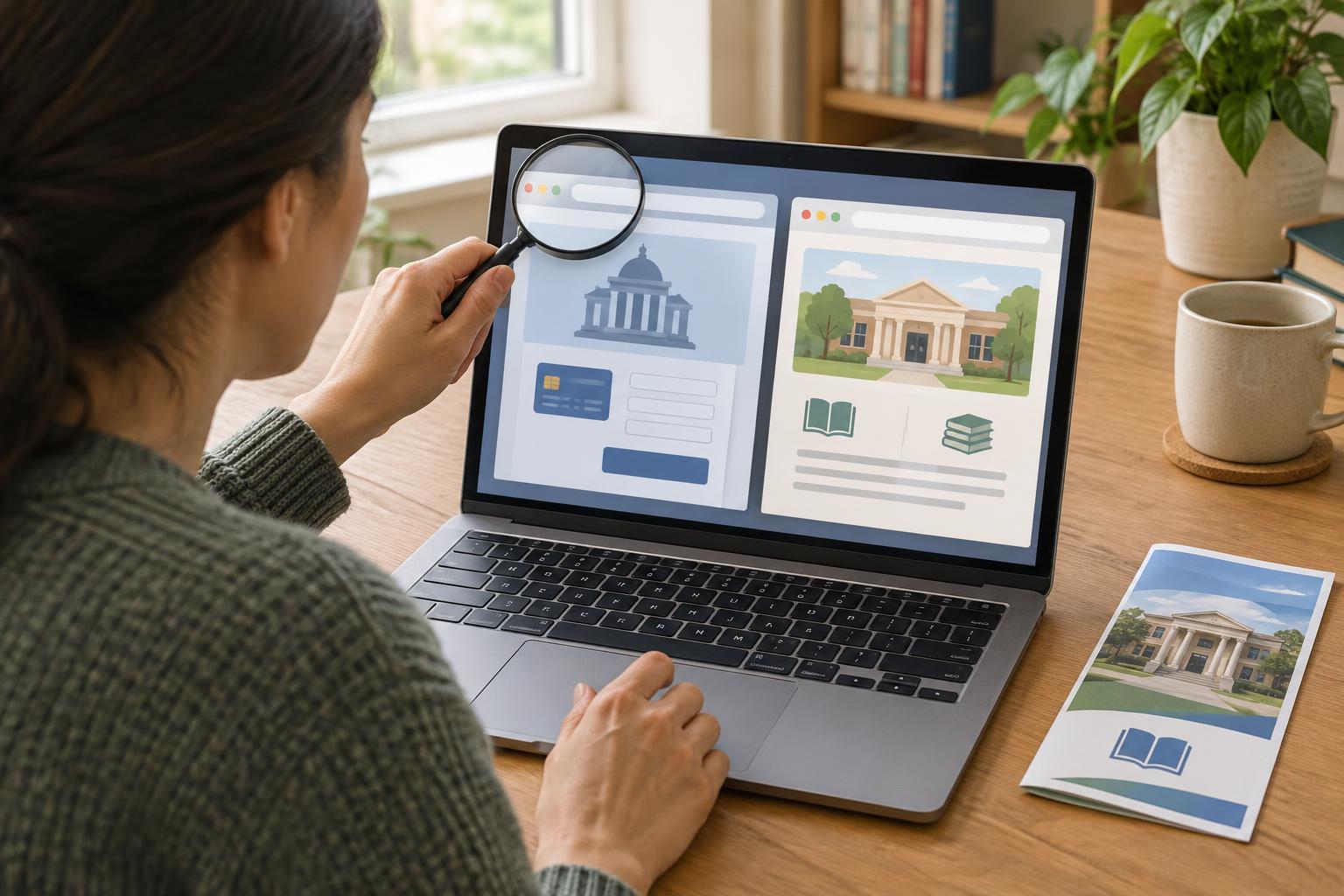
Why an official-looking page may not be official
When you need to renew a document, request a record or book an appointment, a search result may take you to a page that looks like a public-service website. Some unofficial sites are businesses offering help with an application. Others may try to collect personal details or payments without providing a useful service. The important question is not just whether the page looks professional, but who operates it and what happens when you use it.
A familiar logo, formal language or a photo of a public building is not proof of ownership. Even a page that appears near the top of search results may be an advertisement or an intermediary. Treat the first page you find as a starting point to check, rather than as confirmation that you have reached the right service.
Check the address and the route you took
Look at the full website address in your browser before entering information. Pay particular attention to the main domain name, not only the words at the beginning of the address or in the page title. An imitation might include the name of an agency alongside extra words such as “fast,” “help” or “application.” A padlock or “https” means the connection is encrypted; it does not, by itself, tell you who runs the site.
The safest route is usually to begin with a public body’s main website that you already know or can confirm independently, then follow its links to the service you need. If a search result takes you straight to a form, go back and look for the service from the main site instead. Website addresses vary by country and agency, so do not assume that one particular ending always proves a site is official.
If you are unsure, use contact details obtained from a separate, trusted source, such as an existing letter from the agency or its main website. Do not rely on a phone number displayed only on the page you are trying to verify.
Read what the site is asking you to do
Before filling out a form, look for a clear statement of who runs the website. An intermediary should explain its role, the service it provides and any fee it charges. Compare those details with the public body’s own instructions. A paid assistance service is not necessarily fraudulent, but you may be able to complete the same task directly through the official service.
Pause if a page pressures you to act immediately, promises guaranteed approval, or asks for more information than seems necessary for the task. Be especially careful with requests for identity documents, account passwords or payment details. A confusing price, an unexpected subscription or a demand to pay before you can see what the service provides are reasons to stop and check elsewhere.
Use a simple verification routine
For a task you have not done before, start by naming exactly what you need: for example, an appointment, a form or instructions about eligibility. Find the relevant public body’s main website and navigate from there. Check that the service description matches your task, including who can use it, what information is required and whether a fee is listed.
If someone sends you a link by email, text or social media, you can use the message as a reminder of the task without using its link. Open your browser separately and follow the route you verified. This extra step is especially useful when a message says there is a deadline or a problem with your account. If the official route is hard to use, contact the agency through its published support channel or ask a trusted person to help you navigate it while keeping control of your own details.
What to do if you have already used a questionable site
First, stop entering information and save any confirmation, receipt or message you received. Check the official service through an independently found route to see whether your request was submitted and whether you still need to complete it. If you paid, review the transaction and contact your payment provider if the charge is unexpected or the service was misrepresented.
If you shared a password, change it on the real service and on any other account where you used the same password. If you shared identity or other sensitive details, contact the relevant service through its verified channel to ask what steps are appropriate. Acting promptly can help you regain control, but you do not need to solve everything at once: verify the service, secure affected accounts and keep a record of what happened.