Why a service may need to verify your identity
Creating an account and proving your identity are not always the same task. An account may require only an email address and password, while a service that displays personal records or accepts an application in your name may ask for additional proof. Verification helps the service connect the person using the account to the right record and reduce the risk of someone else acting on their behalf.
The steps depend on the service and the task. Checking general information may require no account at all; viewing private information may require stronger checks. Before starting, read the service’s own instructions to see what it accepts, whether verification is needed immediately, and whether you can save your progress.
Common ways to prove who you are
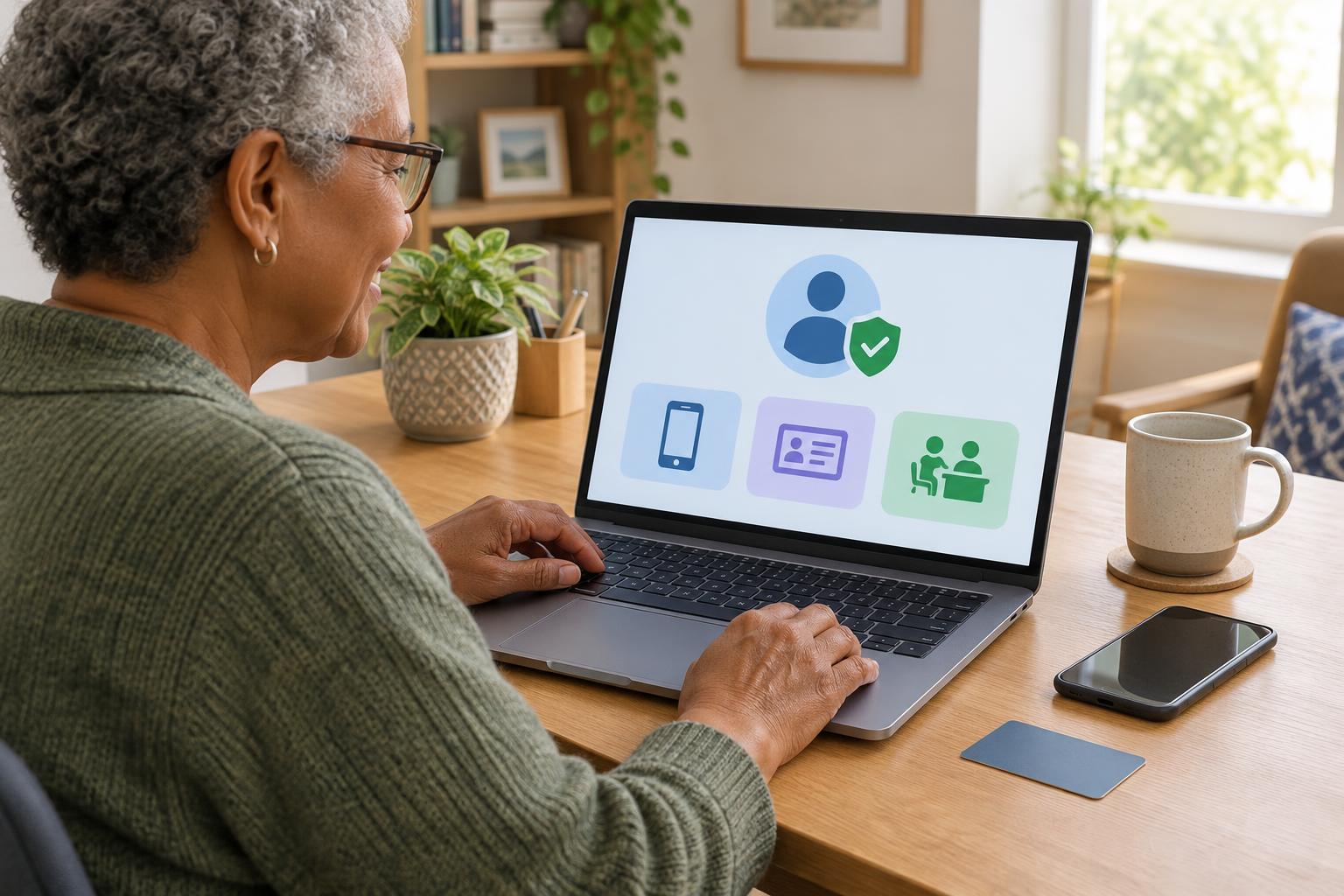
Some services verify details against information they already hold. You might be asked for an account number, a code sent to a contact method on file, or answers based on an existing record. A one-time code confirms access to a phone number or email account, but the service may require other evidence as well. If a code does not arrive, check that the contact details are current and look for an official alternative rather than repeatedly guessing.
Another method uses an identity document, such as a passport or other accepted photo ID. The process may ask you to upload clear images and, sometimes, take a photo of yourself to compare with the document. Other services offer a video call or an in-person visit where staff check your documents. Requirements vary, so consult the service’s list of accepted documents before making a trip or preparing an upload.
In some places, a public service lets you sign in through an established digital identity account or another approved verification provider. That can avoid repeating the same checks for every service, but it does not mean every service accepts the same account. Check which provider the service names and what information it will receive before you continue.
Choose a route you can complete comfortably
The fastest-looking option is not always the easiest. A document upload may need a camera and good lighting; a video call may need a stable connection, a quiet space and an appointment. If you use assistive technology, check whether the verification page works with your device and whether the service offers another format or a supported way to get help. A desk or in-person option may suit someone without a suitable device or accepted photo ID.
Plan for practical details before you begin. Keep the documents the service requests nearby, allow enough time for a session that might expire, and use a device you can access again if the service sends a follow-up message. If you cannot complete a step, look for the service’s published help route. Explain which step is blocking you and ask what alternatives it accepts; do not assume that an unsuccessful online attempt means you cannot use the service.
Protect your information during verification
Identity checks can involve sensitive information, so reach the service through an address you have checked independently, such as one printed on official correspondence or listed in a trusted public directory. Be cautious with links in unexpected messages that urge you to verify immediately. Before uploading a document, confirm that you are on the intended service or its clearly identified verification provider and read what it says about the information it collects.
Use a private device and connection when possible, especially if you must photograph documents. Avoid saving copies on a shared computer, and sign out when finished. Never give a one-time sign-in code to someone who contacts you unexpectedly: a genuine support process should not depend on you reading a login code to an unsolicited caller. If another person is helping, stay involved so you know what information is being entered and where it is going.
After the check, keep access manageable
Verification may be immediate, or the service may need time to review what you submitted. Keep any confirmation or reference number in a place you can find, but avoid storing passwords alongside copies of identity documents. If the check fails, follow the service’s instructions for correcting a blurry image, mismatched details or an out-of-date contact method. Use its official support channel if the reason is unclear.
Once you have access, review your recovery options. An up-to-date email address or phone number can make future sign-ins easier, while an additional sign-in safeguard can help protect the account where offered. Identity verification is usually a step toward using a service, not a test of digital skill. Knowing the available routes makes it easier to choose one that fits your documents, devices and access needs.