Start with the task the document needs to support
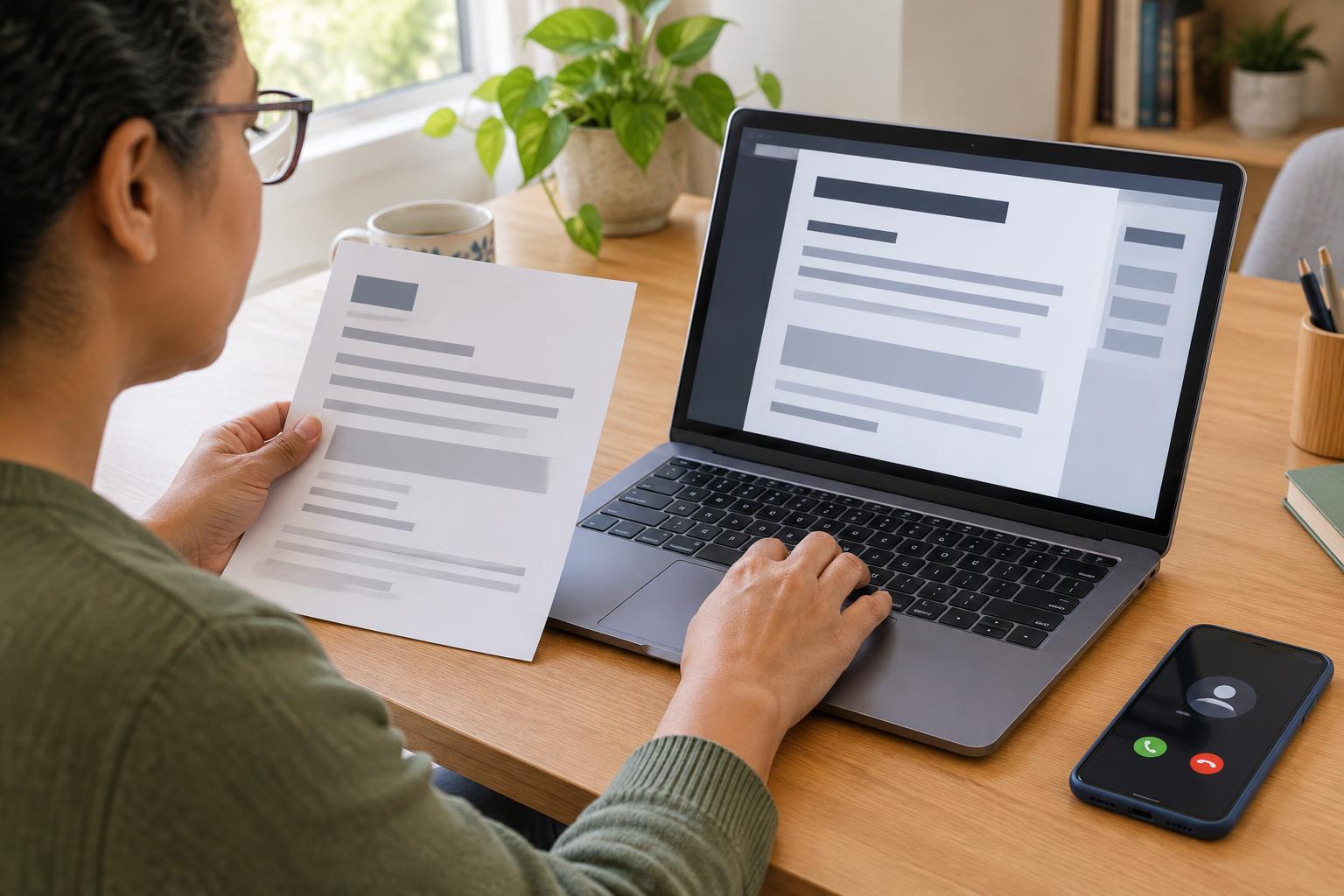
Service providers send documents in many forms: letters, bills, appointment details, application forms and instructions. A document may arrive on time but still be difficult to use. A scanned image of a form, for example, might not work well with a screen reader. A paper letter may be unsuitable for someone who needs larger text or an electronic copy.
Before contacting the provider, identify which document you need and what you need to do with it. Do you need to read it, fill it in, sign it or keep it for reference? Note any deadline printed on the original and where you received it. These details help the provider find the right document and understand why a usable version matters.
Describe a format you can actually use
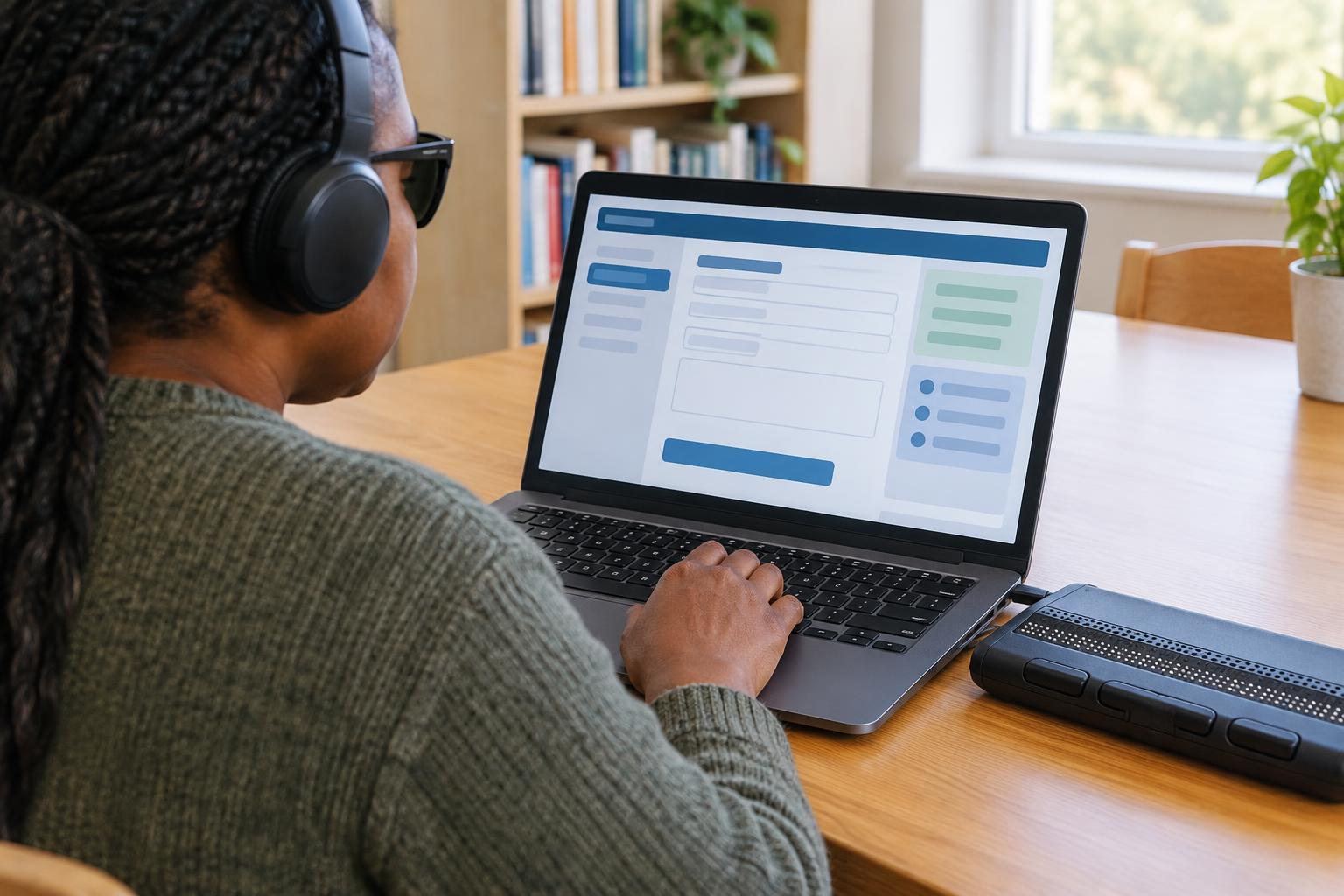
“Accessible format” can mean different things to different people. Rather than asking only for an accessible copy, name the features that would help you. You might request a text-based electronic document that works with your screen reader, a large-print copy, a Braille copy, or a plain-text version that is easy to enlarge and navigate. If you use a particular device or assistive tool, you can mention it without sharing personal information you would rather keep private.
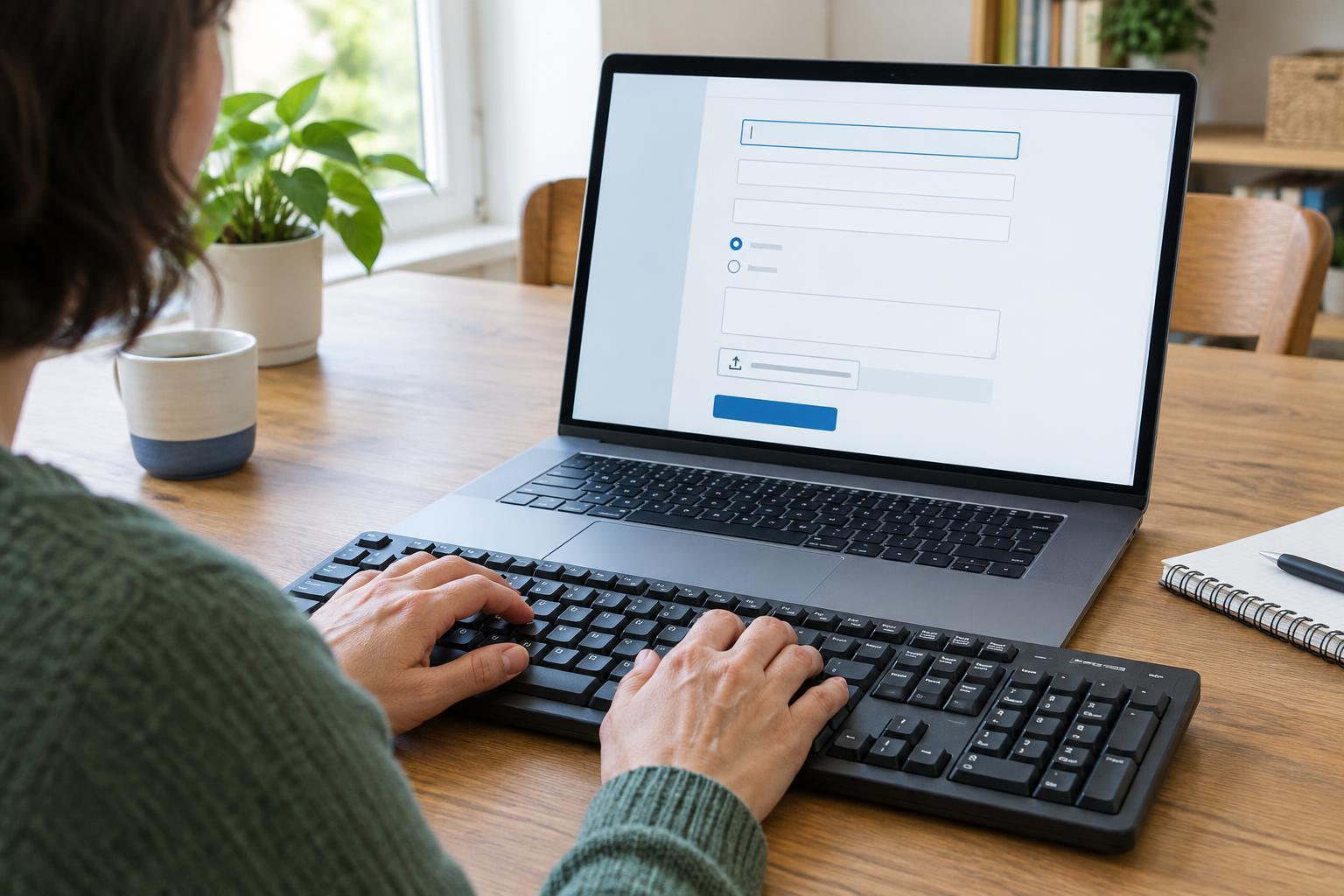
Consider the document’s purpose as well as its appearance. If you must complete a form, ask for one whose fields you can find and fill in using your preferred method. If a document contains tables or images that carry important information, ask for that information to be provided in readable text. An image-only PDF is not necessarily usable just because it is sent by email.
You can also say how you would like the document delivered, such as by email or post. If you are unsure which file type works best, describe what you need to be able to do: read headings in order, search for a term, increase the text size or complete the form without printing it. That gives the provider a practical starting point.
Make the request clear and easy to act on
Use the provider’s usual contact route, whether that is a customer service email address, phone line, web form or in-person desk. Include the document name or a short description, any reference number needed to locate it, the format you want and a safe way to contact you. If there is a deadline, state it and ask when you can expect the alternative version. Share only the account or identity details required for the provider to find your record.
A simple request could say: “I received the application form by post, but I cannot use it in that format. Please send me a text-based electronic version with fields I can complete using a keyboard. My reference number is [number]. The form is due on [deadline]. Please let me know when the alternative version will be available.” Adapt the wording to your needs; you do not have to explain your full personal circumstances to describe a document barrier.
If you make the request by phone, note the date, the contact route and what was agreed. You can ask the person to confirm the plan in a message you can use. Keeping a copy of a written request can make it easier to follow up without repeating everything.
Check the replacement before relying on it
When the document arrives, try the actions you need it for. Can you read the text in the right order? Can you find headings, understand any tables and complete required fields? Does the new version include all the important information from the original, including instructions, dates and ways to respond? A different file type alone does not guarantee that the document is usable.
If something is missing or difficult to navigate, tell the provider exactly where the problem occurs. For example, you might say that page two is an image your screen reader cannot read, or that the form fields have no clear labels. Ask for a corrected version and, if a deadline is approaching, ask how the provider can help you complete the task in the meantime. Do not send sensitive information through an unfamiliar channel simply because the document is hard to use.
Make future communication easier
Once you find a format that works, ask whether the provider can record your communication preference for future documents. Confirm what that preference covers: some providers may apply it to routine letters but handle forms or third-party attachments separately. It is worth checking again when you start a new service or your needs change.
Requesting a usable document is not about finding the perfect technical label. It is about explaining the obstacle, the task you need to complete and a format that lets you do it. A specific request, followed by a quick usability check, gives both you and the provider a clearer path to a workable document.