Start with the appointment information
Online appointments with public services may take place by video call, telephone or a web portal. Before booking, check the appointment page for words such as accessibility, communication support, captions, subtitles, interpreter or contact us. Information may appear in a help page or booking form rather than beside the appointment button. If you cannot find it, ask the service directly; an option may still be available even if it is not listed online.
Check whether you will be joining a live conversation or watching a recorded information session. Captions on a recording do not necessarily mean that captions will be available in a live appointment. Likewise, a sign-language video on a website is not the same as having an interpreter present during a conversation. Knowing which kind of appointment you have will help you ask for the right support.
Ask for the support that works for you
When contacting the service, state the date or type of appointment and describe the communication support you need. You can ask whether live captions are available, whether they are created automatically or by a person, and whether a sign-language interpreter can join the call. If you use sign language, name the language you use; sign languages are not interchangeable. You may also ask whether you can type questions, receive written information, or use another appointment format.
It helps to ask how and when the service will confirm an arrangement. An interpreter may need to be booked in advance, and a service may need time to arrange other support. If the first contact method is inaccessible to you, look for an email address, text-based contact form or another way to reach the team. Keep a copy of your request and any reply so you can refer to the agreed plan when you join.
Check what the video platform can do
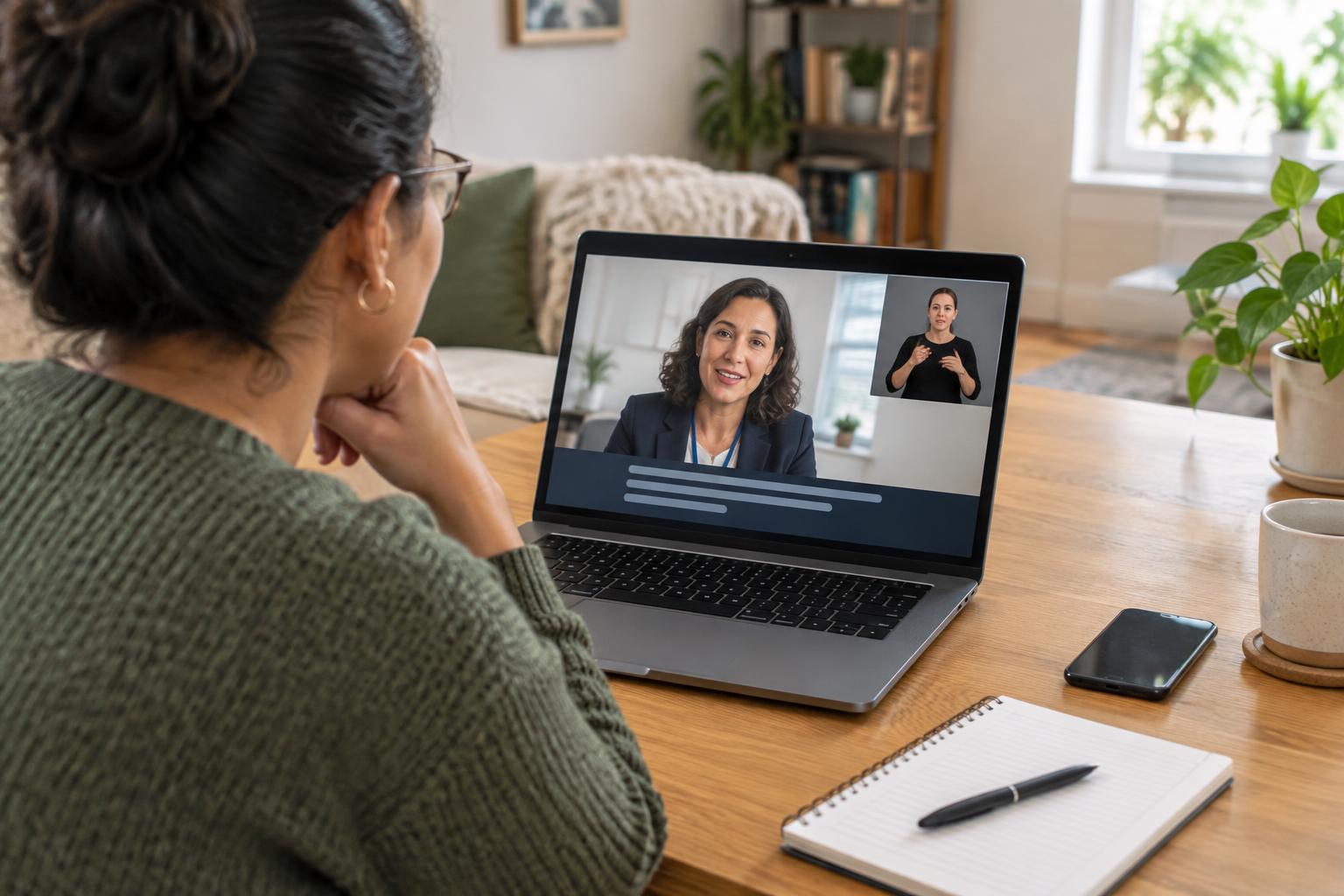
Once you receive joining instructions, look for the platform’s caption controls. They may be labelled Captions, CC, Subtitles or Live transcript and may only appear after you enter the call. Turning on a caption display is different from making captions available: the meeting host may have to enable the feature first. If you are unsure, ask the service to test it with you or explain where the control will appear.
Automatic captions can be useful, but they may miss names, specialist terms or words spoken over background noise. During an appointment, ask the speaker to slow down or repeat an important point if the text is unclear. If an interpreter is joining, ask how their video will be kept visible while someone shares a screen. Trying the platform on your usual device beforehand can reveal whether captions are readable and whether you can comfortably see the speaker, interpreter and any documents.
Prepare a simple backup plan
Write down the main questions you want to ask and keep any appointment reference number nearby. Join from a quiet place if possible, check your connection and allow time to adjust your screen layout. Headphones may help with audio, but they are not a substitute for captions or interpretation if those are what you need. If you rely on another person to assist with the technology, decide in advance what you are comfortable sharing with them.
Ask the service what will happen if captions stop working, an interpreter cannot connect or the call drops. A suitable backup might be switching to a text channel, pausing while the problem is fixed, or rearranging the appointment. You can also ask for key instructions or next steps in writing afterward. For an appointment involving personal information, use the joining link supplied by the service and check who will be present before discussing sensitive details.
Make sure you can take part, not just log in
A successful connection does not always mean the appointment is accessible. At the beginning of the call, confirm that you can follow the conversation and that others can understand how you will respond. If several people are speaking, ask them to take turns. If captions are delayed, allow a pause before moving to the next question. These small adjustments can make it easier to participate throughout the appointment.
If the agreed support is missing, say so as soon as you can through the call or another available contact method. You can ask to stop and resolve the issue rather than struggle through important information. Afterward, note what worked and what did not. That record can help you request a more suitable setup next time and give the service specific, useful feedback.