Start with your library’s website
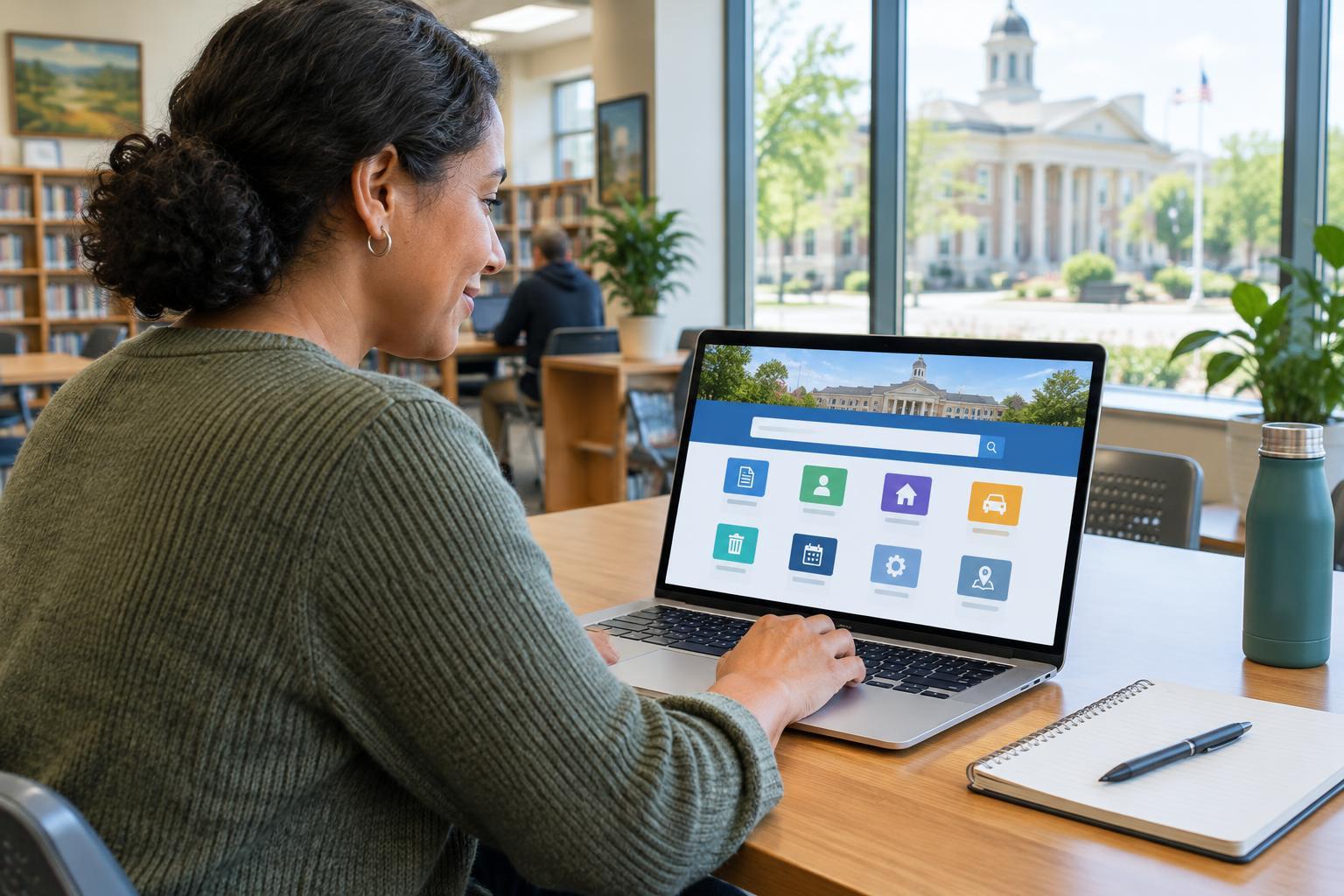
A library card can do more than let you borrow books from a building. Depending on your library, it may also provide access to ebooks, audiobooks, digital magazines, newspapers, language courses or research tools. Collections and borrowing rules vary, so begin with your own public library’s official website rather than assuming that a service mentioned elsewhere is available to you.
Look for a page labeled Digital Library, Ebooks, Online Resources or something similar. It should tell you which services your library offers and how to use them. If you do not have a card, check the site’s membership page or ask library staff how to register. Some libraries offer an online application; others may ask you to visit in person or confirm where you live. If you already have a card but have never used it online, you may need to set up or reset a PIN or password.
Choose a service and sign in
Many libraries provide digital materials through a separate website or app. Follow the link from your library’s website, then select your library if the service asks you to do so. You will usually sign in with your library card number and a PIN or password. Your card number may be printed below a barcode; enter it as instructed, paying attention to spaces and leading zeros.
Before installing an app, check whether the service also works in a web browser. A browser may be enough if you are using a shared computer or prefer not to install software. If you do download an app, use the link supplied by your library or find the named app in your device’s official app store. Some services ask you to create an additional account, while others need only your library credentials. Read the prompts before sharing information beyond what is needed to borrow.
Borrow and read an ebook
Once signed in, search for a title, author or subject, then check whether a result is an ebook, audiobook or another format. A title may be available immediately or have a waiting list. Select Borrow or Place Hold, and review the loan period and borrowing limits shown by the service. These rules can differ by library and by type of material. A hold may prompt you to choose how you want to be notified when the item is ready.
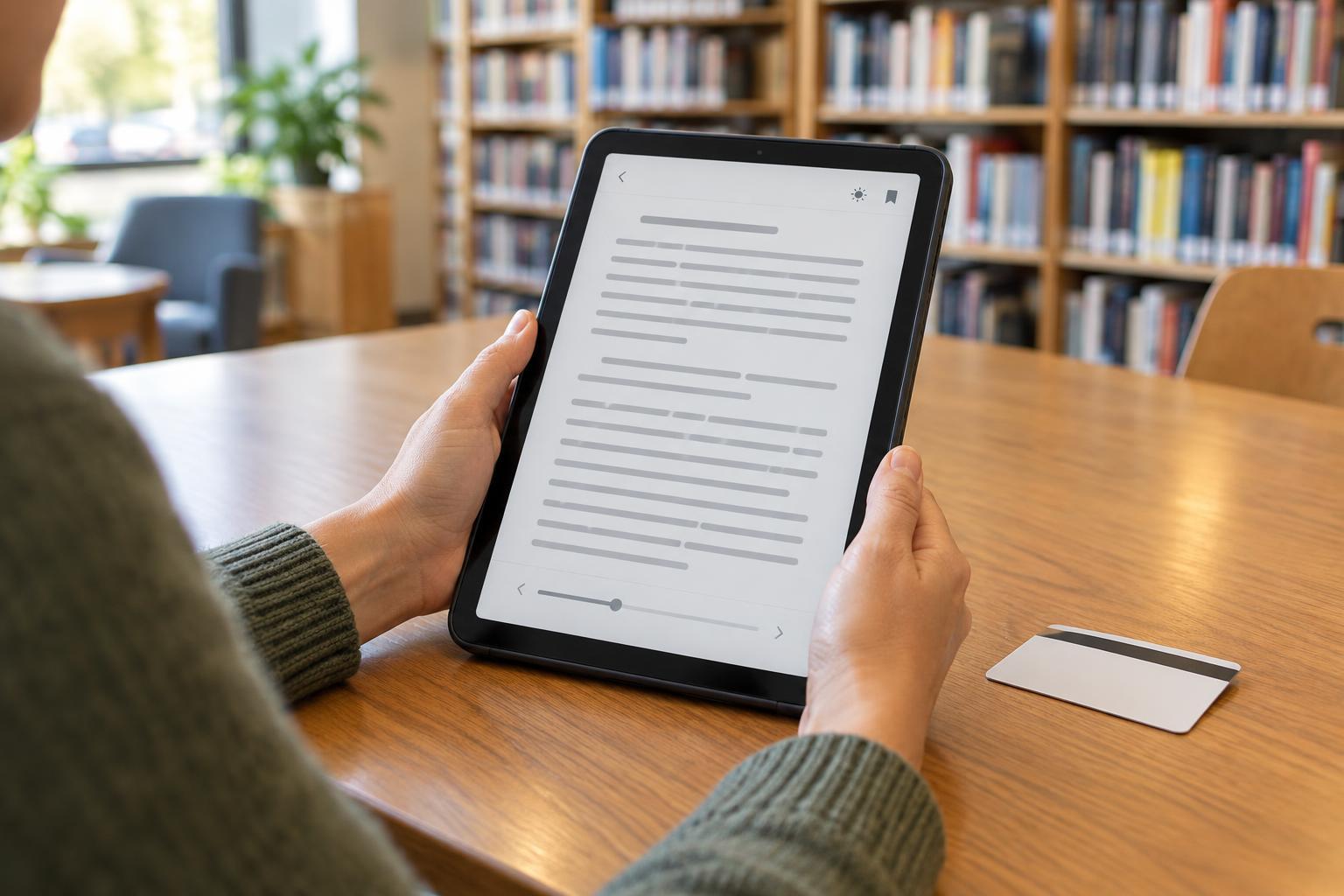
After borrowing, look for a Read button to open an ebook in your browser or an option to download it for offline use. Downloads may require the provider’s app or another compatible reader. If you want to read on a dedicated e-reader, check the service’s device instructions before borrowing: not every format works on every device. Digital loans commonly expire at the end of their loan period without a trip to the library, but check your library’s terms for renewals, early returns and any items with different rules.
Make the reading experience work for you
Try the reading settings before deciding that a book is uncomfortable to use. Depending on the format and app, you may be able to enlarge text, change the font or background, adjust spacing, add bookmarks or use a screen reader. Audiobooks can offer another way to access a title, although an audiobook edition may not be available for every book. If you need a particular accessibility feature, test a sample or ask library staff which of their services supports it.
For other resources, return to the library’s digital services page. You might find magazines, reference materials or learning tools that use a different sign-in process from ebooks. Some links work only after you authenticate through the library website. Others may have access rules that depend on your card type or location. The library’s instructions are the best guide to what your membership includes.
Solve common problems and protect your account
If sign-in fails, check that you selected the correct library and entered your card number and PIN accurately. An expired card, an account issue or a forgotten PIN can also block access; your library can explain how to resolve it. If a book will not open, try the service’s browser option, check for an app update or consult its device guidance. Library staff can often help you identify the right instructions, even if they cannot fix your personal device.
Use a private device when possible, especially for downloads and saved reading history. On a shared computer, avoid saving your password, sign out when finished and close the browser. Check the privacy information for any separate app or account you use. With the right sign-in details and a little familiarity with your library’s digital page, you can make the most of resources available through your card without needing to master every service at once.