Start with what you need to find again
A note-taking app is most useful when you can retrieve a note at the moment you need it. Before creating folders or labels, think about the information you regularly look for: meeting decisions, instructions for a recurring task, ideas for a community project, or details from a conversation. These needs can guide a simple system.
Choose one place to capture notes, or at least decide which app is your main one. Scattering notes across several apps makes searching harder. When you create a note, give it a title that describes its contents, such as “Community garden meeting decisions” rather than “Tuesday notes.” Add enough context that the note will still make sense months later: the project name, people involved if appropriate, and any next steps. Avoid recording sensitive personal details unless they are necessary.
Use notebooks for broad areas
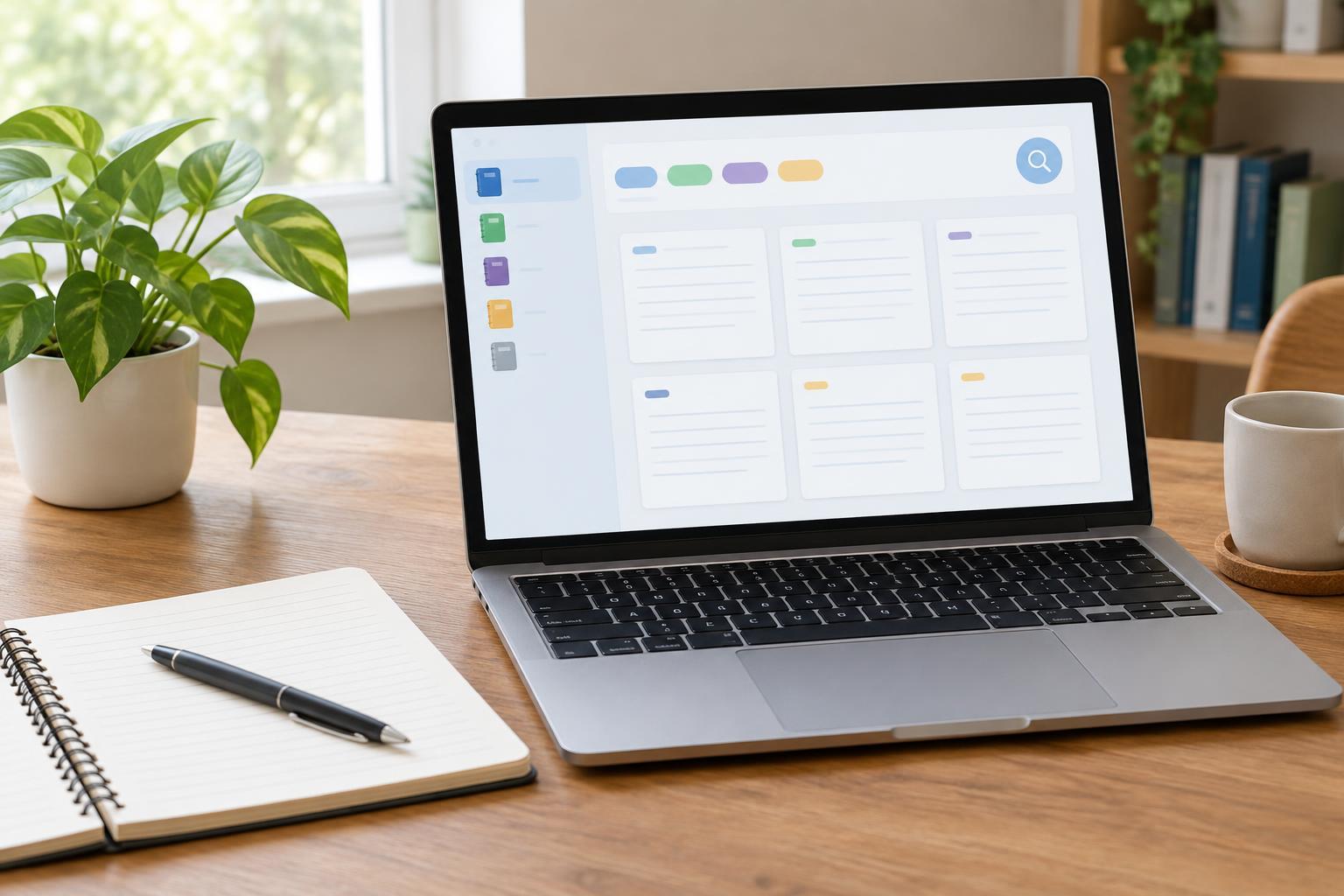
Notebooks are containers for groups of notes. They work well for areas that stay useful over time, such as Work, Home, Volunteering, or Learning. A small set is usually easier to maintain than a separate notebook for every project or meeting. If you often wonder where a note belongs, your notebooks may be too narrow or overlap too much.
Place a note where you would first think to look for it. For example, instructions for submitting a volunteer expense claim could go in Volunteering, even if they also concern money. You do not need a perfect filing decision: search can help you find the note later. Some apps allow nested notebooks, while others do not, so begin with broad categories that work in either case. If an area grows crowded, split it only when doing so would make retrieval easier.
Add tags for topics that cross notebooks
A tag is a label you can attach to notes in different notebooks. It can connect notes about the same subject without moving them into one container. For instance, a “how-to” tag might collect instructions from Work, Home, and Volunteering. A “waiting” tag could mark notes that need a reply or decision. Use tags for connections you expect to look up, not every word that appears in a note.
Keep the list short and use consistent wording. If you tag some notes “meeting,” others “meetings,” and others “discussion,” a tag search may miss notes you expected to see. Pick one term and reuse it. Before adding a new tag, ask whether an existing tag or a text search would do the job. Tags require upkeep, so it is fine to use none at first and add them only when a repeated need becomes clear.
Make search do part of the work
Search reduces the need to predict exactly where every note should live. Try searching for a distinctive phrase, project name, or person’s name before browsing notebooks. Clear titles and ordinary words in the body of a note give search something useful to match. If an app offers filters, you may be able to combine a search term with a notebook or tag to narrow the results.
Search features vary between apps. Some search the text of attachments or images; others search only text you typed into the note. If a detail matters, put it in searchable text rather than relying on a photo or file attachment alone. For example, a note containing a scanned instruction sheet could also include a short typed summary of what the sheet covers. Test your app’s search with a few notes so you know what it can and cannot find.
Maintain a system you can actually use
A useful routine matters more than an elaborate setup. Capture information quickly, then spend a few minutes occasionally improving unclear titles, adding missing context, and removing notes you no longer need. When reviewing a project note, record decisions and next actions in plain language. That makes the note valuable even if you never assign it a tag.
Check how your app saves and syncs notes before relying on it for important information. If you use multiple devices, confirm that a new note appears where you expect it. Look for an export or backup option, and consider whether shared notes contain information others should not see. Start with a few notebooks, add tags sparingly, and let the notes you struggle to find tell you what to change. The best system is one you can understand and keep using.