Why length and uniqueness matter
A passphrase is a password made from several words or a longer string of characters. Its main advantage is that it can be easier to type and remember than a short password packed with symbols. Length helps make a credential harder to guess, but length alone is not enough: a familiar saying, song lyric, or common phrase may be predictable even if it contains many characters.
Uniqueness matters just as much. If you use the same passphrase for email, shopping, and a community website, a leak from any one of those services could put the others at risk. Give every account its own credential, especially accounts that can be used to reset other passwords, such as your main email account.
Build a passphrase from unrelated words
One practical method is to combine several unrelated words chosen at random. A random word generator or dice-based word list can help you avoid words you would naturally pick. Think of a pattern like “lantern otter velvet hillside” as an illustration of the format, not as a passphrase to copy. Choose your own words privately, and use more words when a service allows a longer password.
Avoid building passphrases from your name, address, pet, workplace, or memorable dates. Also avoid familiar quotations and small changes to an old password, such as adding a number at the end. If a website requires a capital letter, number, or symbol, meet that requirement without turning the result into an obvious pattern. Spaces may be accepted in some password fields but not others; when they are not allowed, a separator or no spaces may work.
Keep accounts unique without memorizing everything
Creating a different passphrase for every account can quickly become too much to remember. A reputable password manager can generate and store unique credentials, then fill them in when you sign in. With one, you can reserve a memorable, strong passphrase for the manager itself and let it create long, random passwords for most other accounts. Review its setup and recovery options before relying on it, and keep the device you use to access it protected.
If you prefer not to use a manager, you still need a reliable way to keep credentials distinct. Reusing one base phrase with a website name or a changing number is easy to predict if one version is exposed. For a small number of important accounts, separately created passphrases are safer than variations on one pattern. Whatever method you choose, plan how you will regain access if you forget a credential or lose a device.
Add protection beyond the passphrase
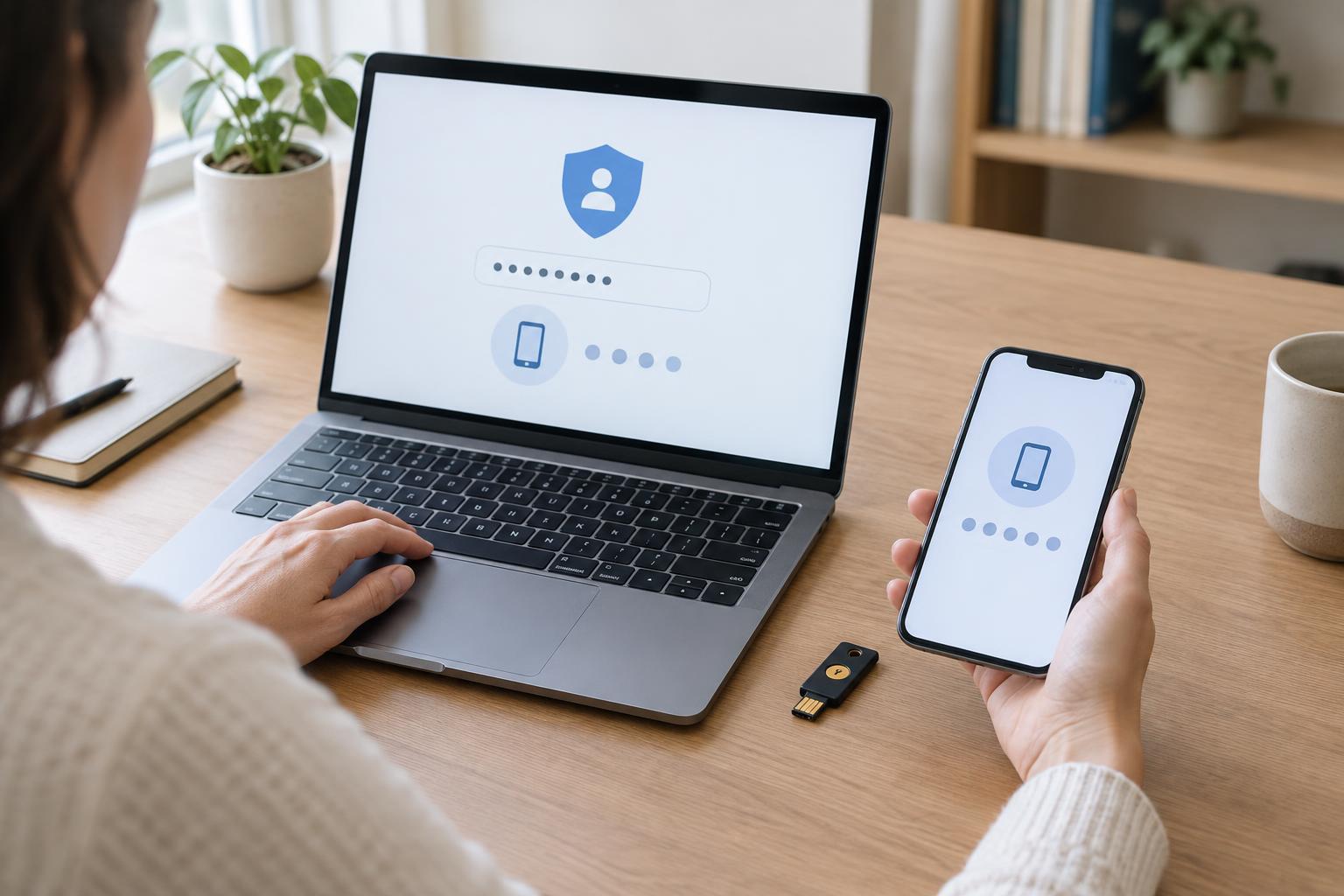
Turn on multi-factor authentication where it is offered, particularly for email, password managers, and accounts containing personal information. This adds a sign-in step, such as a code from an authenticator app or confirmation from a security key. It does not replace a unique passphrase, but it can help protect an account if the passphrase is revealed.
Treat unexpected requests for a password or sign-in code with caution. A convincing message may lead to a fake sign-in page, so open the service through its usual app or a saved bookmark rather than a link in a suspicious message. Never share a one-time sign-in code with someone who contacts you unexpectedly. If a service offers passkeys, they may provide another convenient sign-in option; check how that service handles device loss and account recovery.
Maintain and recover your accounts
You do not need to change a strong, unique passphrase on an arbitrary schedule unless a service requires it. Change it promptly if you think it has been exposed, entered on a fake page, or shared with someone else. If you reused it anywhere, replace it on every affected account with a different credential. Checking recent account activity and signing out of unfamiliar sessions may also be useful when those options are available.
Finally, make recovery part of your setup. Keep recovery contact details up to date, and store any backup codes somewhere you can find them without leaving them visible to others. A strong passphrase protects an account only if you can use it safely and still regain access when something goes wrong.