What recovery codes are for
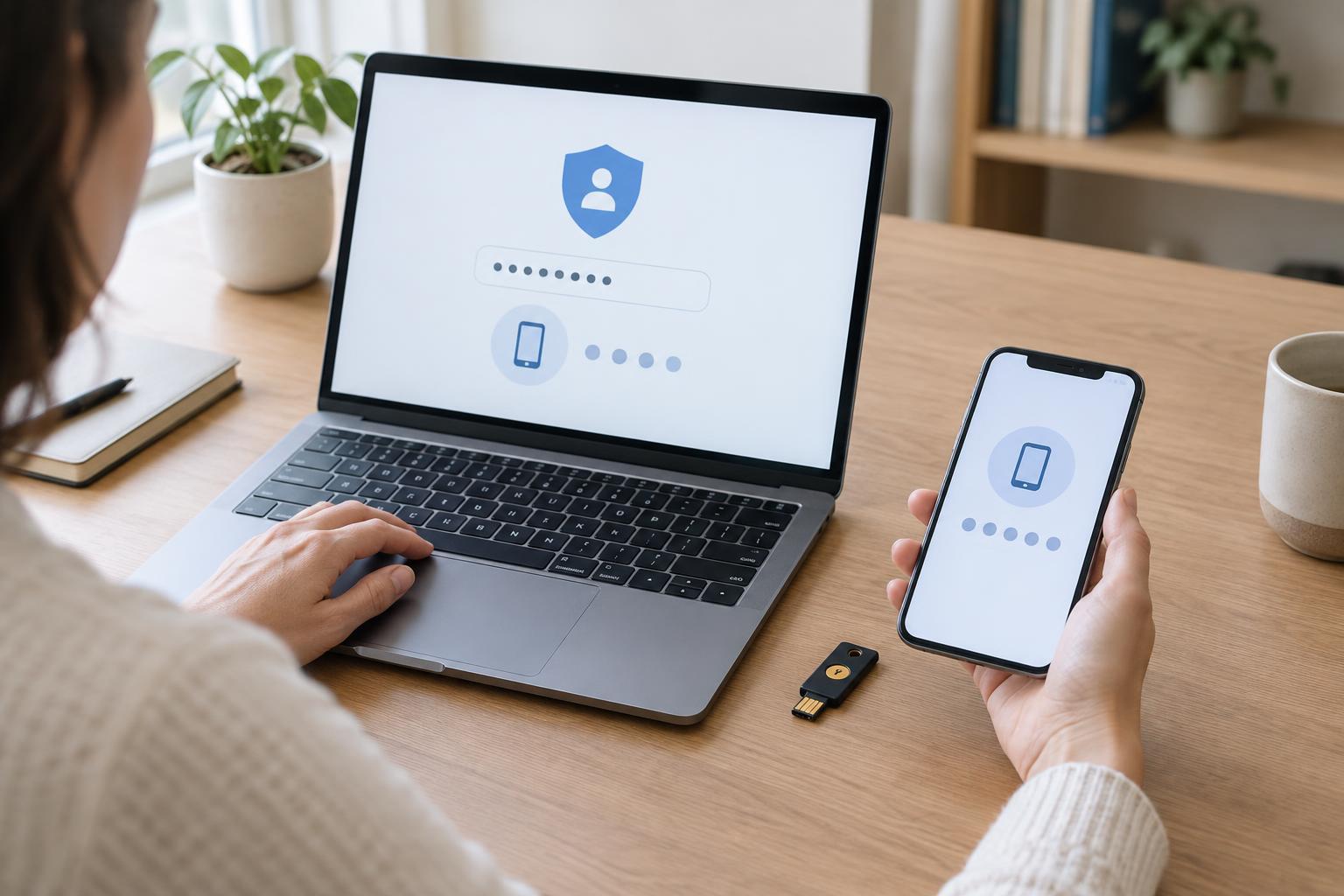
Many accounts ask for a second step after a password, such as a code from an app or a prompt on your phone. This makes it harder for someone else to sign in, but it can also leave you stuck if your phone is lost, replaced or unavailable. Some services offer recovery codes for this situation. A recovery code is usually a one-time way to pass the second step and regain access.
Not every service offers recovery codes, and the rules vary. Some provide a set of codes, while others offer a different backup method. Check the security or sign-in settings of accounts you would struggle to lose, especially your main email account. That email account often helps you reset passwords elsewhere. Record which accounts have recovery codes without writing down your passwords beside them.
Save codes where you can reach them safely
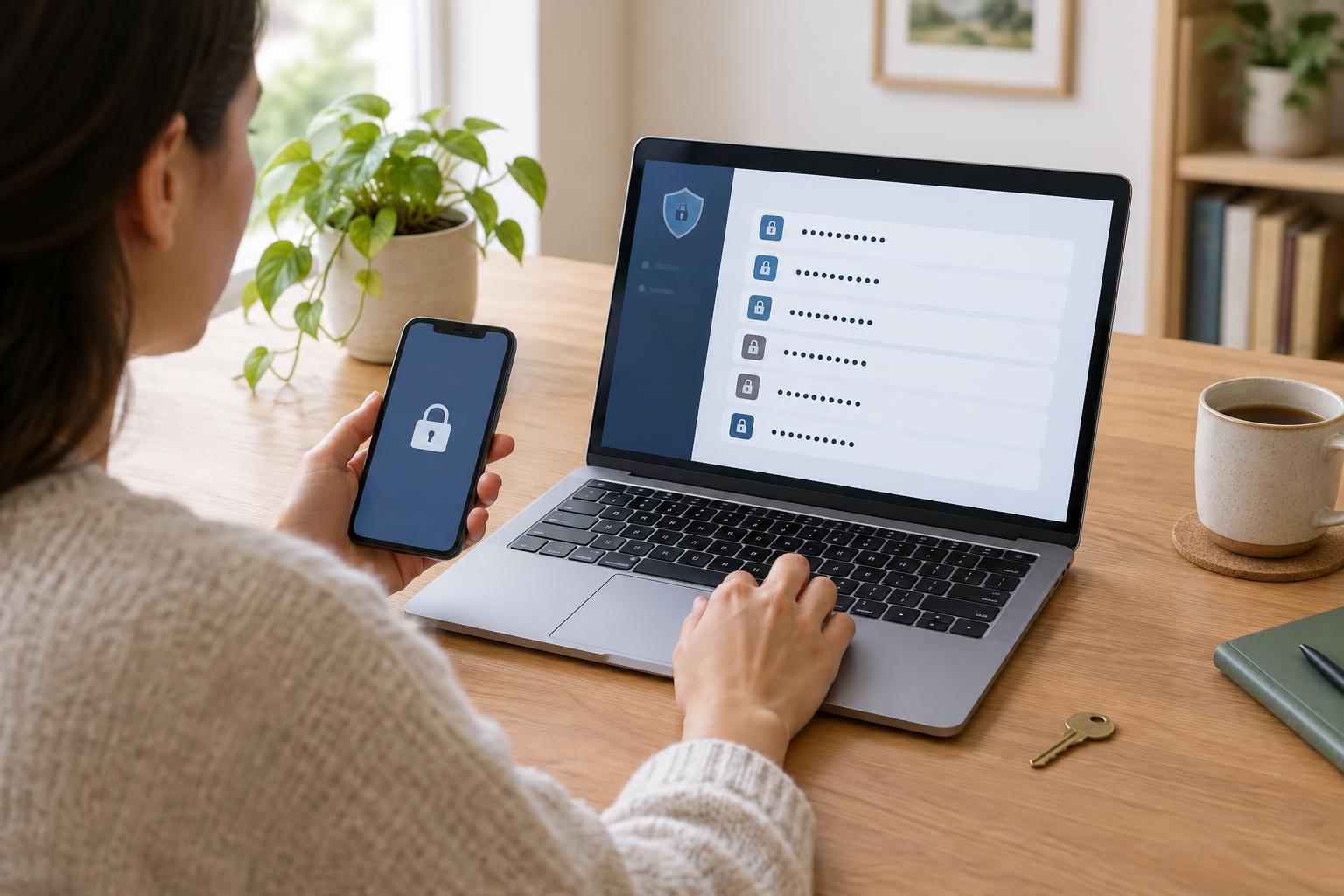
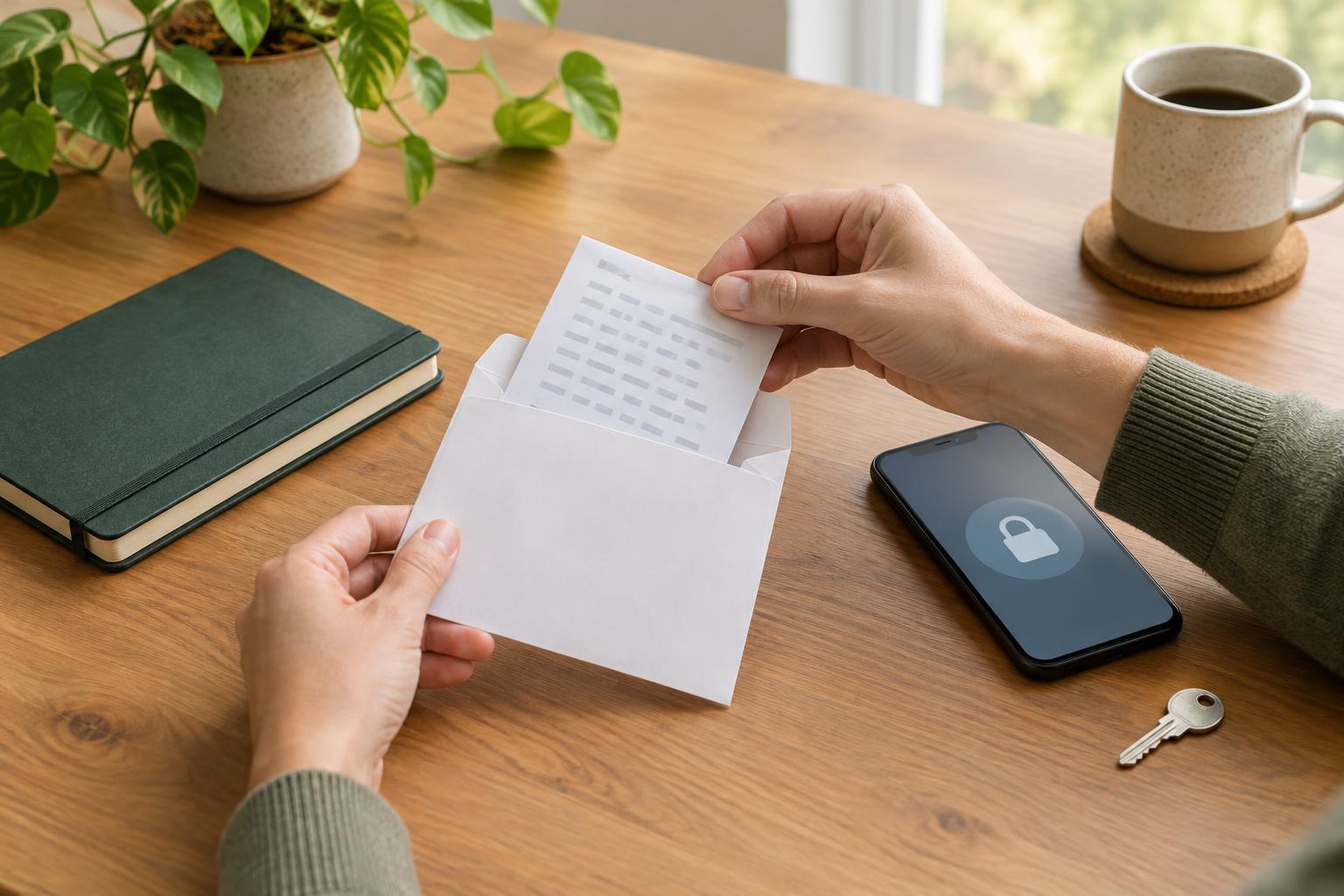
When a service generates recovery codes, save them before you need them. You could print them and keep the page in a secure place you can access, or store them in a reputable password manager that you can open without the device you are trying to replace. If you use a paper copy, label it clearly enough for you to identify the account, but do not leave it in a shared drawer or in view of visitors.
Think through what would happen if your phone and laptop were both unavailable. A screenshot saved only on your phone may not help. An unprotected photo, email draft or document in a shared cloud folder may also expose the codes to other people. Choose a backup you can realistically retrieve during a stressful day, and protect it as carefully as a password. If another person helps you manage accounts, agree in advance how they can assist without giving them more access than necessary.
Keep your backup plan up to date
Recovery codes are only one part of a backup plan. Review the recovery email address and phone number on important accounts. Make sure you still control them and can receive messages there. If a service permits more than one sign-in method, consider adding a backup method you understand and can keep secure. Check whether your password manager is accessible through its own recovery process, too; storing all your backup information there will not help if you cannot open it.
After you use a recovery code, treat it as spent unless the service tells you otherwise. Some services let you generate a fresh set, which may invalidate the old set. When you create new codes, replace outdated copies so you do not waste time trying them later. You do not need to test a code by signing in if doing so would consume it. Instead, confirm that your saved copy is readable and that you know where the service’s official recovery instructions are.
What to do when you are locked out
Pause before trying several changes at once. Start at the service’s usual app or website, rather than a link in an unexpected message. Check whether you are entering the right account name and whether another trusted device is still signed in. If the problem is the second sign-in step, look for an option to use a recovery code or another backup method. Follow the on-screen instructions carefully, as repeated failed attempts may temporarily slow access.
If you have no working backup method, use the service’s official account recovery process. It may ask you to confirm details or wait before access is restored. Avoid anyone who promises to unlock the account for a fee or asks you to send a recovery code by message. A recovery code is meant to be entered into the service’s sign-in process, not handed to a stranger.
After you regain access
Check why you were locked out before returning to normal use. If you simply changed phones, update your sign-in methods and save any new recovery codes. If you notice unfamiliar activity or suspect someone else accessed the account, change the password, review signed-in devices and connected apps, and follow the service’s security guidance. Also check the recovery email and phone number in case they were changed.
A small amount of preparation can make the next lockout less confusing: keep codes in a safe, reachable place, maintain at least one working backup method where possible, and know how to find the official recovery page. Revisit that plan whenever you replace a device or change an email address.