Start with a sheet you can understand at a glance
A spreadsheet can help you see where household money comes from and where it goes. You do not need a special template or advanced skills. Open a blank sheet in a spreadsheet app and give it a clear name, such as Household budget. If you plan to make one sheet per month, add the month to each sheet’s name. Keep the layout simple enough that you can return to it later without having to remember how it works.
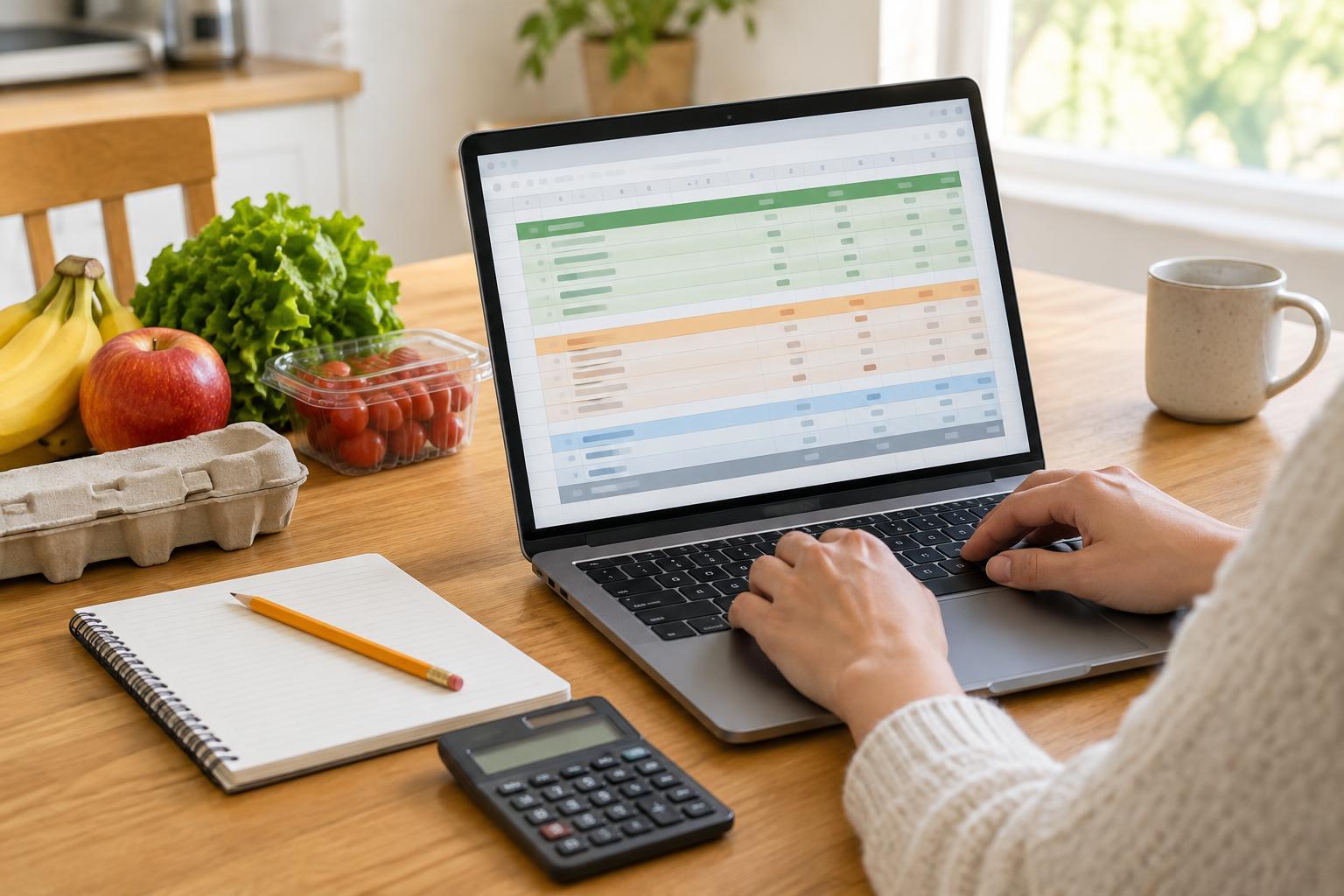
Create three areas: income, planned spending and actual spending. In the first column, list categories such as wages, housing, utilities, groceries, transport and subscriptions. In the next two columns, add the amounts you expect and the amounts you actually receive or spend. Label every column clearly and use the same currency format throughout. A separate Notes column can hold brief reminders, such as when a bill is due or why a cost was unusually high.
Enter income and spending in useful groups
Begin with money you expect to receive during the month. If an amount varies, use a cautious estimate and replace it with the actual figure when you know it. Then enter expenses you can predict, such as rent, regular bills and subscriptions. Group smaller day-to-day purchases into categories that make sense to your household. You can always split a category later if it becomes too broad to be useful.
Some costs do not arrive every month. School supplies, annual memberships or repairs can be easy to overlook if you only copy last month’s bills. Add a category for occasional expenses and make a monthly plan for it if that helps you prepare. The spreadsheet is a planning tool, not a test of whether you guessed every amount correctly. Its categories should reflect your household, rather than a list you feel obliged to follow.
Let simple formulas do the arithmetic
Put a total below each group of numbers. For example, if planned expenses occupy cells B8 through B16, enter =SUM(B8:B16) in the cell below them. Use a similar formula for actual expenses in column C. To find your planned balance, subtract total planned expenses from total planned income. Repeat the subtraction using actual figures to see what remains based on the amounts entered so far. Cell references will differ depending on your layout, so check that each formula covers the intended rows.
You can also compare plans with results by adding a Difference column. For an expense row, a formula such as =B8-C8 shows a positive result when actual spending is below the plan. Choose a clear heading or note to explain what positive and negative numbers mean. Before relying on any total, change one example amount and confirm that the result updates as expected. This quick check can reveal a missing row or a formula copied into the wrong cell.
Update the budget without making it a chore
Choose a routine you can maintain, such as entering purchases once a week. Bills may be easy to copy from statements, while cash purchases might need a short note or receipt. Enter amounts in the Actual column as they become known. If several people share household costs, agree on who updates the file and how to record purchases paid from different accounts. Consistent entries matter more than perfect detail.
At the end of the month, compare each planned amount with its actual amount. Look for categories that repeatedly need adjustment. If groceries tend to cost more than you planned, changing the next plan may make the sheet more useful than simply marking the difference as a mistake. If income varies, keep that uncertainty visible rather than filling in money that has not arrived. Make a copy of the completed month before starting the next one so you can review earlier patterns.
Keep the file usable and private
Make the sheet comfortable to read. Use descriptive headings, leave some space between sections and avoid relying on color alone to distinguish income from expenses. If you freeze the heading row, column labels will remain visible as you scroll. You may also find it helpful to protect cells containing formulas from accidental edits, while leaving entry cells available for updates.
A household budget can contain sensitive details, even without account numbers. Store it in a place you trust, use your device’s access controls and think carefully before sharing a link to an online file. You usually do not need to include passwords, full account numbers or other identifying information to track a budget. The best spreadsheet is one your household can understand, update and keep reasonably secure.