What happens in a private window
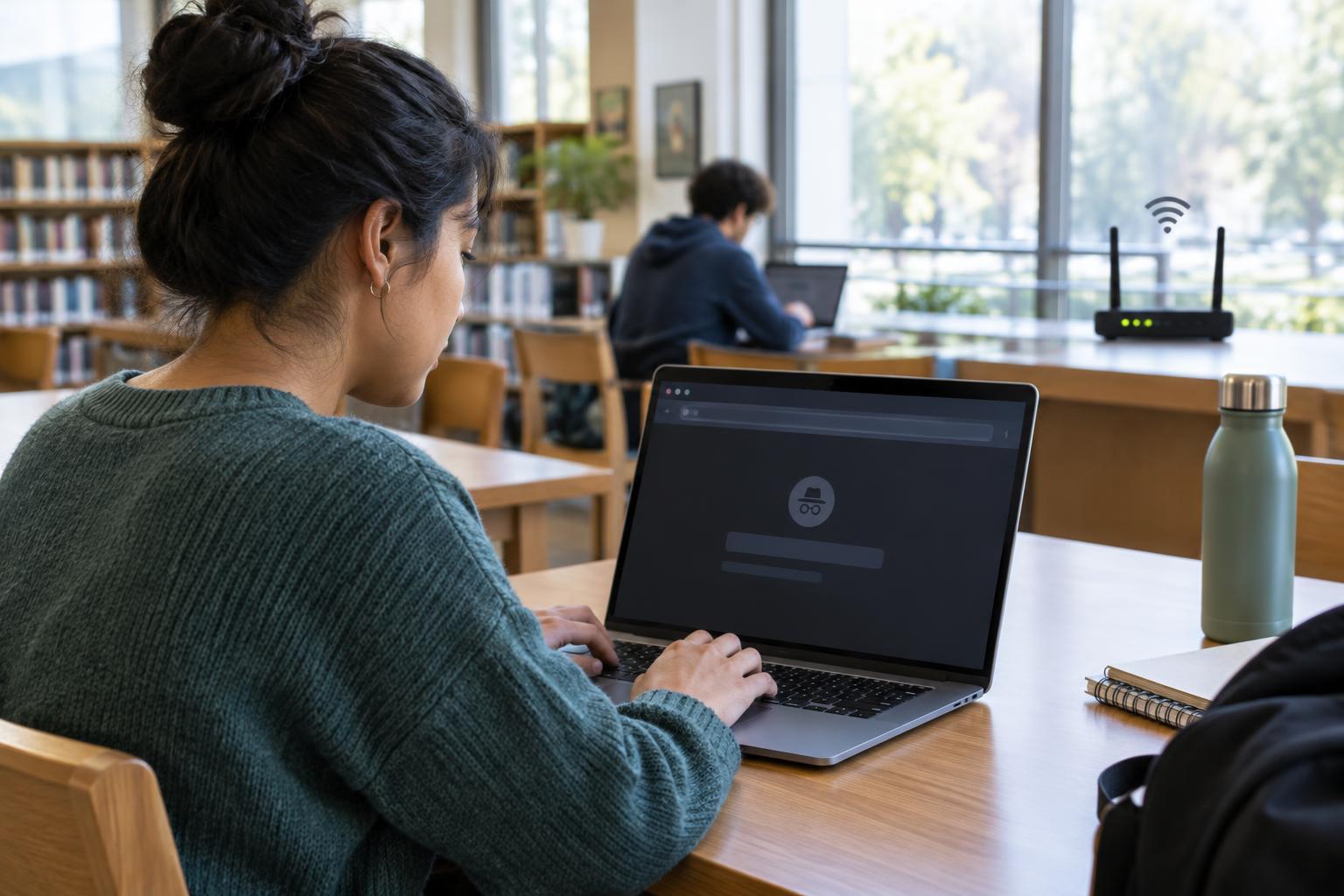
Most browsers offer a mode called private browsing, incognito, or something similar. It opens a separate session from your usual browsing session. While you use it, the browser generally does not add visited pages or searches to its regular history. Cookies and other site data created in that private session are generally removed when you close all its private windows.
That makes private browsing useful when you want to check a website without using an existing sign-in, search for a gift on a shared computer, or avoid leaving those pages in the browser’s history. It is a convenience for managing what the browser keeps locally, not a switch that makes your activity invisible.
What other people may still see
A private window does not hide your visit from the website you open. The site can still receive information needed to deliver the page, such as your IP address, and it can record what you do there. If you sign in, the site can connect that activity to your account. Private browsing may also limit how long cookies remain on your device without preventing a site from recognising you during the session.
The organisation running a work or school network may be able to observe some network activity, depending on how its systems are set up. Your internet provider may also be able to see information about your connections. Private browsing does not replace network privacy tools, and even those tools have limits. If a device is managed by an employer or school, its monitoring software may record activity regardless of the browser mode you choose.
Websites may also use details about a browser and device to help distinguish visitors. Private browsing alone does not reliably prevent this kind of identification. Think of it as a way to reduce traces in your browser, not as a promise of anonymity.
What can remain on the device
Private browsing is not a secure container for everything you do. Files you download usually remain wherever you saved them, even if the browser removes the download from its displayed list. Bookmarks you create generally remain too. A document you open in another app may appear in that app’s recent-file list.
It also matters how you finish the session. On a shared computer, close every private window when you are done; leaving one open may leave the session available to the next person. Check that you have signed out of important accounts, particularly on a device you do not control. Browser details vary, so do not assume that closing one tab has ended the whole private session.
Choosing the right tool for your goal
If your goal is to keep a search out of your everyday browser history, a private window is a reasonable choice. If your goal is to stop someone with access to your device from opening your accounts, use a device lock, a separate user account where available, and strong account security. Private browsing cannot protect an unlocked computer or phone.
If you want to limit what an account or website learns, avoid signing in when you do not need to, review its privacy settings, and consider the permissions you grant. If you are concerned about tracking across sites, browser tracking-protection settings may help, though they cannot eliminate every form of tracking. A VPN changes which network handles your traffic and can obscure your IP address from some sites, but it does not make account activity anonymous or remove the need to trust the VPN provider.
A simple routine for shared devices
Before using a shared device, consider whether the task involves sensitive information. For banking, health records, or other personal accounts, a device you control is usually the safer option. If you must use a shared computer, open a private window, check that you are on the intended site, and avoid saving passwords when prompted.
When you finish, sign out, close all private windows, and look for any files you downloaded or printed. Remember that the device or network might still be managed or monitored. Private browsing can help leave less behind in the browser, but the safest choice depends on who controls the device, the network, and the accounts you use.