Start with the task, not the device
Many everyday services work on both phones and computers. The better choice depends less on which device is newer and more on what you need to do. A phone is easy to carry, quick to unlock and useful when a task involves a camera, a location or a short reply. A computer usually offers a larger screen, a full keyboard and more room to compare information.
Before you begin, ask three questions: How much will I need to read or type? Will I need to find, edit or upload files? Do I need to concentrate without interruptions? A short message may be easiest on a phone. A long application with several attachments may be easier on a computer. If one device is all you have, you can still complete many tasks by slowing down, enlarging the display and preparing what you need in advance.
Use a phone for quick actions and tasks on the move
Phones are well suited to checking an appointment time, reading a brief notice, sending a simple message or joining a call while away from your desk. Their cameras make it convenient to photograph a document or scan a code when a service asks for one. Notifications can also help you notice a reply or a reminder, provided you have chosen which alerts you want to receive.
A small screen has limits. It can be hard to review a long form, spot a mistake in a table or see several parts of a website at once. Phone keyboards also take up screen space, which can make lengthy writing tiring. If a page feels cramped, try turning the phone sideways, increasing text size or looking for a clearly labeled next step. For work that requires careful checking, save a draft if the service allows it and return when you have more time.
Choose a computer when detail and organization matter
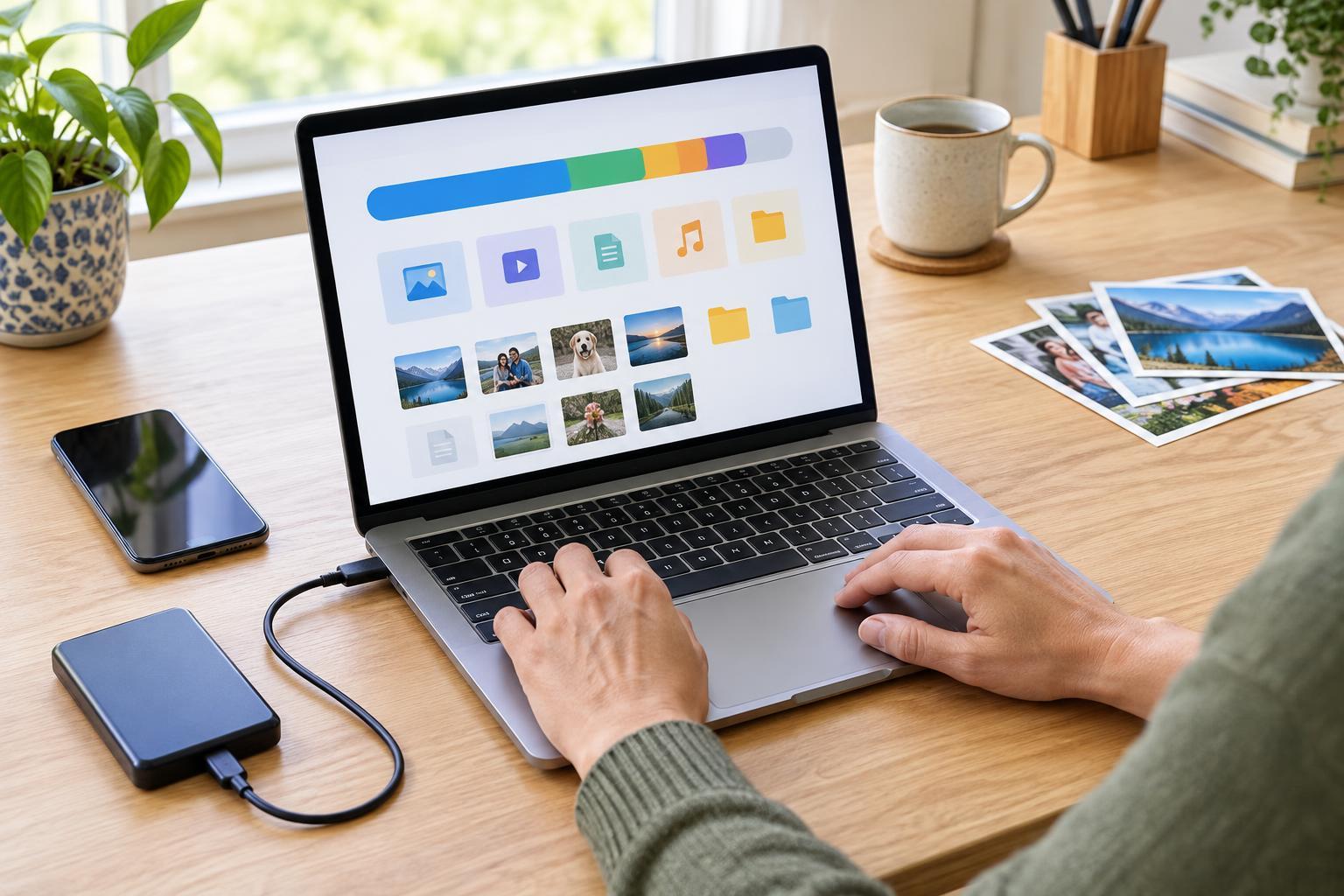
A computer is often more comfortable for writing a letter, building a budget table, comparing documents or completing a multi-page form. The larger display can make instructions and entered answers easier to review together. A keyboard and pointer may also make it simpler to correct text, move between fields and place files into folders you can find again.
Computers can be especially helpful when you need information from two places at once. For example, you might keep a form open beside a document containing the details it asks for. Take care to use the right file when uploading an attachment: check its name, open it to confirm the contents and make sure it is in a format the service accepts. A computer is not automatically the better option, though. If it is shared, unavailable or difficult for you to use, a familiar phone may be the more practical choice.
Match the device to your comfort and access needs
The easiest device is the one you can use reliably. Both phones and computers commonly offer options such as larger text, screen readers, voice input and adjustments to contrast or pointer size. Availability and names of these settings vary, so explore your device’s accessibility settings before an important task. Practice on something low-pressure, such as reading a saved note, rather than changing settings midway through an application.
Think about your surroundings as well. A quiet room, a stable connection and enough battery power can matter more than screen size. Video calls may be more comfortable on a computer if you want to see several people or refer to notes, while a phone may suit a brief call from a suitable private place. Headphones can help you hear clearly, but remain aware of whether people nearby can see your screen or hear your voice.
Switch devices deliberately and finish safely
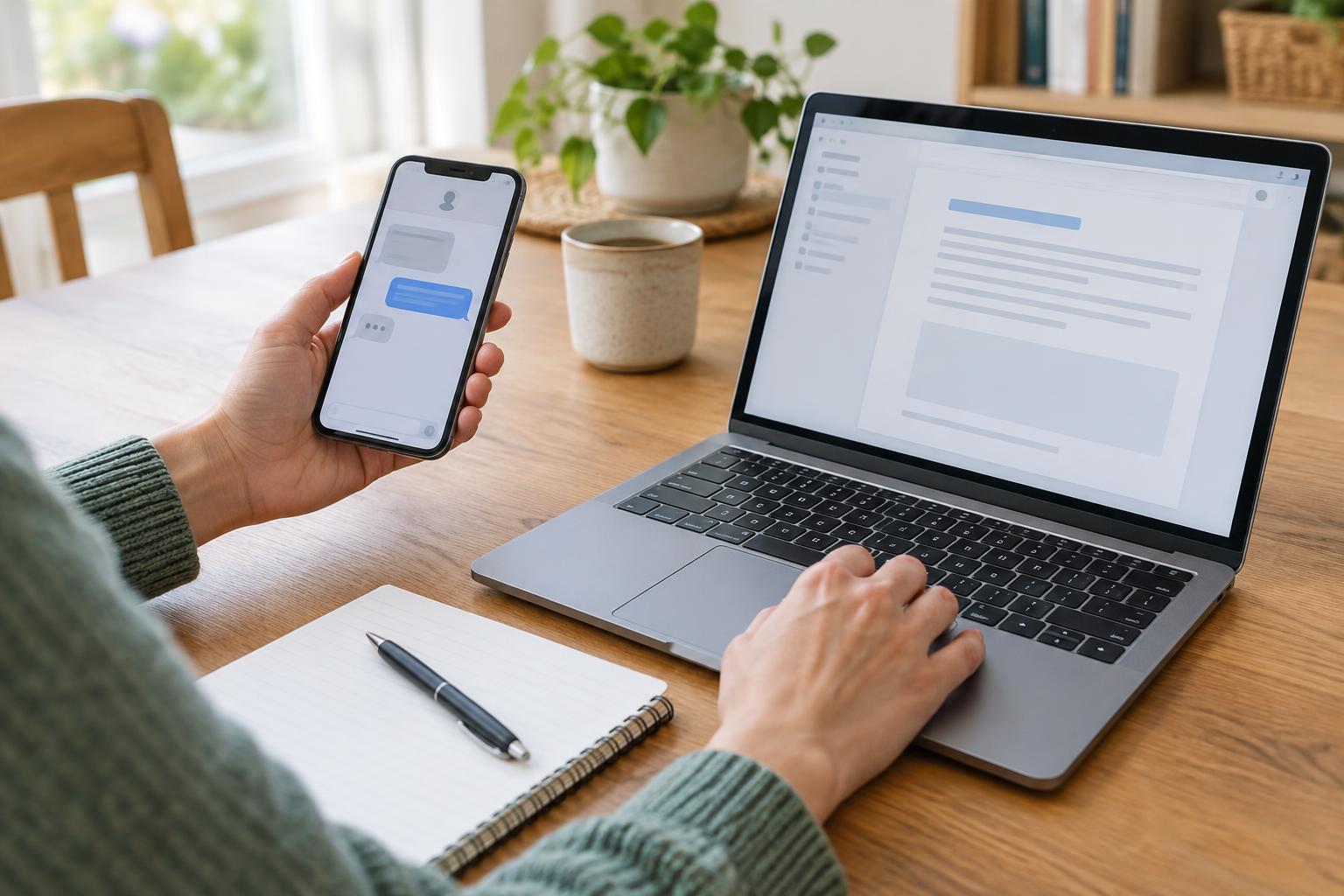
You do not have to complete every step on the same device. You might take a clear photo of a paper document with your phone, then use a computer to read the form and attach the image. Or you might draft a message on a computer and use your phone later to check for a response. Before switching, note where you saved the file and whether the service saves unfinished work. Do not assume a draft will appear automatically on another device.
For accounts and sensitive tasks, use a device and connection you trust. On a shared computer, avoid saving passwords, sign out when finished and close files containing personal information. On either device, check the recipient or website before submitting details, and review any confirmation message so you know whether the task went through. The goal is not to choose one device for everything. It is to choose a comfortable way to complete each task accurately.