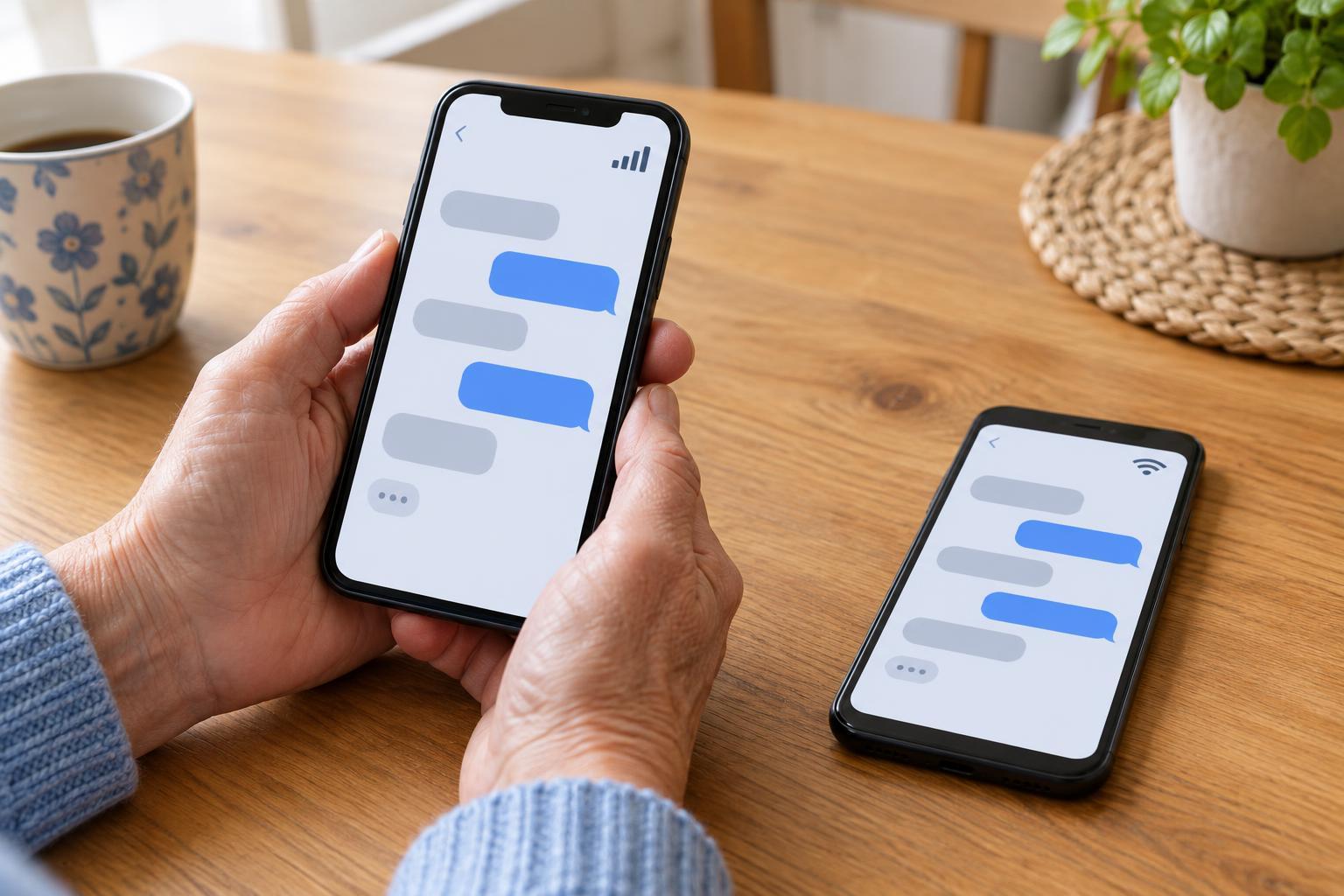
Decide what each chat is for
Before changing settings, look at the groups you belong to and ask what you need from each one. A small project chat may carry decisions you must act on, while a neighborhood group may mostly share optional news. Treating every message as equally urgent makes notifications less useful. Sort chats into three rough groups: those that need prompt attention, those you can check at set times, and those you can leave or archive if they no longer serve a purpose.
If a chat mixes urgent coordination with casual conversation, suggest a simple convention. Members might put “Action needed” at the start of a message that requires a reply, or keep time-sensitive plans in a dedicated chat. The convention only helps if people use it sparingly. For genuinely urgent matters, agree on a backup method, such as a direct call, rather than assuming everyone will see a group message immediately.
Make alerts match your priorities
Most messaging apps offer some combination of muting, notification previews, sound choices and per-chat settings, though the names of these controls vary. Keep alerts on for a small number of chats where a delay would matter. For lower-priority groups, try muting routine notifications and checking the conversation when you have time. If your app supports it, you may be able to keep alerts for direct mentions or replies while silencing general chatter.
Choose sounds and banners deliberately. A distinctive sound for a high-priority chat can be more useful than several groups making the same noise. Consider whether message previews should appear on a shared screen or lock screen; hiding previews can protect other people’s messages from casual viewing, but you may need to open the app to understand an alert. After changing a setting, ask a trusted group member to send a test message so you know what you will actually see.
Create a reliable check-in routine
Muting works best when it is paired with a habit. Pick realistic times to scan quieter groups, such as before starting work, after lunch or before an evening activity. Open the chat and look beyond the latest message: a decision may be several messages back. Pinned messages, chat descriptions and search can help you find plans if your app provides those features, but they may not reflect a change made later in the conversation.
When you find something that needs action, move it out of the chat. Add a deadline to your calendar, put a task on your list or confirm the plan directly with the person involved. This is especially helpful when several people are discussing different topics at once. If you have fallen behind, it is reasonable to ask, “What was the final decision?” rather than guessing from a long thread.
Use quiet hours without creating confusion
Phone-level focus or do-not-disturb modes can give you uninterrupted time, including during sleep or focused work. Many devices let you choose exceptions for particular people or calls. Review those exceptions carefully: allowing an entire busy group through may defeat the purpose, while blocking every possible contact may not fit your responsibilities. Device settings and app settings can also interact, so test them before relying on them for an important event.
Let others know when you normally read group messages, particularly if they are used to quick replies. A short note such as “I check this chat in the morning and late afternoon; please call if today’s plan changes urgently” sets a clear expectation. This does not require you to explain why you are unavailable. It gives the group a better way to reach you when timing really matters.
Review what is working
After a week or two, notice which alerts helped and which only interrupted you. If you repeatedly miss useful updates, turn on alerts for the relevant chat, adjust your check-in times or ask the group to make decisions easier to spot. If a supposedly important group sends mostly routine messages, consider muting it and agreeing on a more direct route for urgent changes.
Good notification management is not about reading everything instantly. It is about making the path from an important message to your next action dependable. A small number of meaningful alerts, regular check-ins and a shared understanding of what counts as urgent can make group chats easier for everyone to use.