Start with a document you can reuse
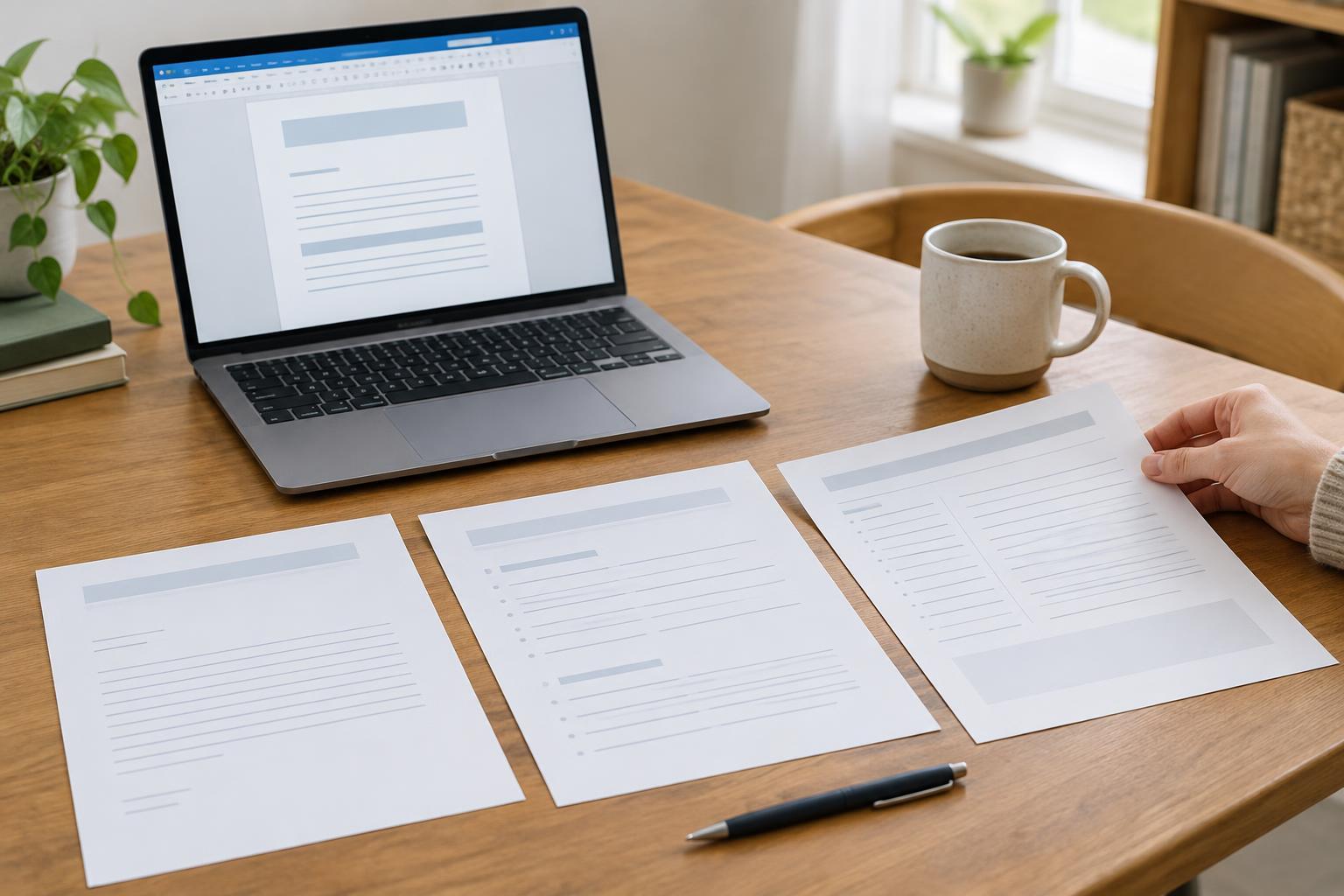
A template is a document with a useful structure already in place. Instead of starting from a blank page, you open a copy and fill in the details for the task at hand. Templates work well for writing you do repeatedly: a letter to a local group, a weekly meeting agenda, or notes that record decisions and next steps. Most word processors let you save a file as a template, but an ordinary document kept as a master copy can work too.
Begin with a document you have written before, or create a new one using headings and prompts. Remove details that belong only to the previous occasion, such as names, addresses, dates, and decisions. Replace them with clear placeholders such as [Recipient name] or [Meeting date]. Keep the layout simple: a readable font, descriptive headings, and enough space to type. Before relying on the template, make one test copy and check that every placeholder is easy to find.
Make a letter template that still feels personal
A basic letter template can include a date, recipient details, a subject line, a greeting, space for the message, and a sign-off. Add prompts for the parts you might otherwise forget: why you are writing, any action you are requesting, and how the recipient can respond. If you send different kinds of letters, keep separate templates rather than forcing every message into one format. A request for information and a thank-you letter need different wording.
Treat sample sentences as suggestions, not text that must stay. Read the completed letter from the recipient’s point of view and change anything that sounds generic or does not fit the situation. Check names, attachments, and contact details before sending. If the letter contains private information, save the working copy in an appropriate location and avoid leaving those details in the reusable master.
Build an agenda around what the meeting needs to do
An agenda helps people prepare and gives a meeting a clear path. A useful template might start with the meeting title, date, time, location or joining details, and purpose. Follow with a list of topics. For each topic, leave space for the person leading it, any material to read beforehand, and the intended outcome: information to share, a decision to make, or an action to plan. An estimated time for each item can help the group see whether the agenda is realistic.
Keep the template flexible. A short check-in may need only a few topics, while a planning meeting may need room for discussion and decisions. Before sharing an agenda, remove unused prompts and confirm that links or joining instructions are correct. If attendees are invited to suggest items, leave time to review their suggestions and circulate an updated copy so everyone works from the same version.
Use meeting notes to capture outcomes, not every word
A meeting-notes template should make important information easy to find later. Include the meeting date, attendees, topics discussed, decisions, and action items. For each action, leave space for an owner and a target date if one has been agreed. A brief section for open questions can prevent unresolved points from being mistaken for decisions. Use the agenda headings as the starting structure for your notes when possible.
You do not need to record everything people say. Aim for a fair summary of the outcome of each topic, using neutral language and distinguishing proposals from decisions. After the meeting, review unclear entries while the discussion is fresh. Share the notes with the appropriate people so they can spot mistakes or missing actions. Where notes contain sensitive personal details, consider whether those details are necessary and limit access accordingly.
Keep your templates easy to maintain
Give each master template a recognizable name, such as Letter template or Meeting notes template, and store it in a folder people can find. Create a new copy for each use rather than editing the master. If several people use the same template, agree on who can change it and where the current version lives. This reduces the chance that someone starts from an outdated copy or accidentally overwrites the shared original.
Review templates occasionally as your work changes. Remove fields nobody uses, add prompts for information that is often missed, and check that headings remain clear when the document is viewed on a phone or read with assistive technology. A good template saves effort without dictating the content: it helps you remember what matters while leaving room to write for the people and purpose in front of you.