Start with the task, not the price tag
Choosing software is easier when you describe the job it must do before browsing products. A community group selecting a shared calendar, for example, may need several people to add events, reminders that work on phones, and a way to publish updates. A calendar with dozens of advanced features is not necessarily a better fit than one everyone can use.
Write down your essential tasks, the devices people use, and who needs access. Separate requirements from preferences: offline use may be essential for someone with unreliable internet, while a choice of colors may simply be nice to have. If other people will use the tool, ask one or two of them to try it. A feature that looks straightforward in a product description may be awkward in daily use.
Understand what “free” describes
Software offered at no charge can take several forms. A free plan may limit storage, users, or features; a trial may stop working or require payment after a set period. Some tools are free for personal use but have different terms for an organization. Check what happens when you reach a limit, whether you need a payment method to start, and how to cancel if you decide not to continue.
Open-source software is a separate category. Its license generally allows people to inspect, use, and modify its source code under stated conditions. That does not mean every open-source service is free to run or that setup and support cost nothing. Likewise, paid software is not automatically more suitable, and a free product is not automatically less reliable. Compare the particular tool and the way you plan to use it.
Calculate the cost of using it over time
The purchase price or monthly fee is only part of the cost. Consider charges for extra users, storage, useful features, or help from the provider. If the software must be installed and maintained, account for the time needed to learn it, update it, and resolve problems. For a team, training everyone on a confusing but inexpensive tool can take more effort than expected.
Try a small, realistic task before committing: create a document, invite a colleague, or export a sample file. Note how long the task takes and whether the basic plan supports the full workflow. If you are comparing subscriptions, calculate what each option would cost for the number of people who actually need access. Read the renewal and cancellation terms rather than assuming the advertised starting price will remain the same.
Check accessibility, privacy, and support
A useful tool should work for the people who depend on it. Test the interface with a keyboard, increase text size, and check whether instructions and error messages are clear. If someone uses assistive technology, involve them in the trial when possible. Also consider practical access: does the tool work on older devices, in the languages your group needs, or with a slow connection?
Before adding personal or sensitive information, look at what data the software collects, who can see shared files, and which settings control access. Check whether updates are available and how you would get help if something breaks. A provider may offer direct support, while an open-source project may rely on documentation, community forums, or paid support from another company. The right arrangement depends on the skills and time available to you.
Make sure you can leave without losing your work
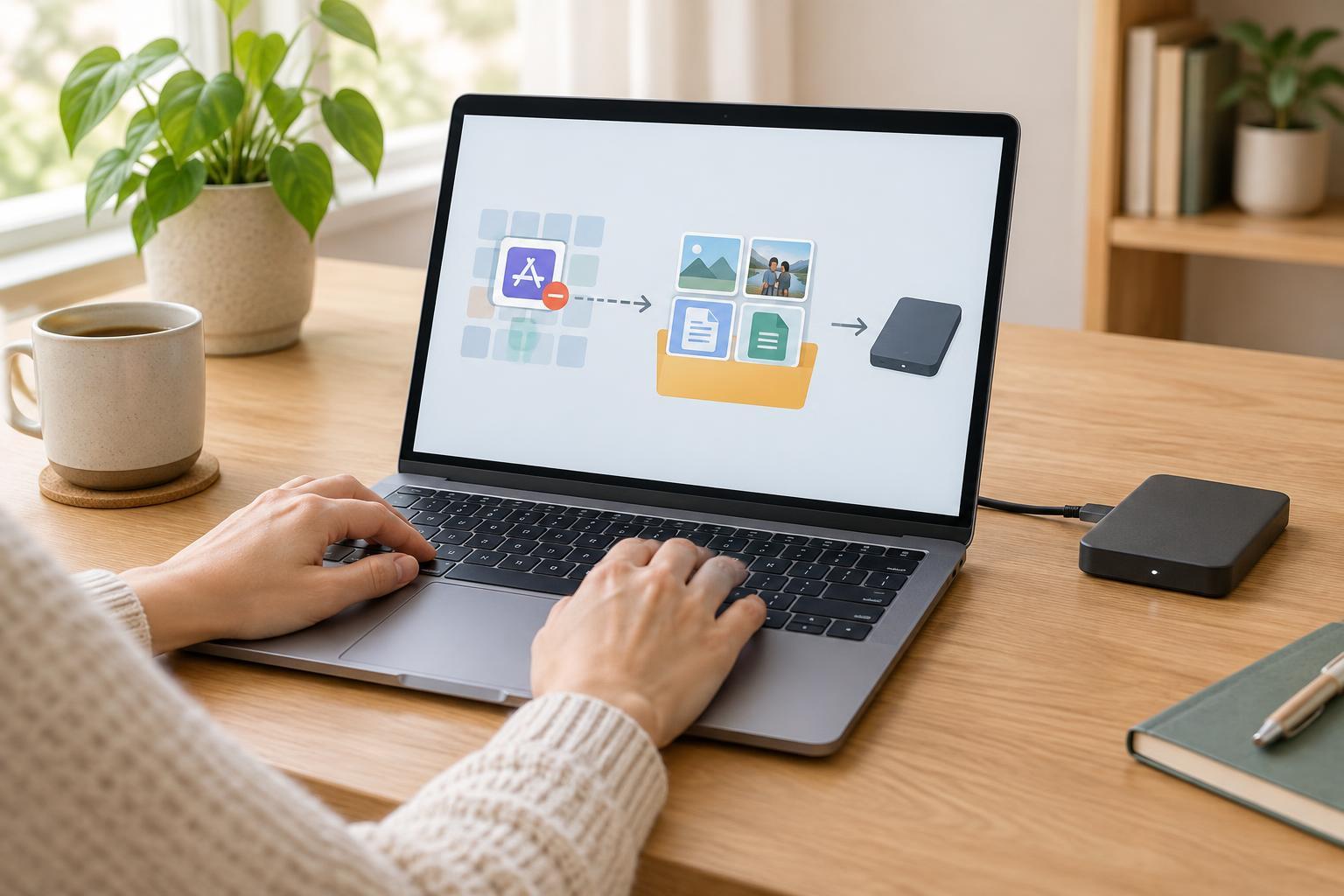
Software needs change. Before building a large collection of files or inviting an entire team, find out whether you can export your work in a format other tools can read. Check whether an export includes attachments, comments, and other details you would need later. If the tool stores information in a format that only it can open, switching may require extra work.
A simple comparison sheet can help you decide. List two or three candidates and score each against your essential tasks, total cost, ease of use, accessibility, privacy settings, available help, and export options. Test the strongest candidate with a small amount of non-sensitive work first. The best choice is not necessarily the cheapest or the one with the longest feature list; it is the one your users can depend on for the work they need to do.