Pause and check the notice
A data breach means information held by a service may have been accessed or exposed without permission. A notice does not always mean someone has used your information or entered your account. What to do next depends on what was exposed, so start by reading the notice carefully rather than clicking its links in a hurry.
Check the notice through a route you already trust. Open the service’s app yourself, type its familiar website address into your browser, or use contact details you previously saved. Look for a message in your account or on the service’s official help pages. If the notice came by email or text, treat unexpected attachments, urgent payment requests and requests for your password or verification code as warning signs. If you cannot confirm the message, contact the service through its usual support channel.
A useful notice should help you identify which account is affected, what kinds of information may be involved and whether the service has asked you to take a specific action. Keep a copy of the notice and note any steps you take. That record can make it easier to follow up later without relying on memory.
Secure the affected account first
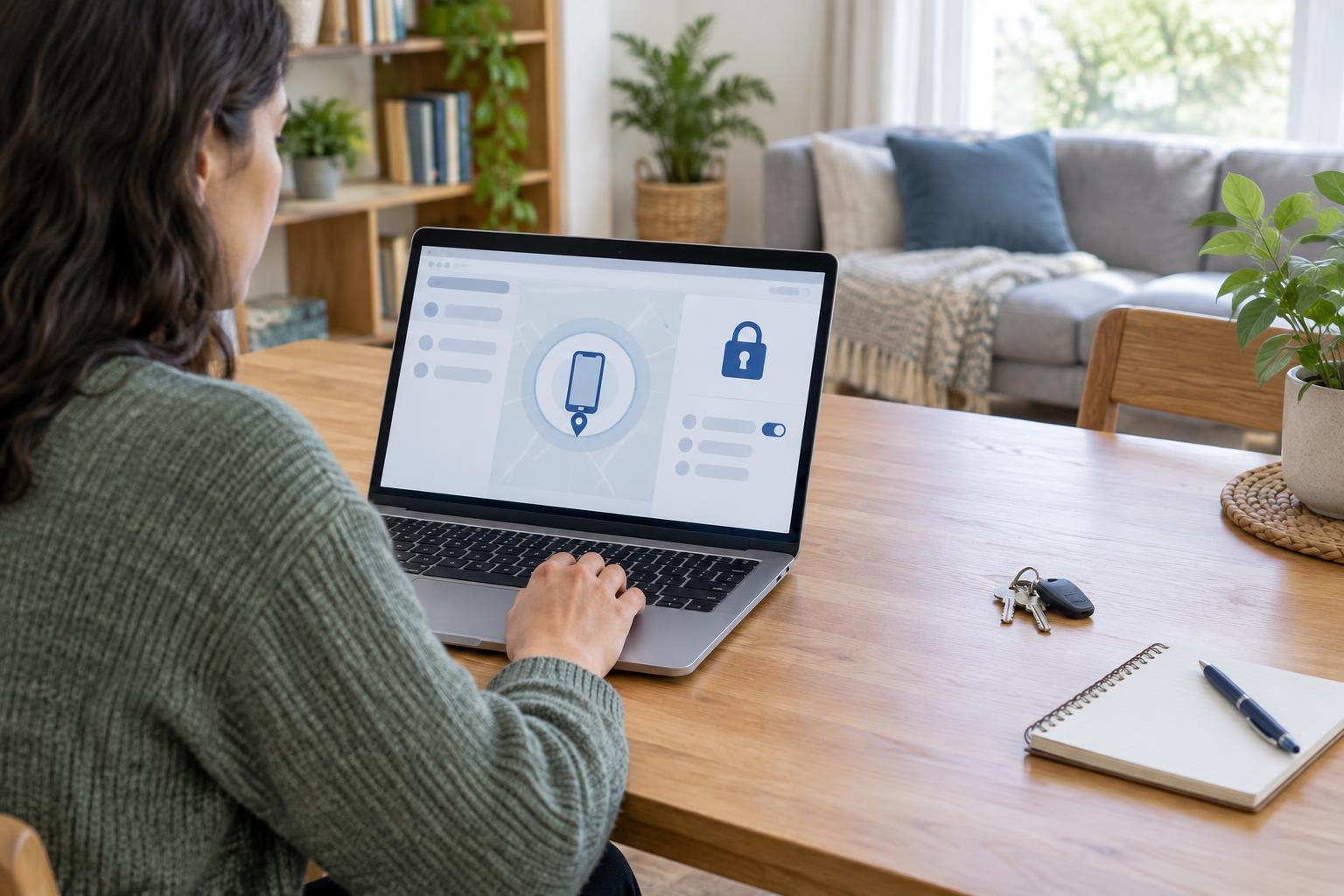
If the service says your password was exposed, change it using the service’s app or website, not a link in the notice. Choose a new, unique password that you have not used elsewhere. A password manager can help you create and store one. If you reused the old password on other accounts, change those too, starting with your email account and any accounts that hold sensitive information.
Turn on multifactor authentication if the service offers it. This adds a step beyond your password when you sign in. Keep your recovery email address and phone number up to date, and save recovery codes somewhere you can find them. If account settings show signed-in devices or active sessions, review them and sign out of devices you do not recognize. Also check for unfamiliar changes to your contact details, forwarding settings or connected apps.
If you cannot sign in, use the service’s account-recovery process. If you suspect someone else has taken control of the account, contact the service through its official support route and secure the email account used to recover it.
Match your response to the information exposed
An exposed email address may lead to more convincing spam or phishing attempts. An exposed password calls for password changes. If payment card details may be involved, review transactions and contact your card provider through the number on your card or its official app if you see anything unfamiliar. Your provider can explain what protections or replacement options apply.
If the notice mentions identity documents, addresses or other sensitive personal details, read the service’s guidance and consider contacting the relevant provider or public service through its official channels. Available protective steps vary by location and by the information involved. Avoid sending extra personal details to someone who contacts you unexpectedly and claims to be helping with the breach.
Not every breach requires closing an account. If you no longer use the service, however, you can consider deleting the account after saving anything you need. Check whether deletion also removes stored data, and remove saved payment methods or unnecessary personal details where the service allows it.
Watch for follow-up scams and unusual activity
After a breach, a scammer may use a real detail about you to make a message seem credible. Be cautious of calls, texts and emails that pressure you to act immediately, ask for a sign-in code, or direct you to a look-alike website. Even if a message names the service and refers to the breach, return to the service through your usual app or a website address you enter yourself.
For a while, pay closer attention to sign-in alerts, password-reset messages, account changes and statements for affected payment methods. If you receive a verification code you did not request, do not share it. Instead, check the account directly and change its password if you find signs of access you do not recognize. Report suspicious activity to the service or payment provider using its official contact options.
Make the next breach easier to handle
A few everyday habits can limit the work a future notice creates. Use a different password for each important account, enable multifactor authentication where possible and keep recovery details current. Remove information a service no longer needs, and close accounts you no longer use when practical.
You do not need to complete every step in one sitting. Verify the notice, protect the accounts most at risk, then address any exposed payment or identity information. Return to the notice if the service provides further details, and use its official support channel when you need clarification.