Start with who needs to hear from you
When an email arrives, the easiest button to click is not always the best one. Reply, reply all, and forward each create a different audience for your message. Before choosing, ask: Who needs my answer or this information? A response to one person may be enough, even if several people received the original email. In other cases, everyone involved needs to see the decision.
It helps to look at the To and Cc fields before writing. People in To are generally the main recipients; people in Cc are included for visibility. Neither field tells you automatically who needs your response. Someone may have copied a group for background information, while a question addressed to the group may call for a shared answer.
Use reply for a conversation with the sender
Reply usually addresses your new message to the sender of the email you received. Choose it when your answer is useful only to that person: confirming a meeting time, asking a small follow-up question, or thanking them for a document. It keeps other recipients from receiving messages they do not need.
Check the recipient field before sending, especially when an email comes from a mailing list, shared inbox, or automated system. Depending on how the message is set up, the reply address may not be the individual whose name appears in the message. If you need to reach a different person, enter their address deliberately rather than assuming the reply button will find them.
A reply often includes part of the earlier conversation below your new text. That history can help the recipient understand your answer, but you can remove irrelevant quoted text if it makes the message hard to read. Write your response at the top and state what you are answering, particularly when the earlier email raised several questions.
Use reply all when the group needs the answer
Reply all usually sends your response to the sender and the other visible recipients in To and Cc. It is useful when your message affects the whole conversation: answering a question posed to the group, sharing a decision everyone is waiting for, or correcting information that everyone received. It can prevent separate replies and keep participants working from the same information.
It is less useful for a simple acknowledgment or a side question meant for one person. Before sending, scan the recipient list and imagine each person receiving your message. If some people do not need it, use reply or edit the recipients. If you remove people from a group conversation, remember that they will not see any decision made in that reply unless someone updates them later.
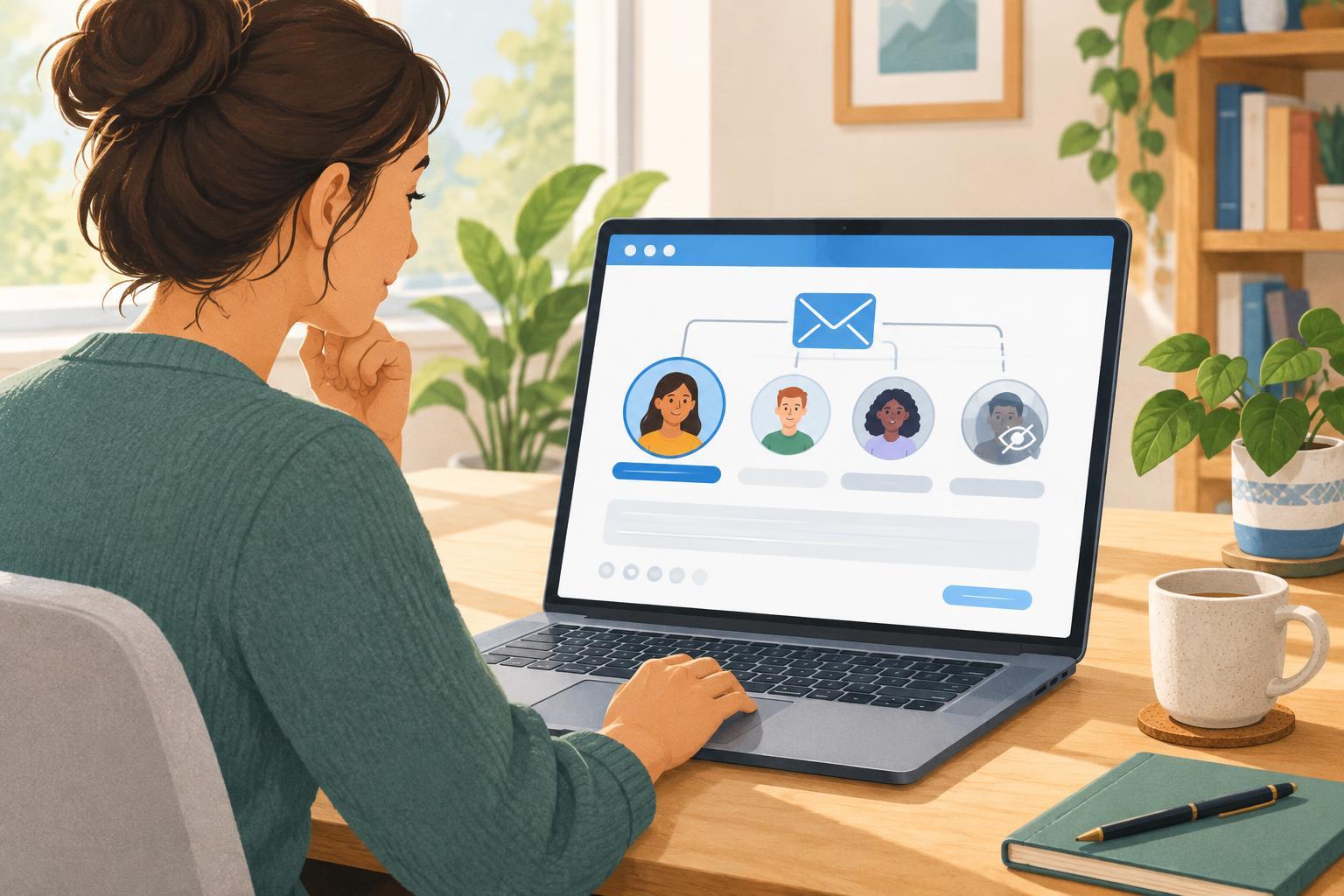
You generally cannot see who received the original email through Bcc, and a reply all does not reveal or automatically include those hidden recipients. Because email apps and mailing lists can handle addresses differently, the safest habit is to check the recipients shown in your draft rather than rely only on the button’s name.
Use forward to bring someone new into the loop
Forward starts a message to recipients you choose, often with the original email below your note. Use it when someone outside the current conversation needs the information: a colleague who can answer a question, a volunteer taking over a task, or a family member who needs event details. Add a short introduction explaining why you are forwarding it and what, if anything, you want them to do.
Forwarding deserves an extra privacy check. The original message may contain addresses, personal details, or comments that were meant for a smaller audience. Remove unnecessary parts of the conversation, or write a fresh summary when that is clearer and more respectful. If you are unsure whether a sensitive message should be shared, ask its sender first.
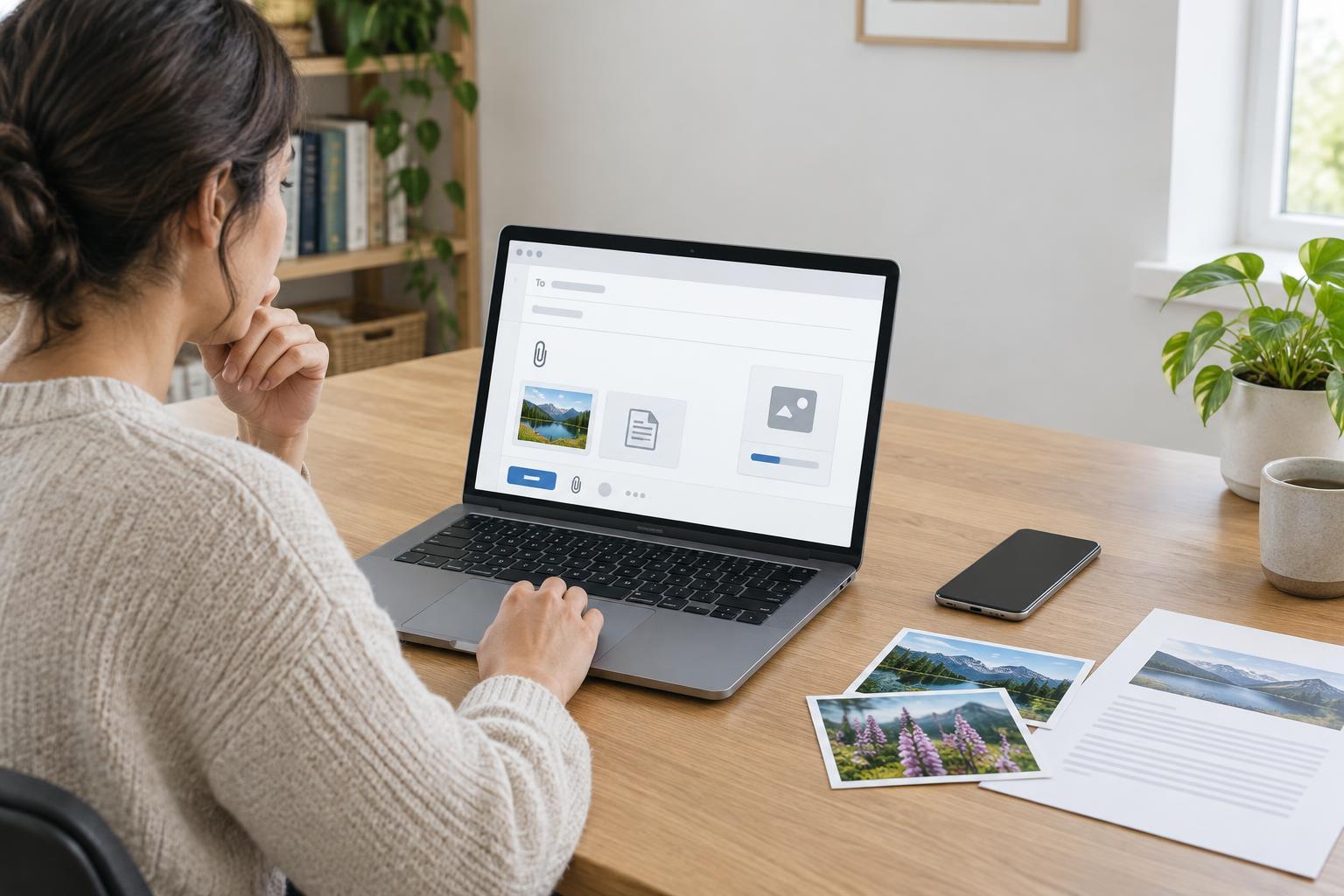
Also check attachments. Some email apps include them in a forwarded message, while others may require you to add them again. If the recipient needs a file, confirm that it appears in the draft before you send.
Make a final check before sending
A brief pause can prevent an awkward mistake. Read the To and Cc fields, not just the names in the conversation. Check that your message makes sense to its intended readers and that any quoted text or attachments are appropriate to share. If you changed the subject substantially, consider starting a new email with a clear subject line so the new topic is easier to find.
When you are uncertain, choose the smallest audience that can act on your message. You can always bring others in when their input is needed. The goal is not to follow a rigid rule for every email; it is to give the right people enough context without filling inboxes or exposing information unnecessarily.