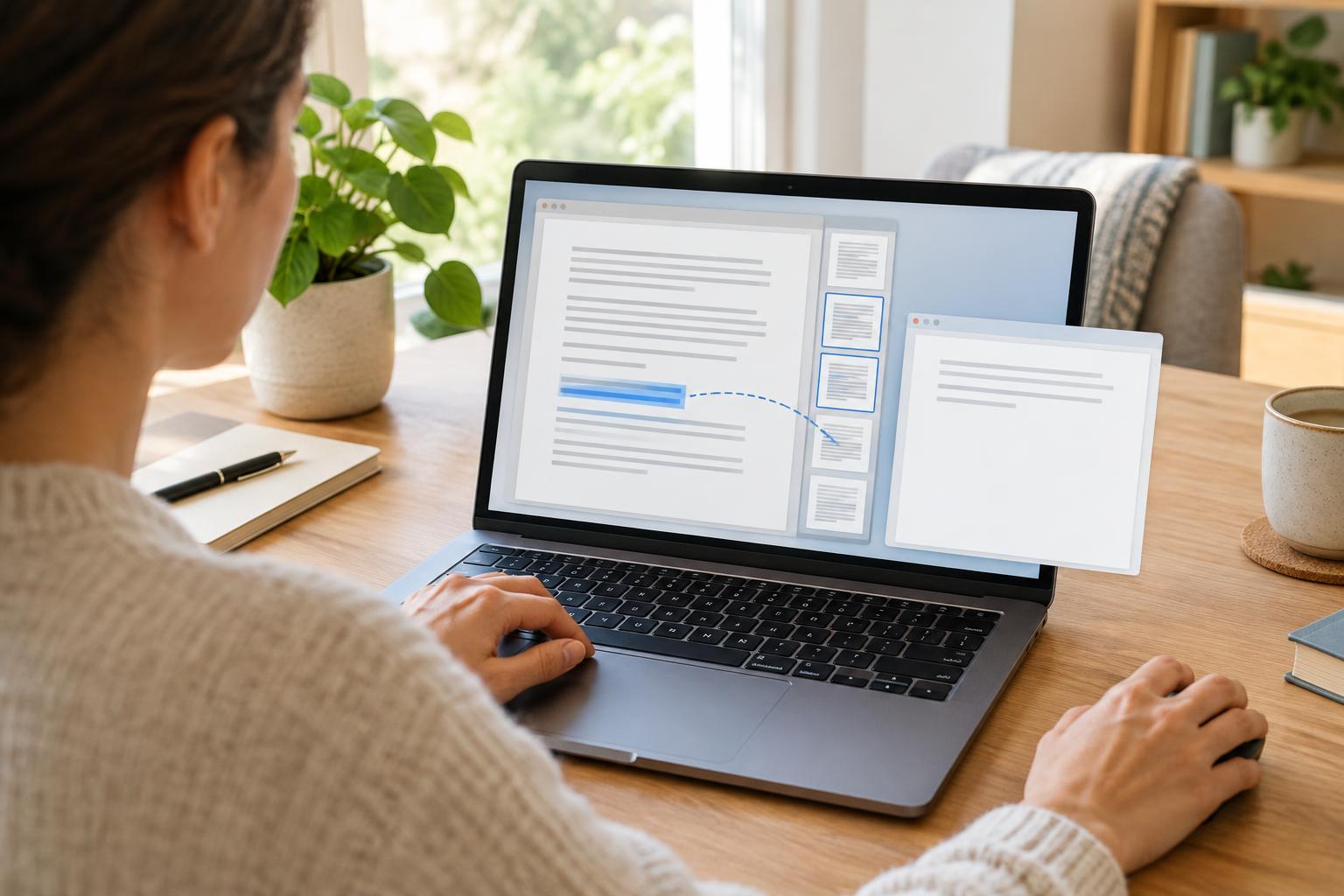
Useful SoftwareVersion history can help you find an earlier draft, undo an unwanted change, or understand how a shared document evolved. Learn when it is available, how to inspect older versions, and why making a copy is often safer than restoring one.
Read article · 3 min↗

Useful SoftwareApp updates can fix problems, improve security, and change familiar features. Learn how to check where an update comes from, choose a convenient time, protect your work, and handle an app that behaves differently afterward.
Read article · 4 min↗
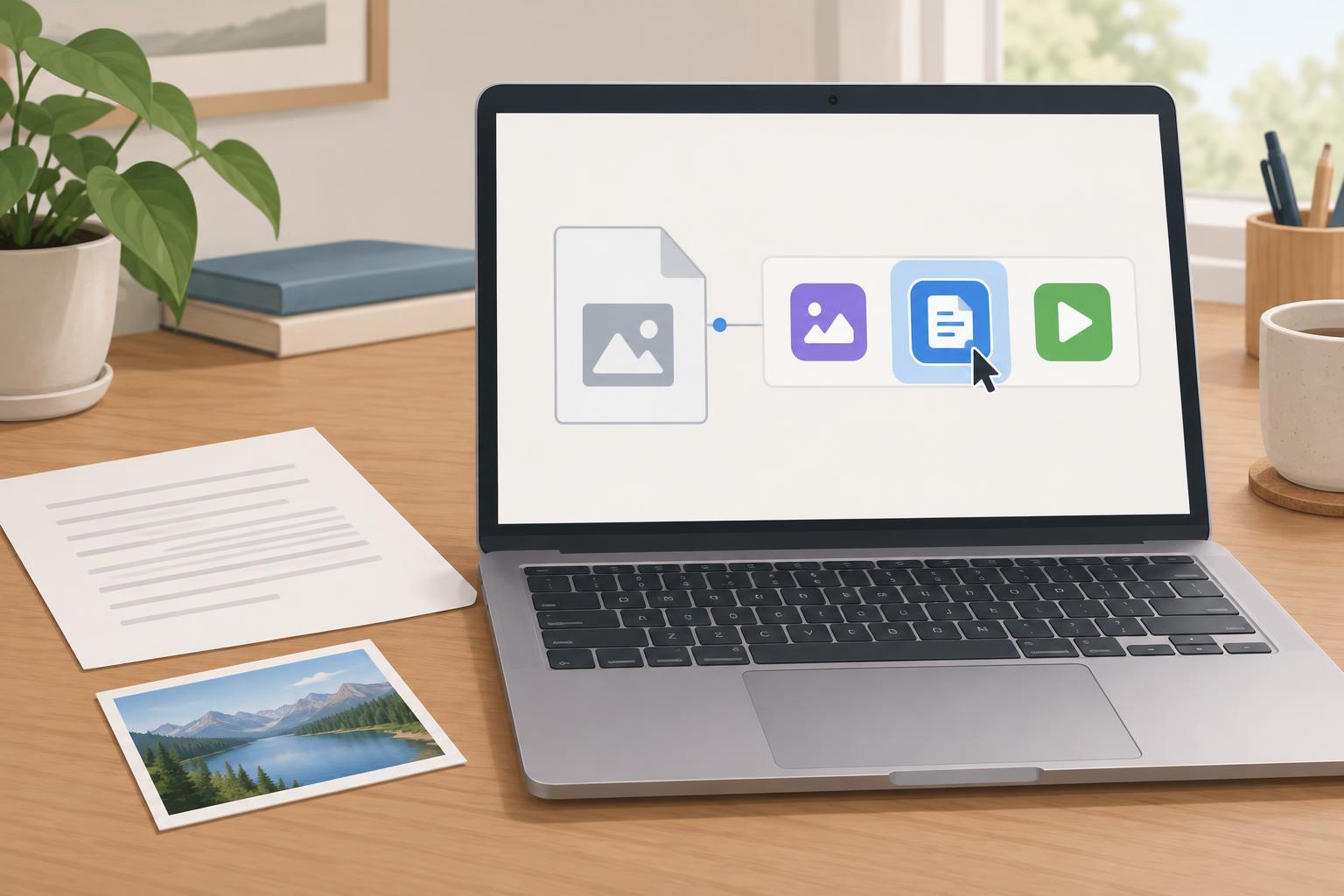
Useful SoftwareIf a PDF, photo or document keeps opening in the wrong app, you can usually choose a different default. Learn how to make the change on common devices, when to use a one-time choice instead, and what to check if the option is missing.
Read article · 4 min↗
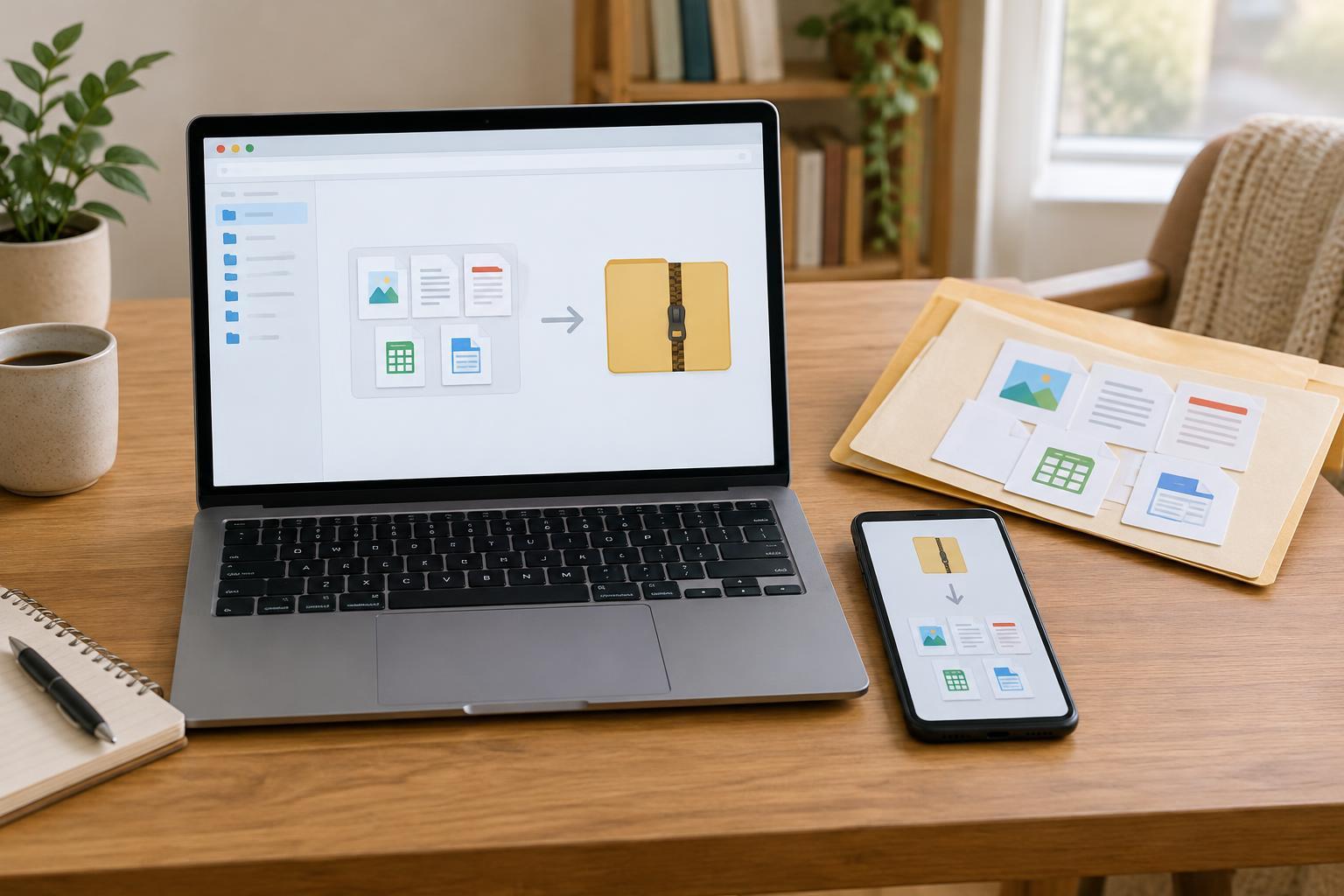
Useful SoftwareA ZIP file keeps several files or folders together in one package, making them easier to share or store. Learn how to create a ZIP file, open it on a computer or phone, and check that everything extracted correctly.
Read article · 4 min↗
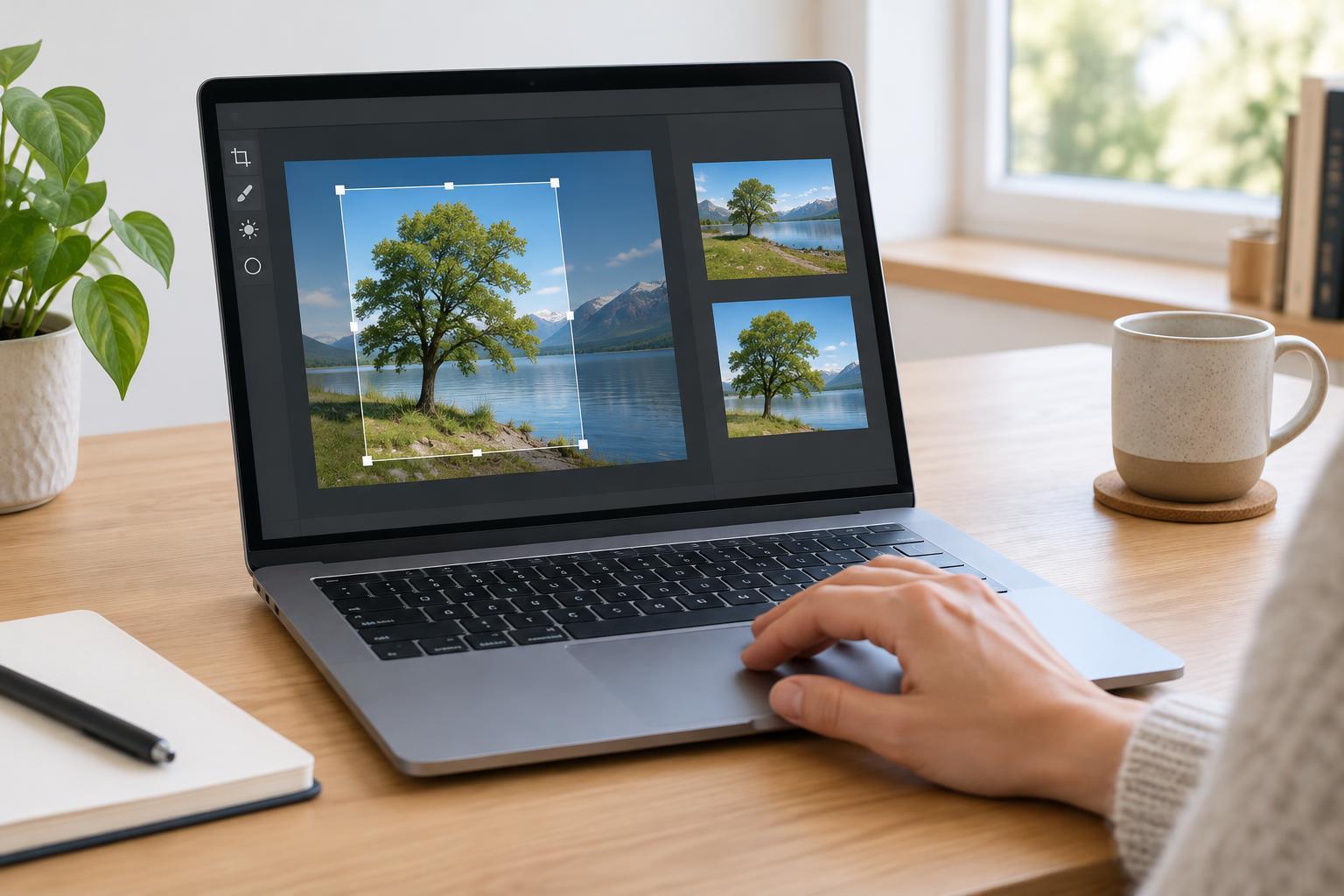
Useful SoftwareCropping removes part of a picture; resizing changes its dimensions. Learn a simple workflow for making an edited copy, choosing suitable settings, and checking the result without losing your original.
Read article · 4 min↗
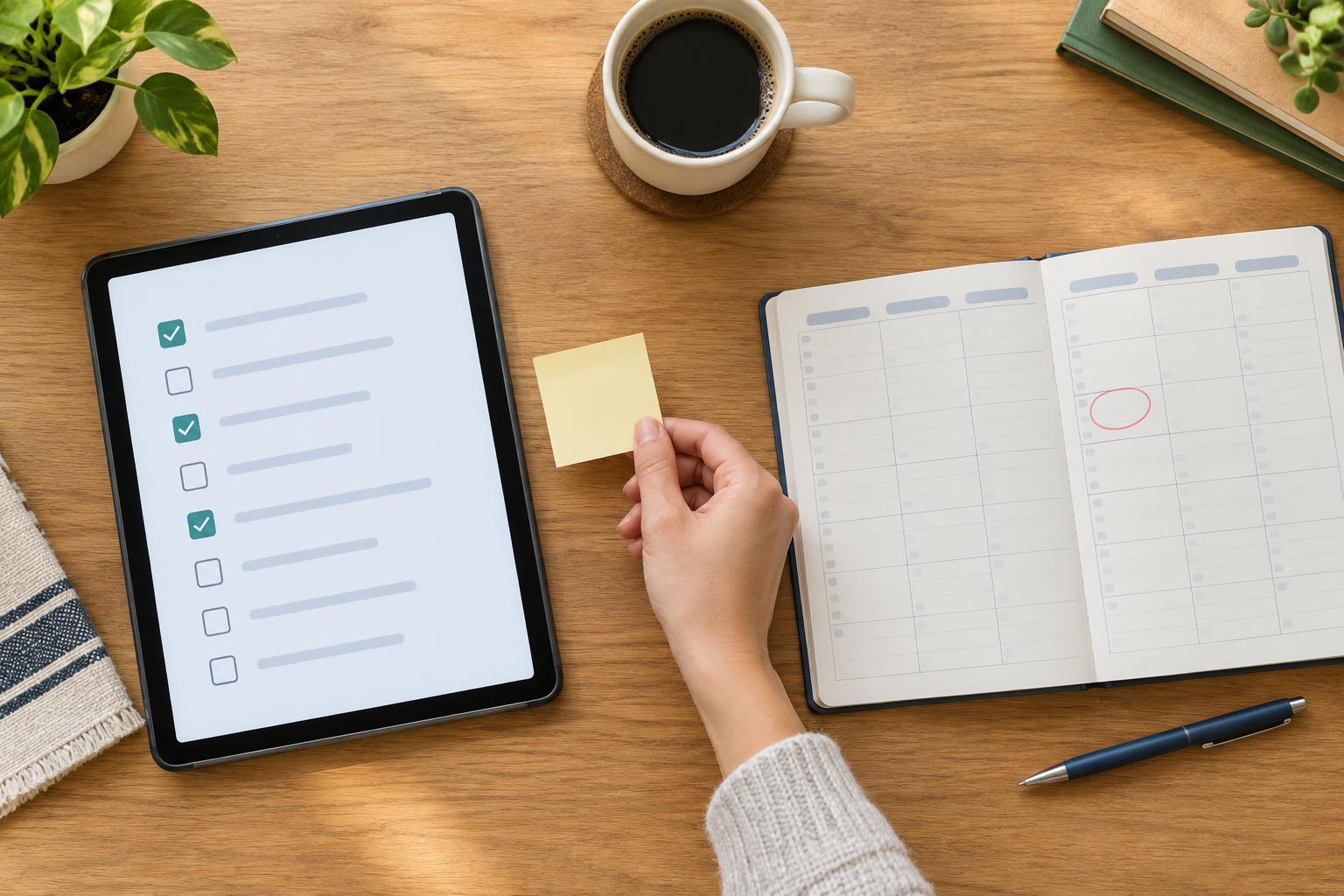
Useful SoftwareA to-do list helps you track what needs doing; a calendar shows when your time is committed. Learn where to put tasks, deadlines, appointments and reminders, and how to use both tools without duplicating everything.
Read article · 4 min↗
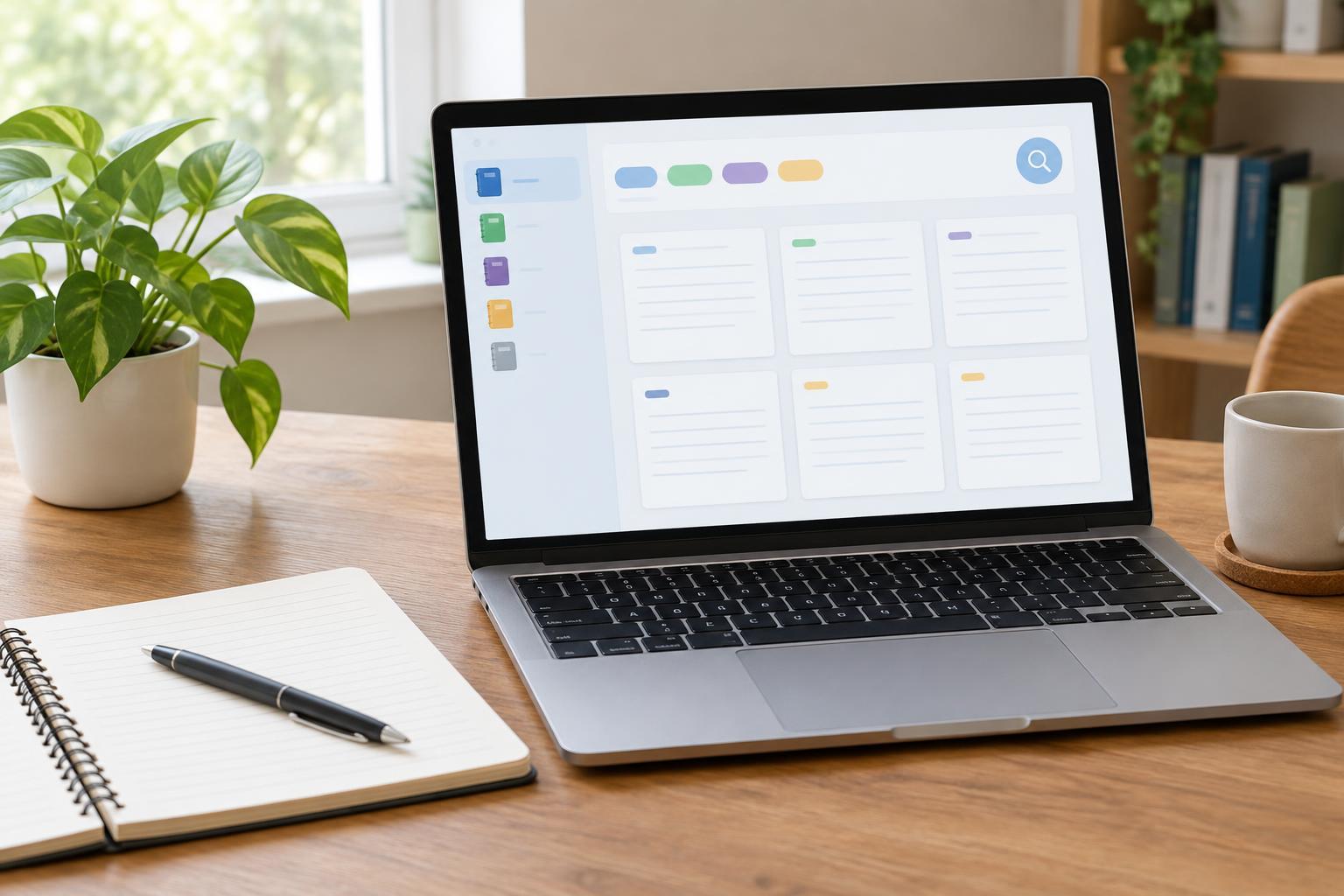
Useful SoftwareA simple note-taking system can make everyday information easier to find. Learn when to use notebooks, how to keep tags manageable, and why clear titles and searchable text matter more than elaborate filing rules.
Read article · 4 min↗
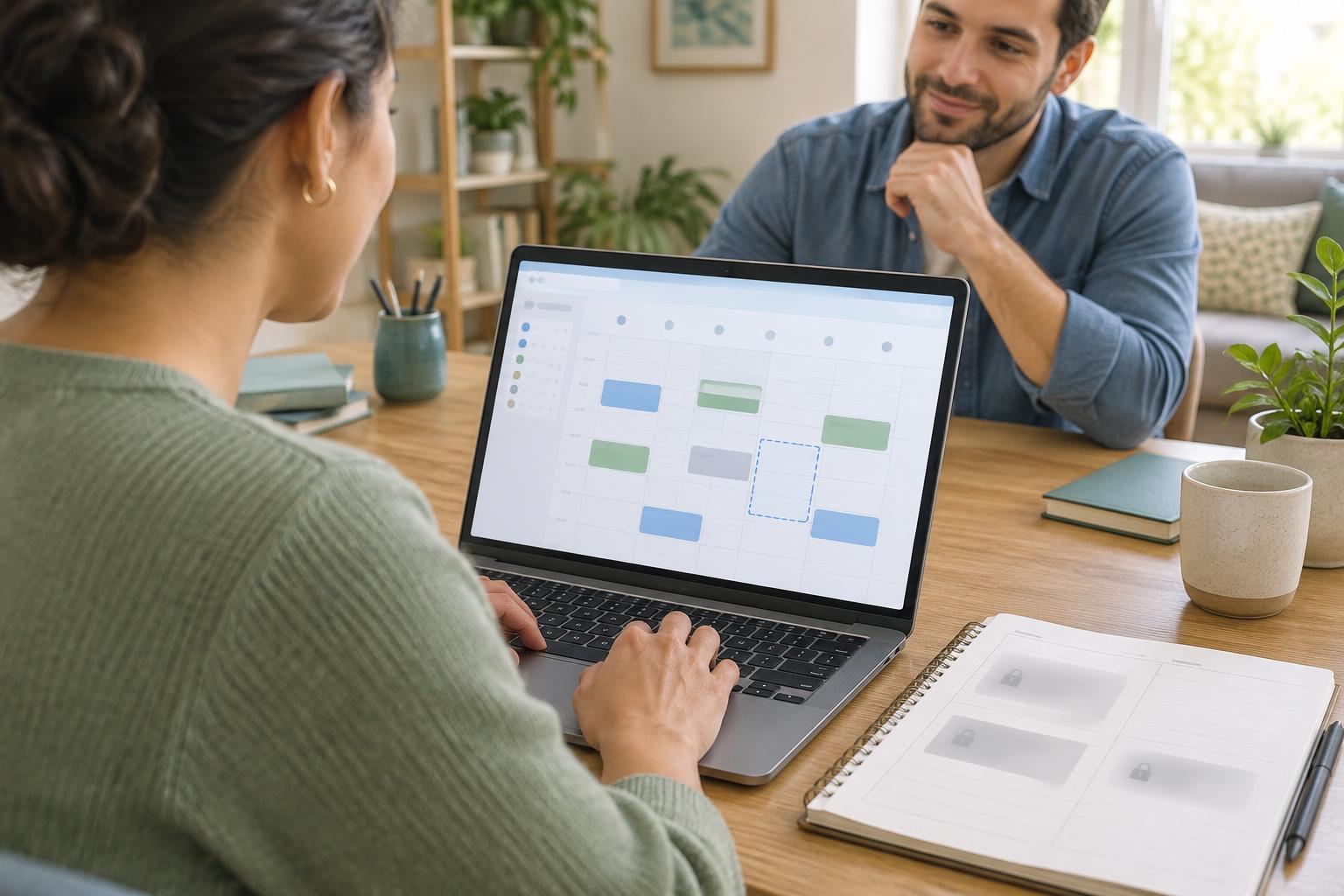
Useful SoftwareYou can help others find a meeting time without showing them your appointments. Learn the difference between free/busy sharing, booking links and shared calendars, plus the settings to check before you send an invitation.
Read article · 4 min↗
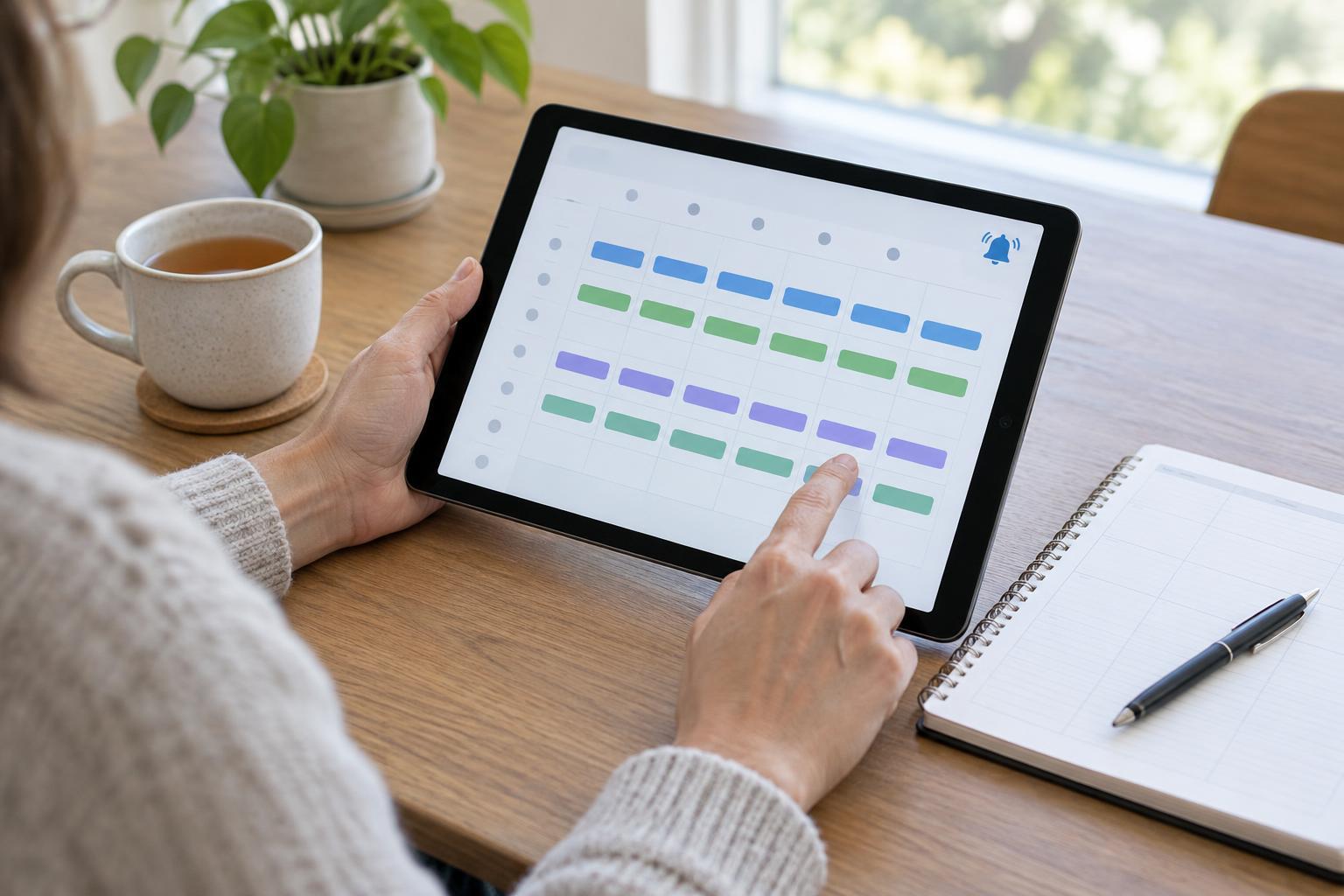
Useful SoftwareA calendar app can help you keep track of regular appointments, deadlines and everyday tasks. Learn how to choose a repeat schedule, set useful alerts, handle exceptions and check that your calendar is working as expected.
Read article · 4 min↗
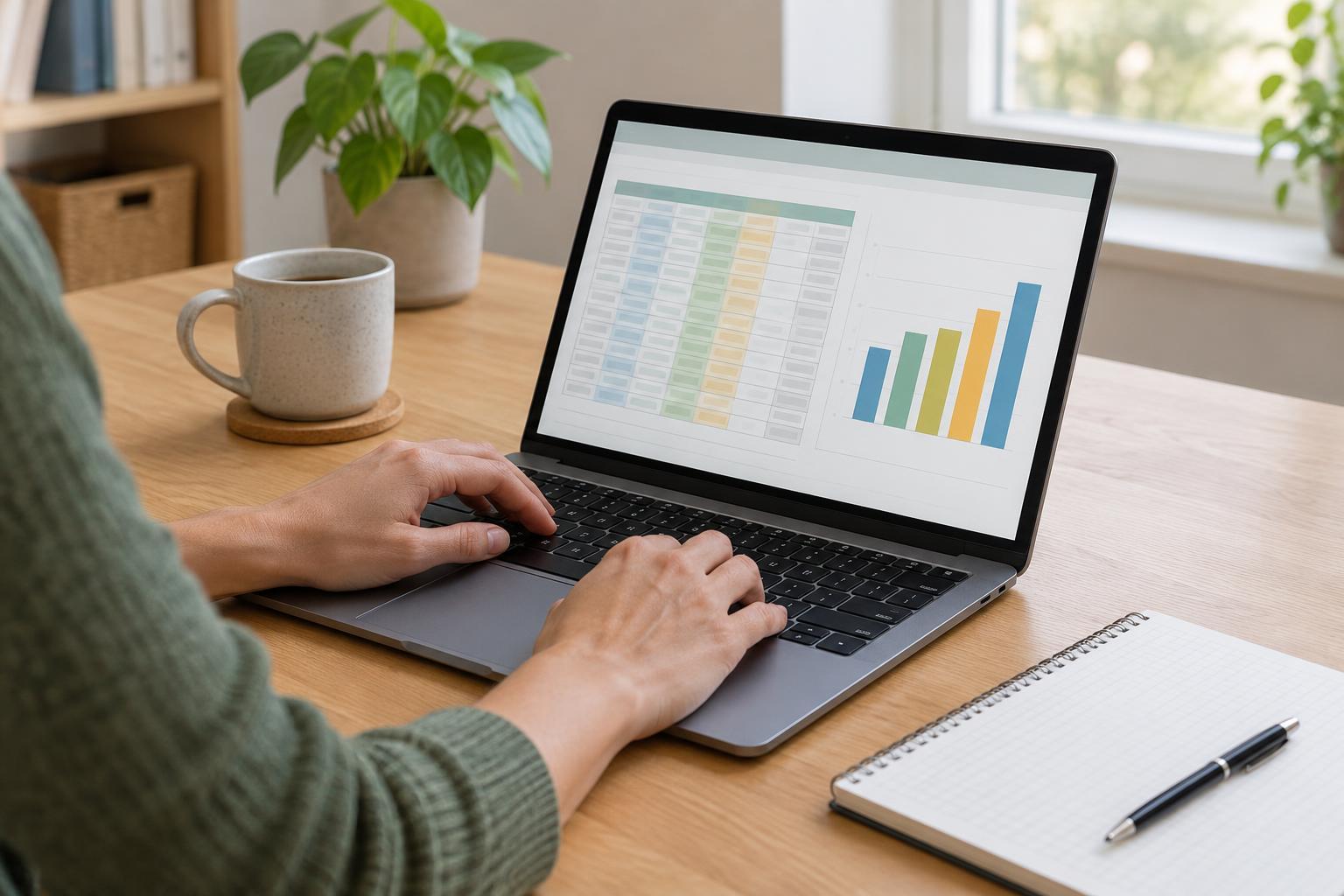
Useful SoftwareA useful chart starts with tidy data and a clear question. Learn how to choose a chart type, set up your spreadsheet, check labels and scales, and share a result that readers can understand.
Read article · 4 min↗
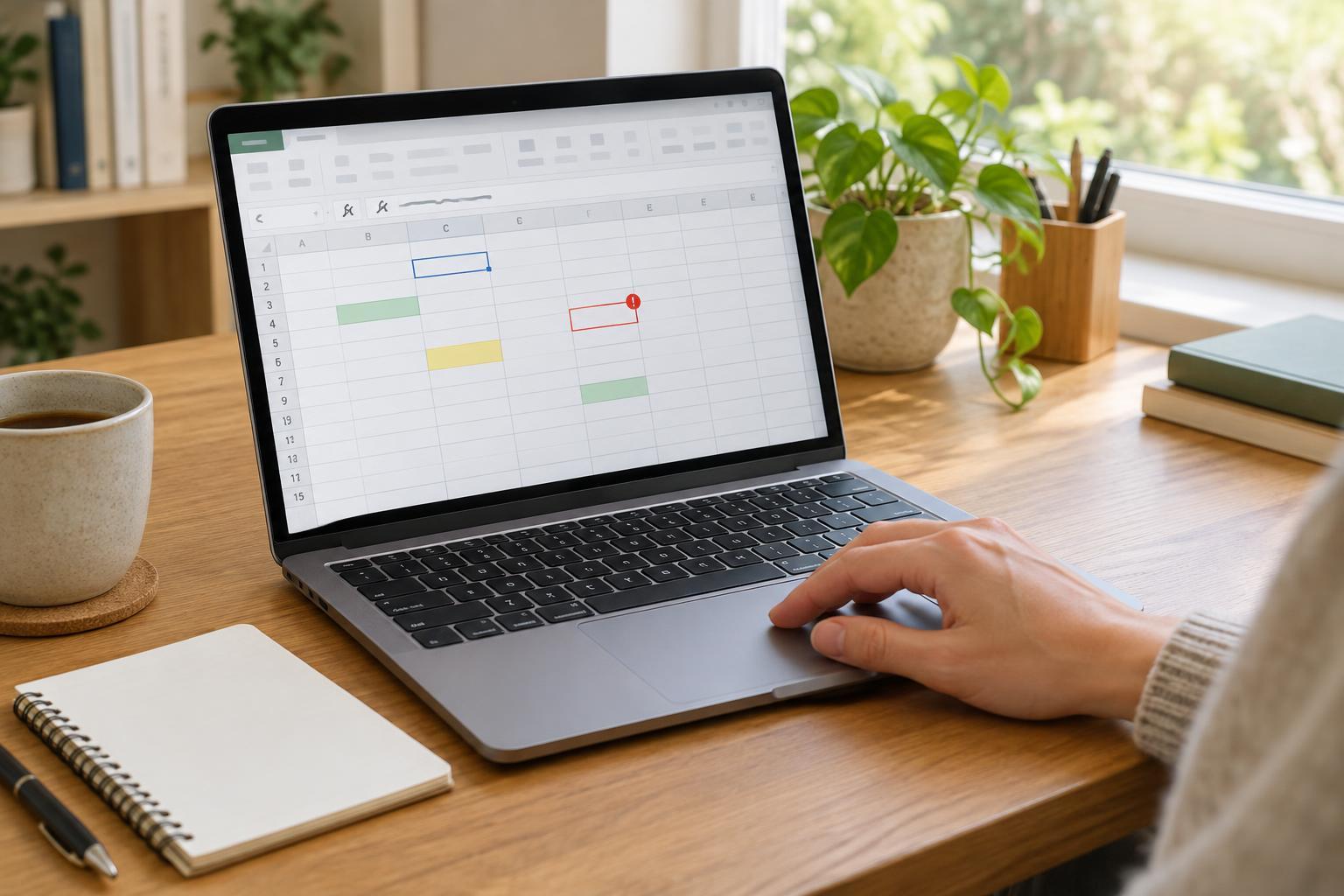
Useful SoftwareA practical guide to diagnosing spreadsheet formula errors, from division by zero and broken references to failed lookups and formulas that display as text.
Read article · 4 min↗
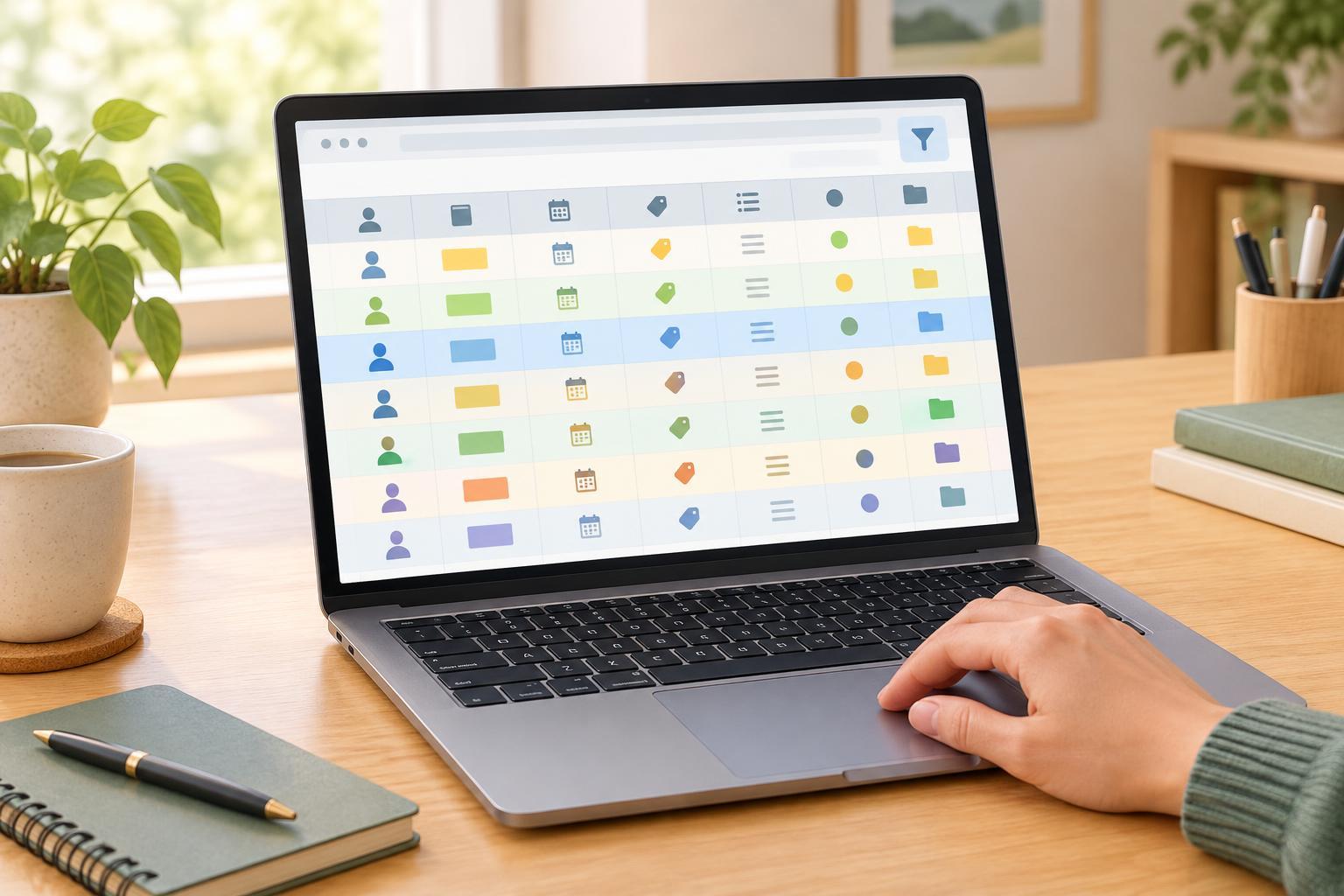
Useful SoftwareSorting a spreadsheet should move each complete record together, not rearrange one column on its own. Learn how to prepare your sheet, sort safely, use filters, and check the result before you rely on it.
Read article · 4 min↗
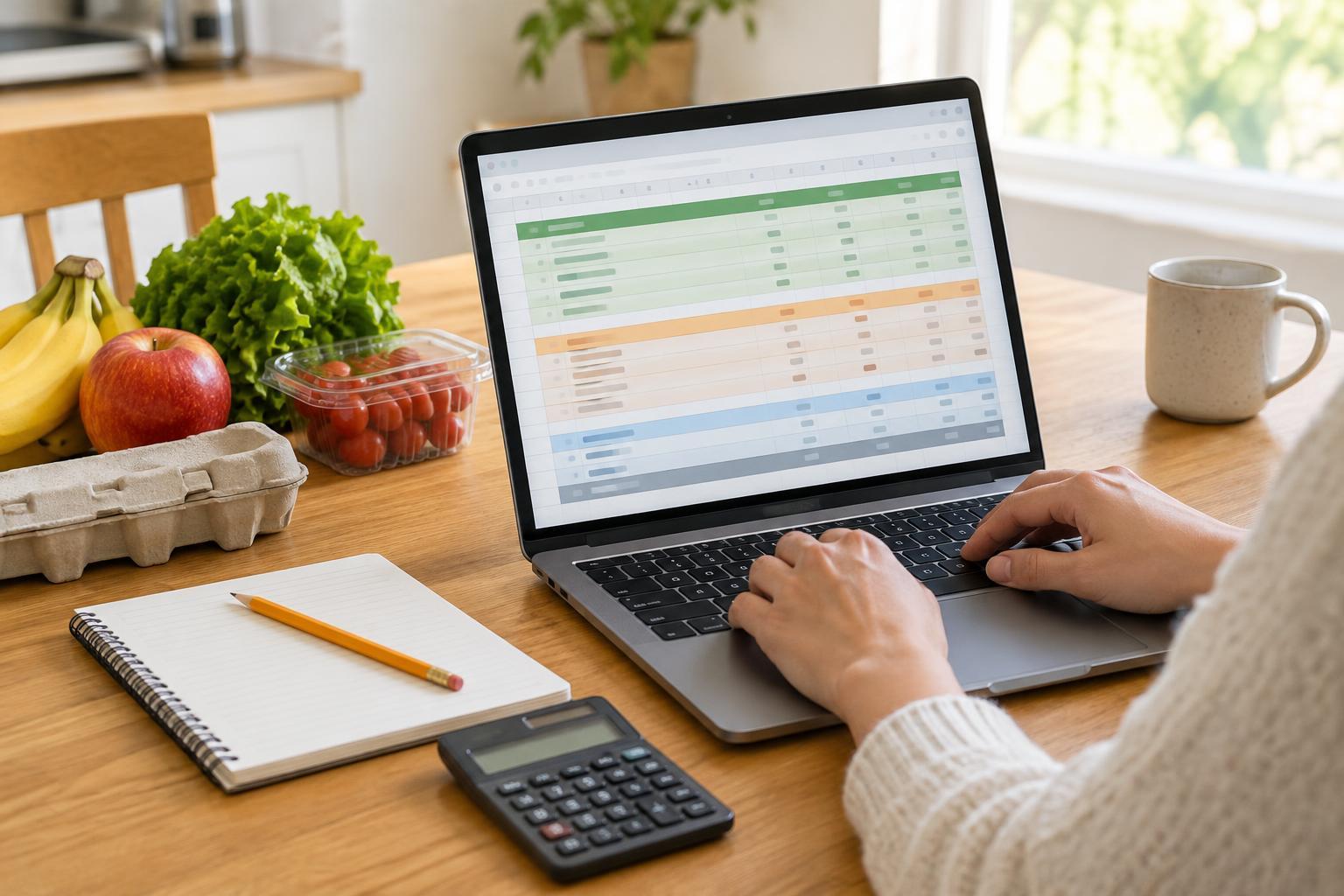
Useful SoftwareA household budget does not need complicated software. Learn how to set up a spreadsheet that records income and spending, calculates what is left, and stays easy to update each month.
Read article · 4 min↗
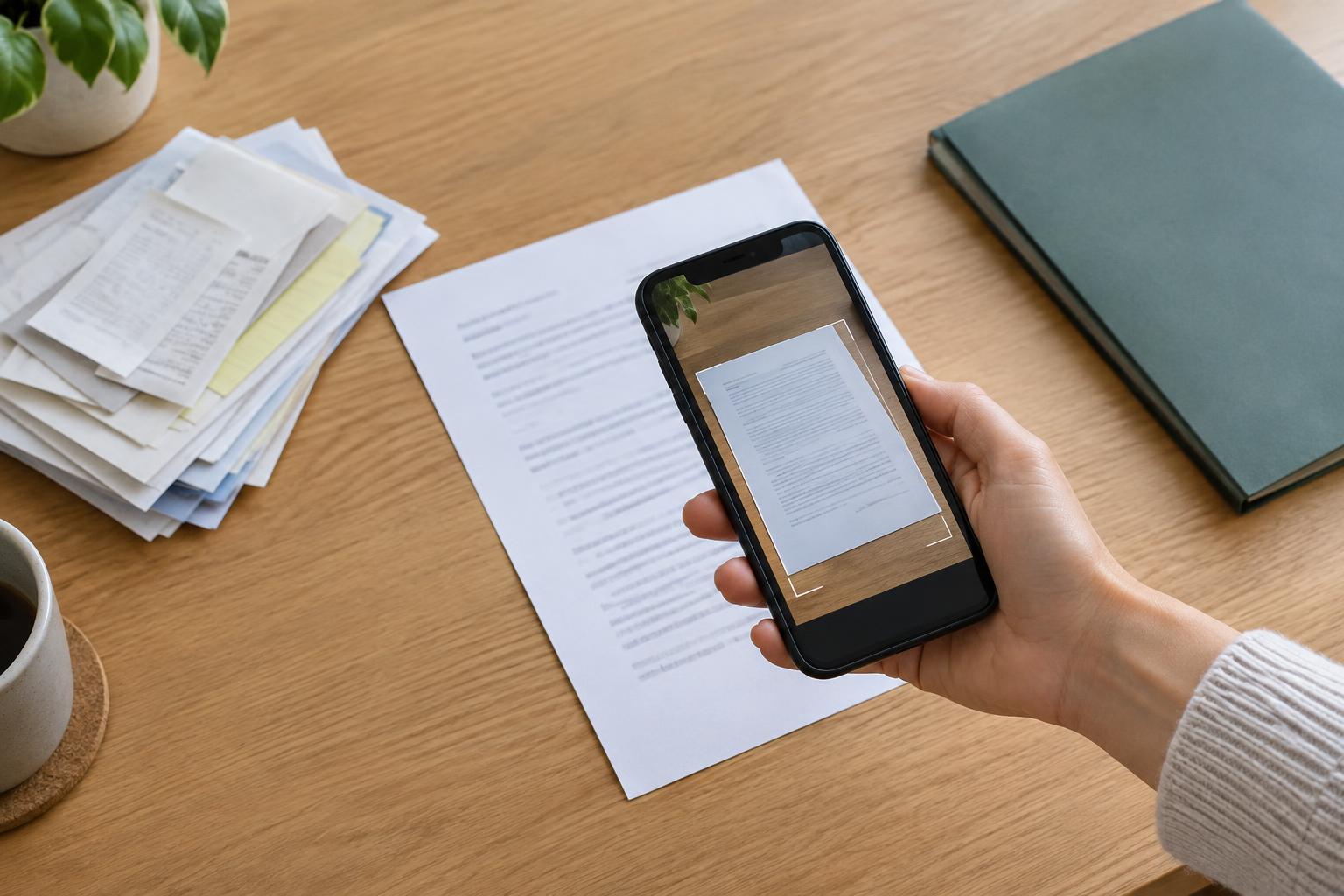
Useful SoftwareA phone scanning app can help you organize letters, receipts, forms and notes without keeping every item in a pile. Learn how to capture clear pages, use text recognition, check the result and store files where you can find them later.
Read article · 4 min↗
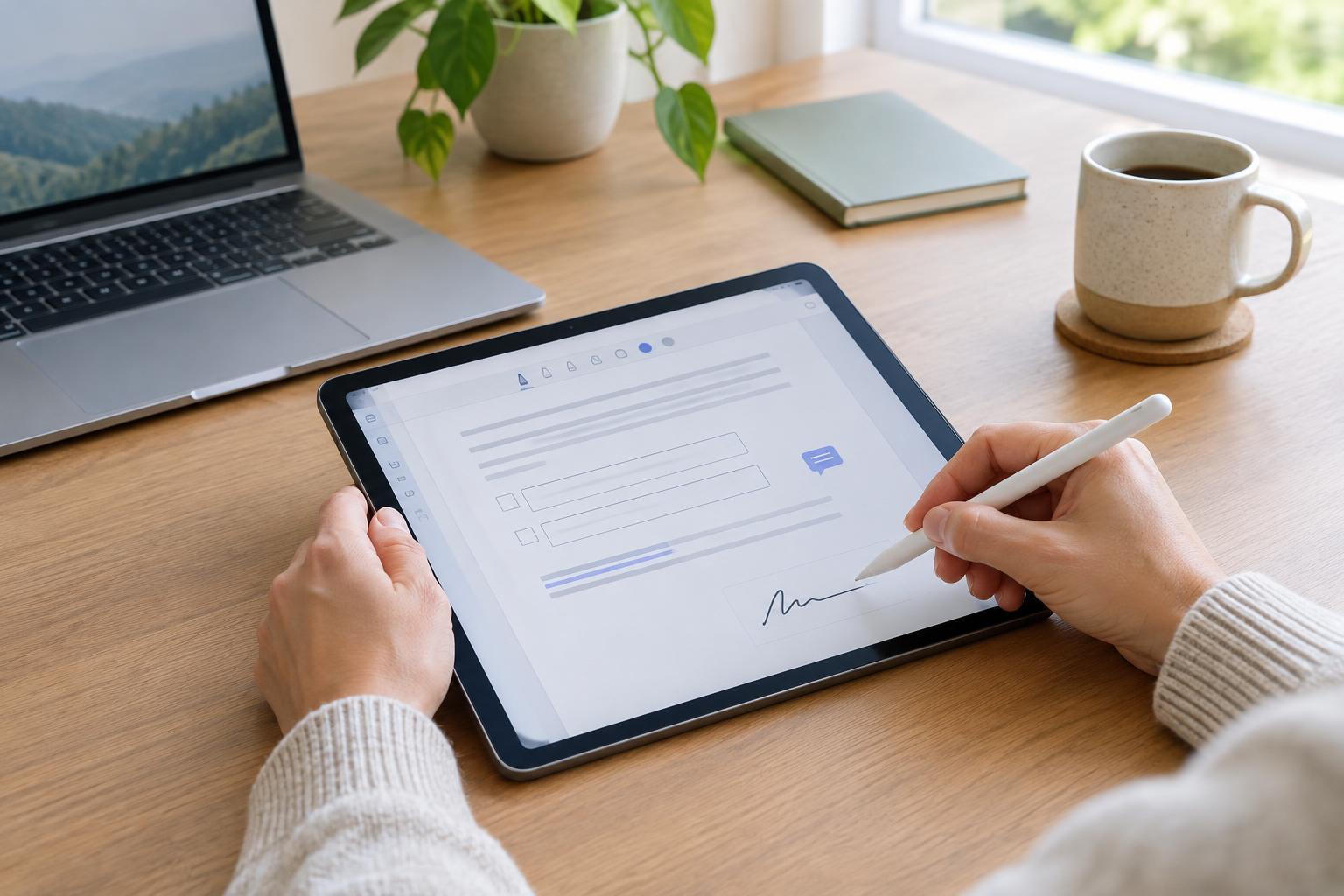
Useful SoftwareYou can often complete a PDF on a computer, tablet, or phone without printing it. Learn how to enter information, add comments, place a signature, and check the finished file before sharing it.
Read article · 4 min↗
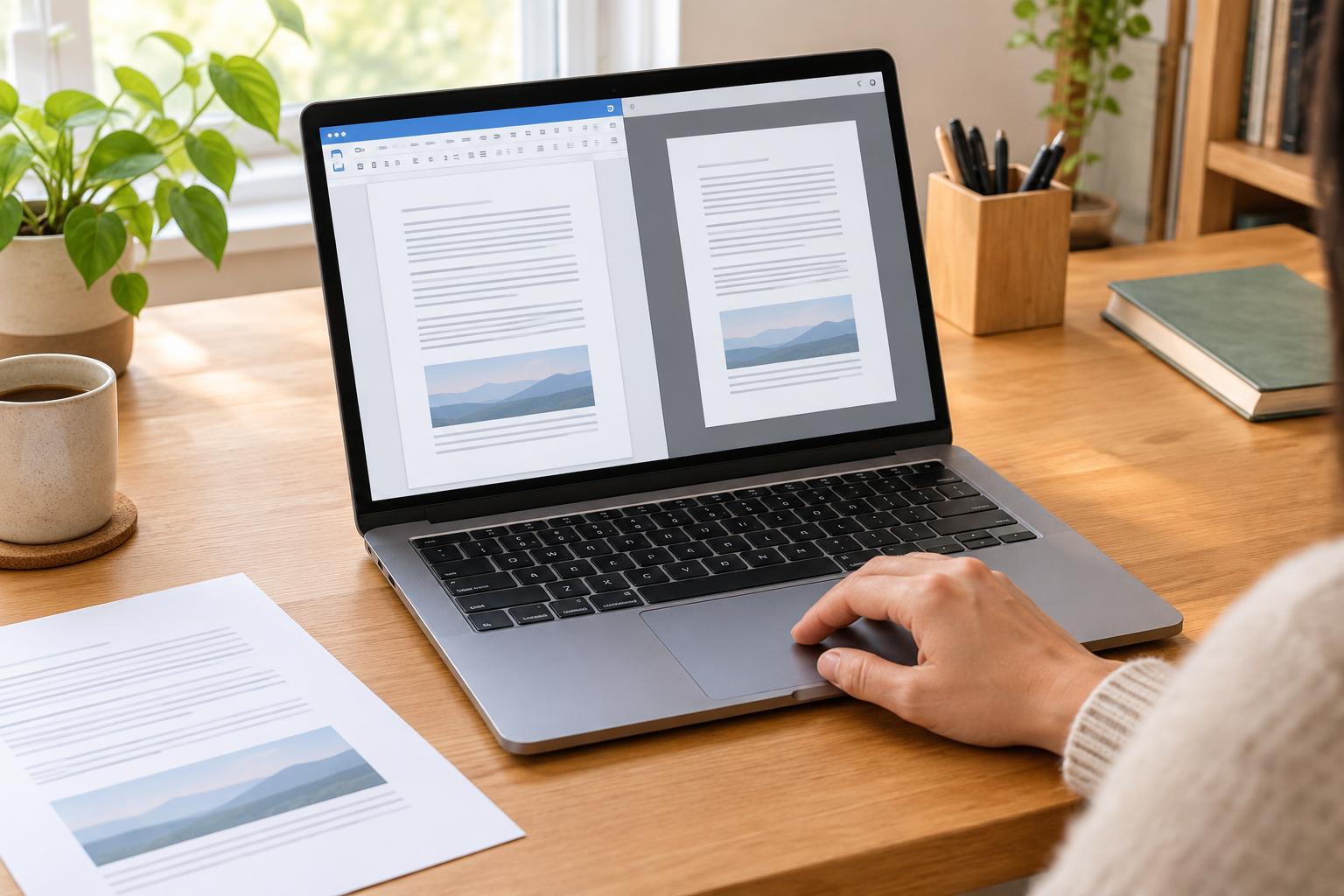
Useful SoftwareA PDF can make a document easier to share without changing its layout. Learn how to export one from a writing app, choose a sensible filename, and check the file before sending it.
Read article · 4 min↗
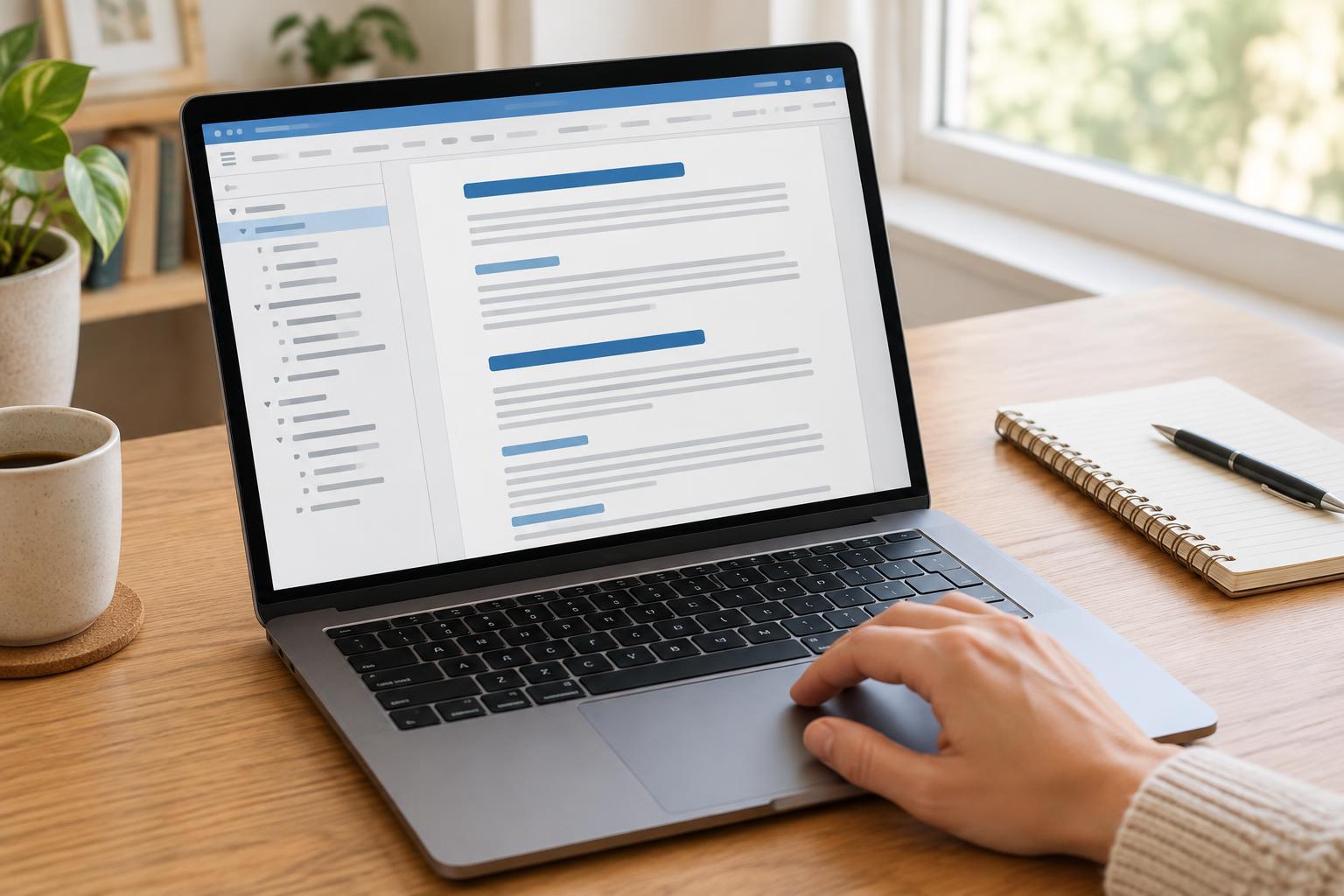
Useful SoftwareA long document is easier to read, edit, and share when its sections use built-in heading styles. Learn how to organize headings, apply them in a word processor, and check that readers can move through the document easily.
Read article · 3 min↗
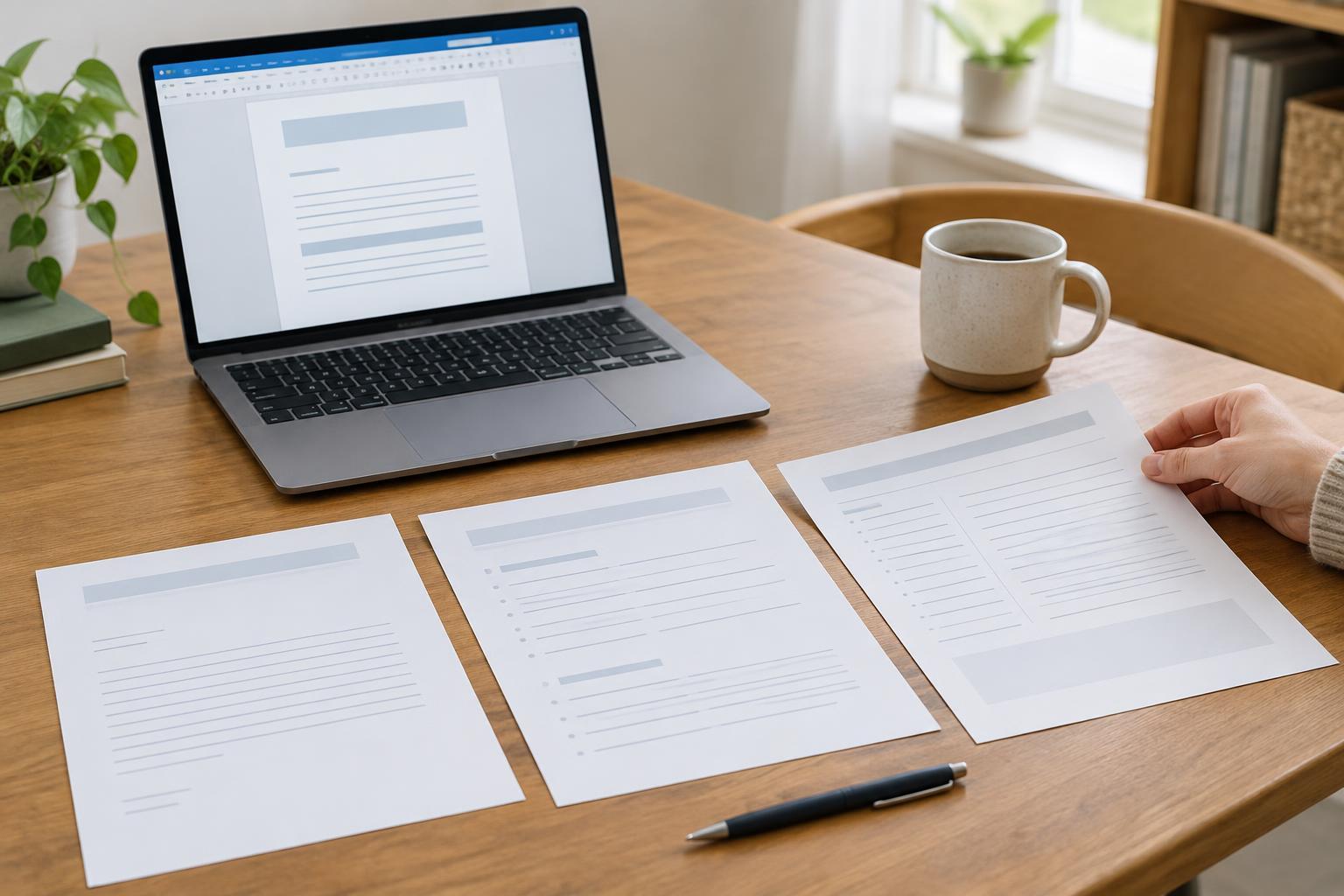
Useful SoftwareA document template gives you a reliable starting point for routine writing. Learn how to build simple templates for letters, meeting agendas, and notes, then keep them easy to update, share, and reuse.
Read article · 4 min↗
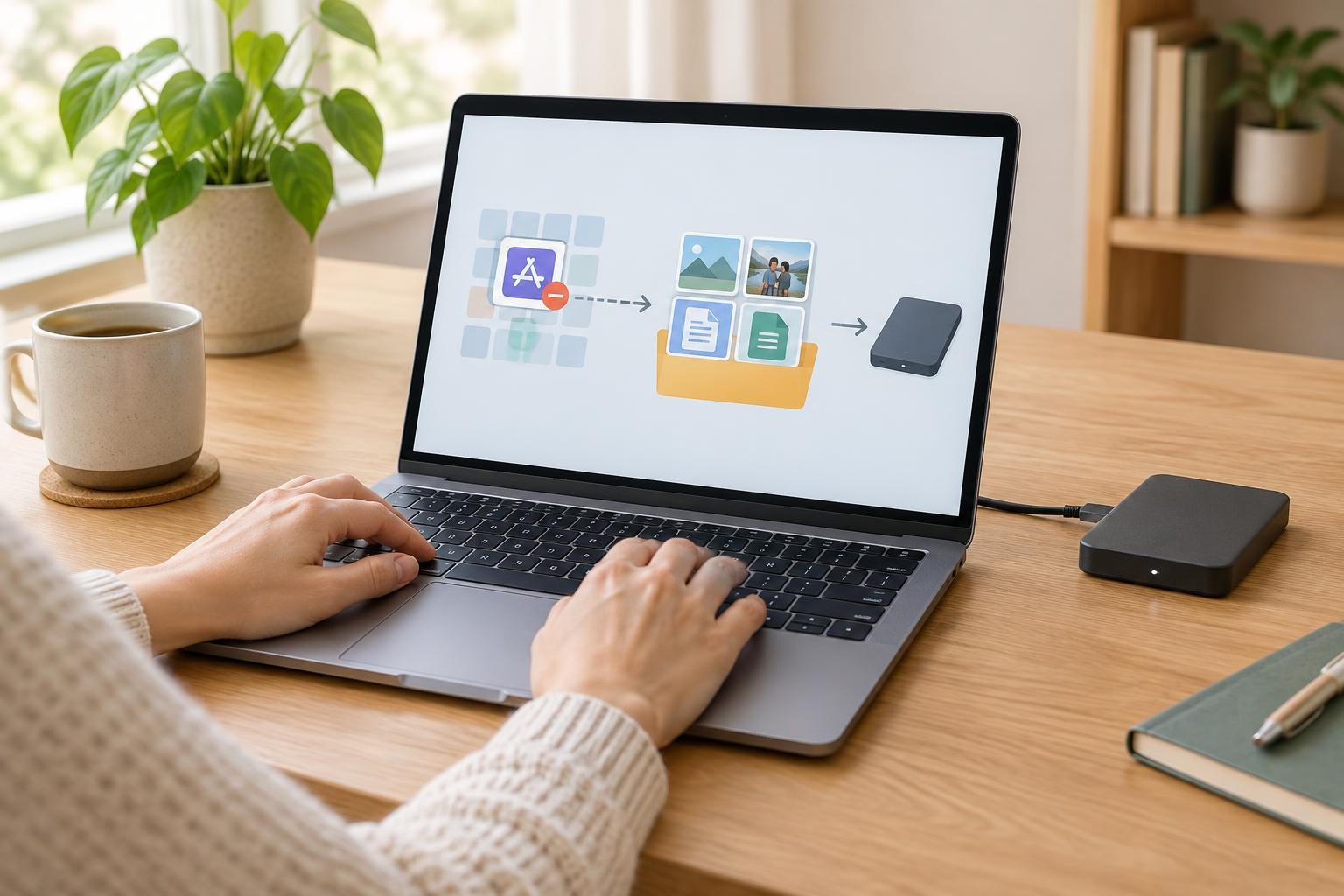
Useful SoftwareRemoving an app can free up space and reduce clutter, but the app may also hold files or settings you want to keep. Learn how to find your data, make a backup, uninstall safely, and check what remains.
Read article · 4 min↗
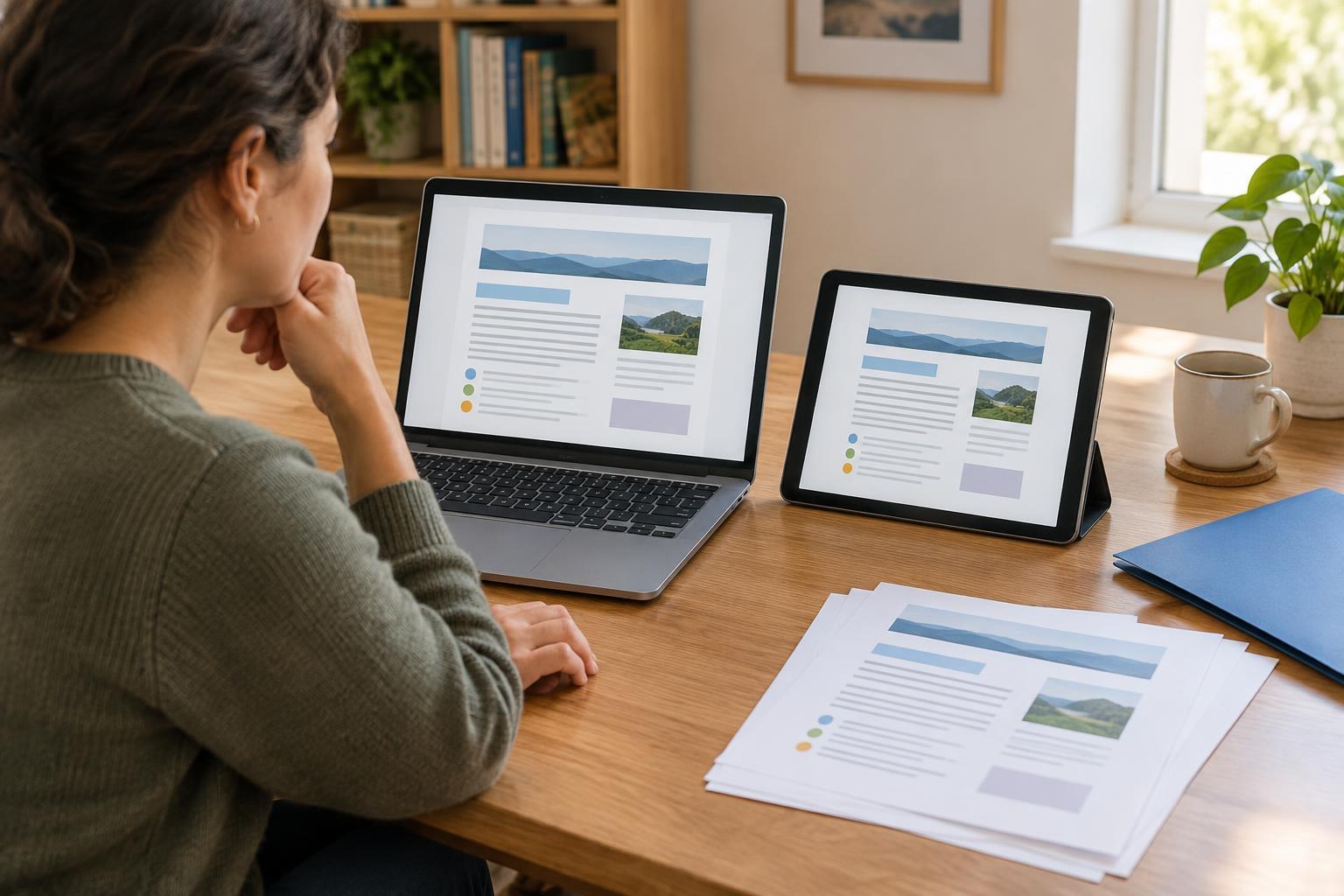
Useful SoftwareA useful office suite needs to do more than open a document. Learn how to test file compatibility, preserve formatting, collaborate with others, and avoid surprises before you commit to a tool.
Read article · 4 min↗
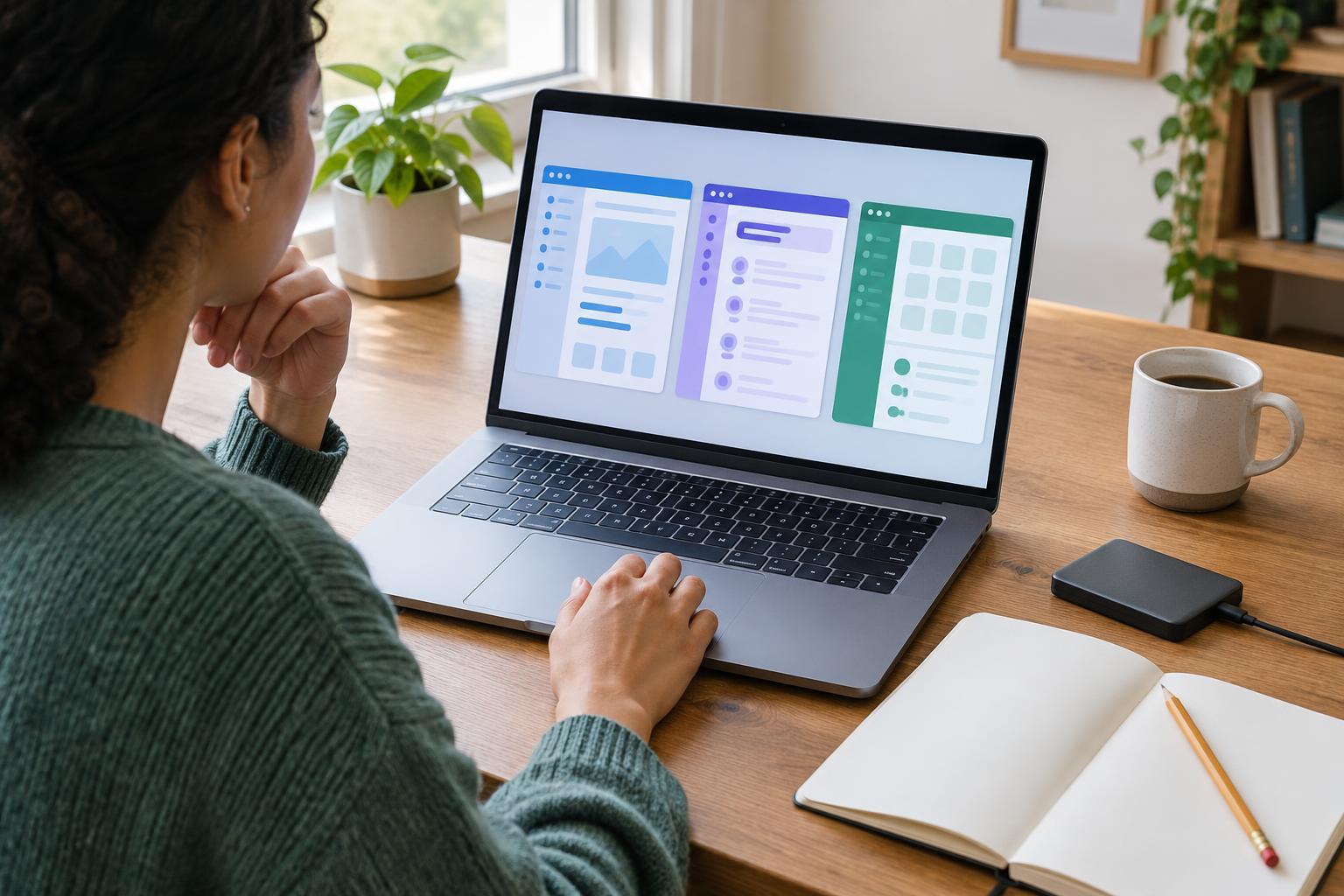
Useful SoftwareThe price on a download page is only one part of a software decision. Compare the features you need, ongoing costs, privacy, accessibility, support, and how easily you can move your work elsewhere.
Read article · 4 min↗
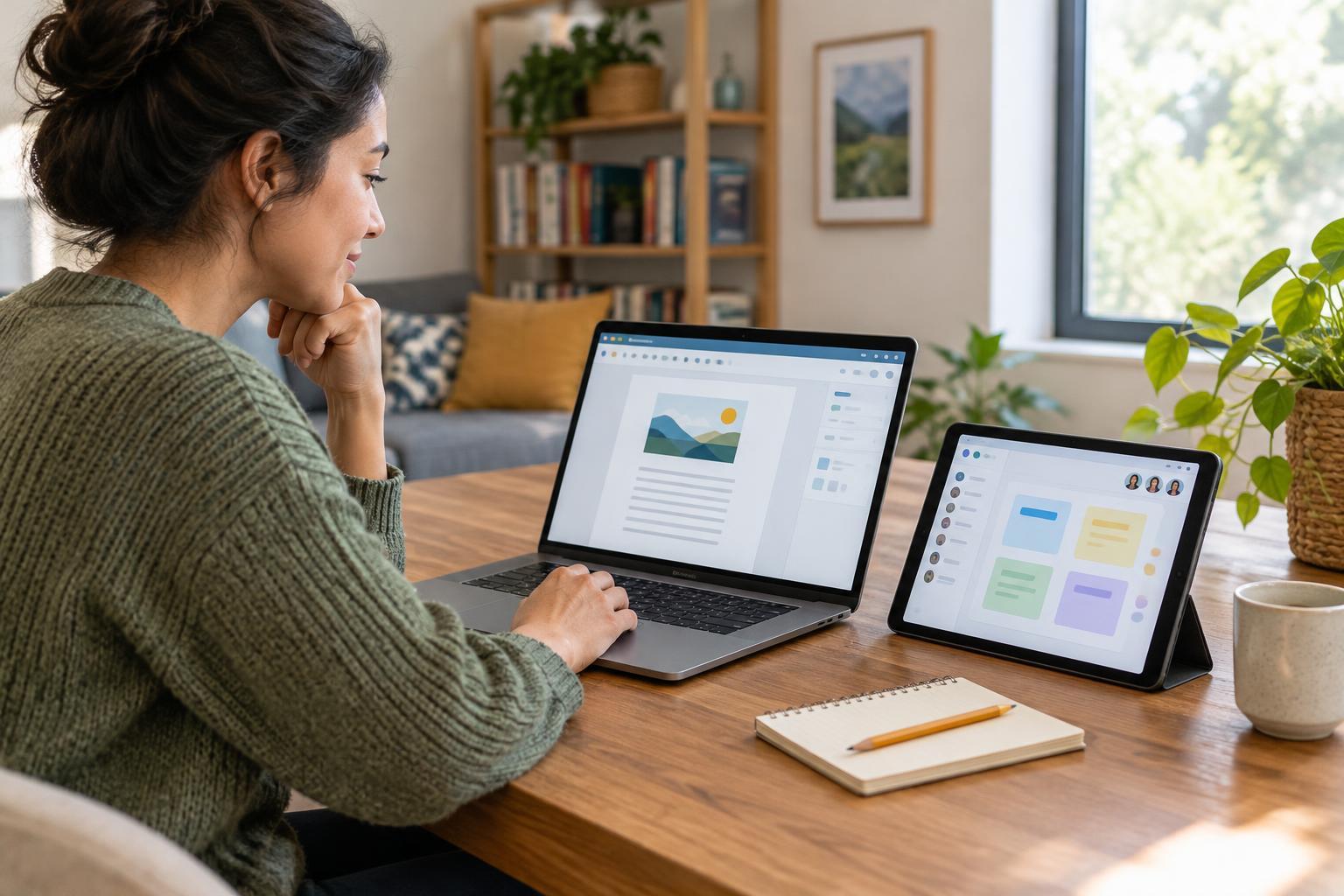
Useful SoftwareA desktop app can be useful when you need to work without a connection, while a web app makes it easier to move between devices or collaborate. Learn how to compare them by task, device, accessibility, privacy and cost.
Read article · 4 min↗