
Online CommunicationA short follow-up can turn an online conversation into clear next steps. Learn what to include, how to distinguish decisions from open questions, and how to share notes without exposing unnecessary personal details.
Read article · 3 min↗

Online CommunicationShared documents make it easy to gather ideas, but comments can become confusing when requests are vague or discussions scatter. Learn how to prepare a document for review, write actionable comments, handle replies, and close the loop without losing track of decisions.
Read article · 4 min↗

Online CommunicationA group chat makes conversation easy, while an announcement channel keeps important information easier to find. Learn how to choose between them, when to use both, and how to make community updates clear and accessible.
Read article · 4 min↗

Online CommunicationAn online scheduling poll can make it easier to find a meeting time without a long chain of messages. Learn how to choose useful options, invite responses, handle time zones and accessibility, and confirm the final plan.
Read article · 4 min↗

Online CommunicationA clear online message helps readers understand what matters and what to do next. Learn how to use everyday words, organize information, and write links that make sense on their own.
Read article · 3 min↗

Online CommunicationA community discussion group works better when members know what the space is for and how to take part. This guide covers clear rules for posting, privacy, accessibility and moderation, plus a practical way to introduce and review them.
Read article · 4 min↗

Online CommunicationForums can be easier to use once you understand their basic structure. Learn how topics, posts, and replies fit together, how conversations are displayed, and how to follow or join a discussion without losing track.
Read article · 4 min↗

Online CommunicationA useful video meeting invitation does more than share a link. Learn how to choose a time, set up access, explain the purpose and give guests what they need to join comfortably.
Read article · 4 min↗

Online CommunicationScreen sharing lets other people in a video call see a document, website or app on your device. Learn how to choose what to show, start and stop sharing, and protect information you want to keep private.
Read article · 4 min↗

Online CommunicationThe basic controls in a video meeting help everyone hear, see, and take part. Learn what mute, camera, chat, and raise hand do, when to use each one, and how to handle common mix-ups.
Read article · 4 min↗

Online CommunicationA video meeting is easier to join when you know what to check before you enter. This guide explains how to open a meeting link, choose the right microphone and speakers, run a simple sound test, and fix common audio problems.
Read article · 4 min↗

Online CommunicationMessages can be read in ways their writers did not intend. Learn how to pause, check what someone meant, clarify your own words, and choose a better channel when a conversation gets stuck.
Read article · 4 min↗

Online CommunicationVoice notes can make a message warmer or easier to explain, but they are not always convenient to receive. Learn how to choose between speaking and typing based on the recipient, the setting and what needs to happen next.
Read article · 3 min↗

Online CommunicationGroup chats can help people coordinate work, family plans and community activities, but constant alerts make it harder to notice what matters. A few shared habits and simple notification settings can reduce interruptions while keeping important updates visible.
Read article · 4 min↗

Online CommunicationGroup chats make it easy to plan, share updates and stay connected. Learn how to join one, check who can read what you post, and make a few privacy choices before you send your first message.
Read article · 4 min↗
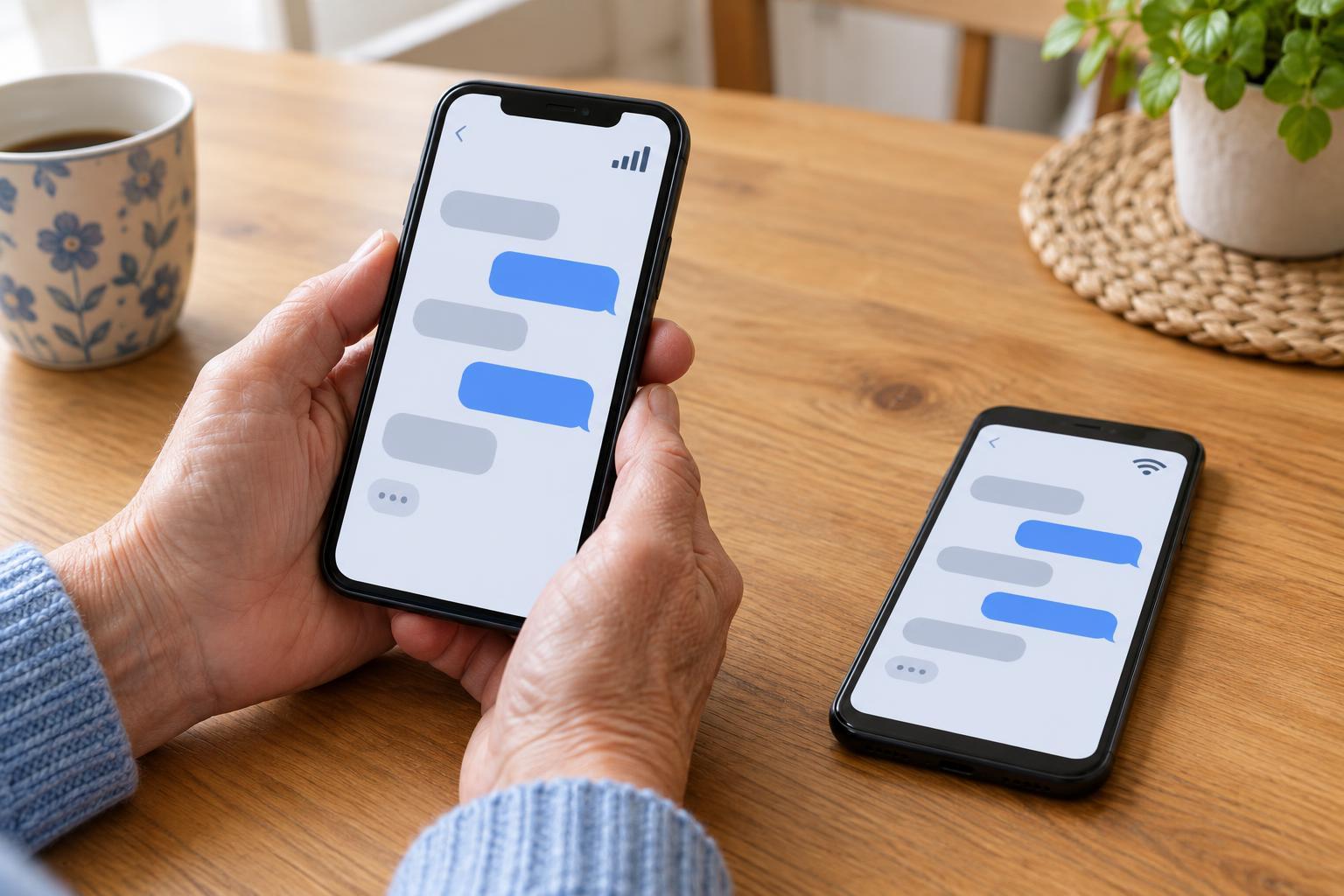
Online CommunicationSMS and internet messaging can both send a quick note, but they use different connections and may have different costs and features. Learn what to check before choosing a way to contact someone.
Read article · 4 min↗

Online CommunicationAn old email can be hard to find when you remember only a name, a phrase, or what the message was about. This guide shows how to narrow a search, check folders and labels, and recognize when a message may have been archived, deleted, or sent to a different account.
Read article · 3 min↗

Online CommunicationSending a document or photo by email is usually straightforward, but large files can fail to send or be difficult for the recipient to open. Learn how to attach a file, check it before sending, and choose a sensible alternative when it is too large.
Read article · 4 min↗

Online CommunicationThe To, Cc, and Bcc fields all deliver an email, but they signal different roles and offer different levels of address visibility. Learn when to use each field, what happens when someone replies, and how to check your recipients before sending.
Read article · 4 min↗

Online CommunicationThe three familiar email buttons serve different purposes. Learn how to choose the right one, check who will receive your message, and avoid sharing a conversation more widely than you intended.
Read article · 4 min↗
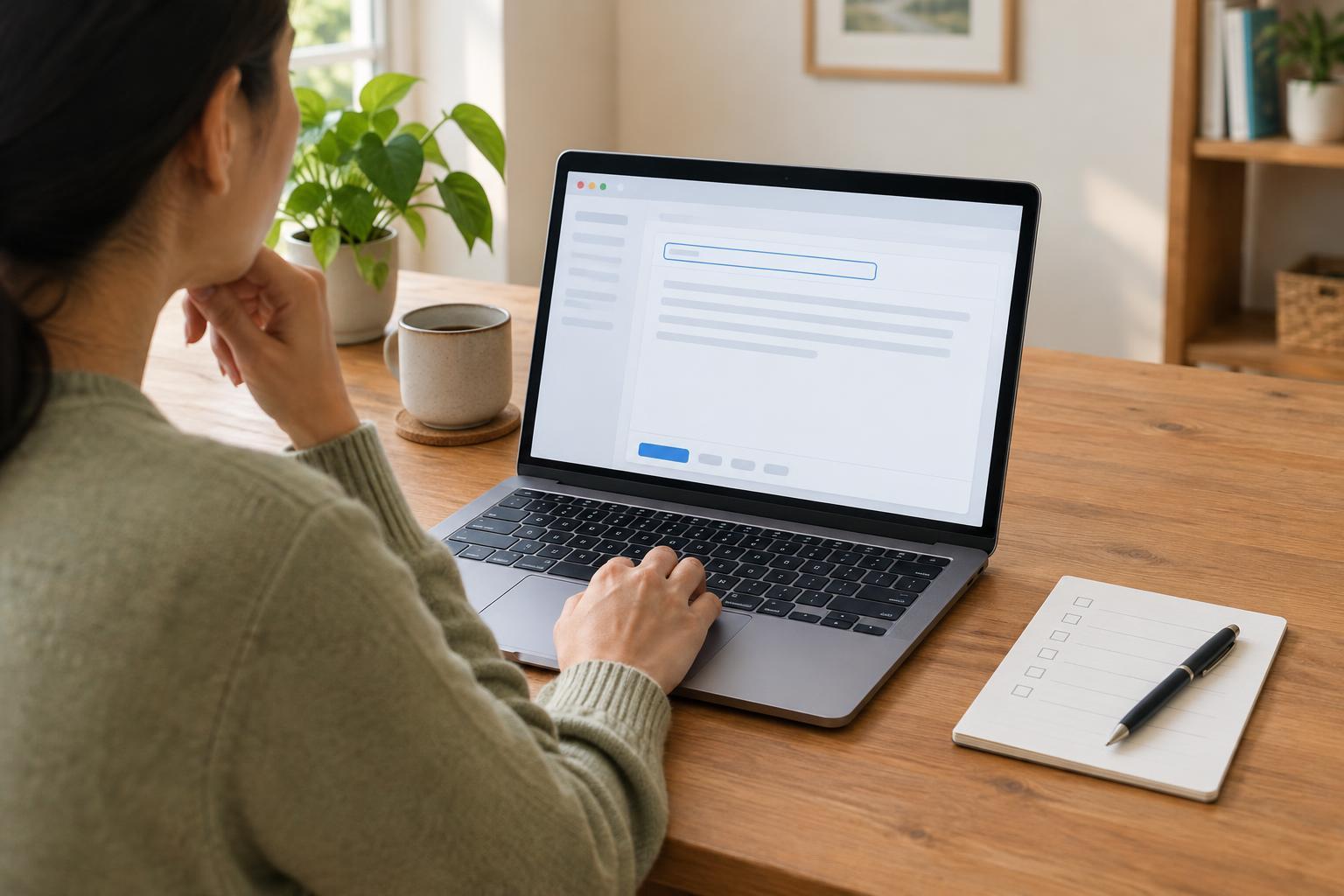
Online CommunicationA clear email helps someone understand why you are writing and what you need from them. Learn how to choose a useful subject line, give just enough context, make a specific request, and check your message before sending.
Read article · 4 min↗

Online CommunicationAn email account makes it easier to exchange messages, receive service updates and keep a record of conversations. This guide walks through choosing a provider, creating an address, securing the account and sending your first message.
Read article · 4 min↗