Digital SkillsLong web pages are easier to use when you know how to scan headings, find a word on the page, follow links, and return to the section you were reading. This guide offers a simple routine you can practice on any topic.
Read article · 4 min↗
Digital SkillsOnline forms are easier to manage when you check what you need, move through each field carefully, and review your answers before submitting. This guide explains a practical routine for forms on phones and computers, including what to do if a page times out or an error appears.
Read article · 4 min↗
Digital SkillsA phone and a computer can often do the same job, but they do not make every job equally easy. Learn how to choose a device for messages, forms, documents, calls and other common tasks—and when switching between devices is the simplest option.
Read article · 4 min↗

Digital SkillsA frozen app does not always mean your work is lost. Learn how to check whether it is simply busy, close it safely if needed, and work through a few practical steps before reinstalling or asking for help.
Read article · 4 min↗

Digital SkillsA practical guide to joining a Wi-Fi network and working out why a connection has stopped. Learn what to check on your device, when to restart a router, and how to stay safer on shared networks.
Read article · 4 min↗
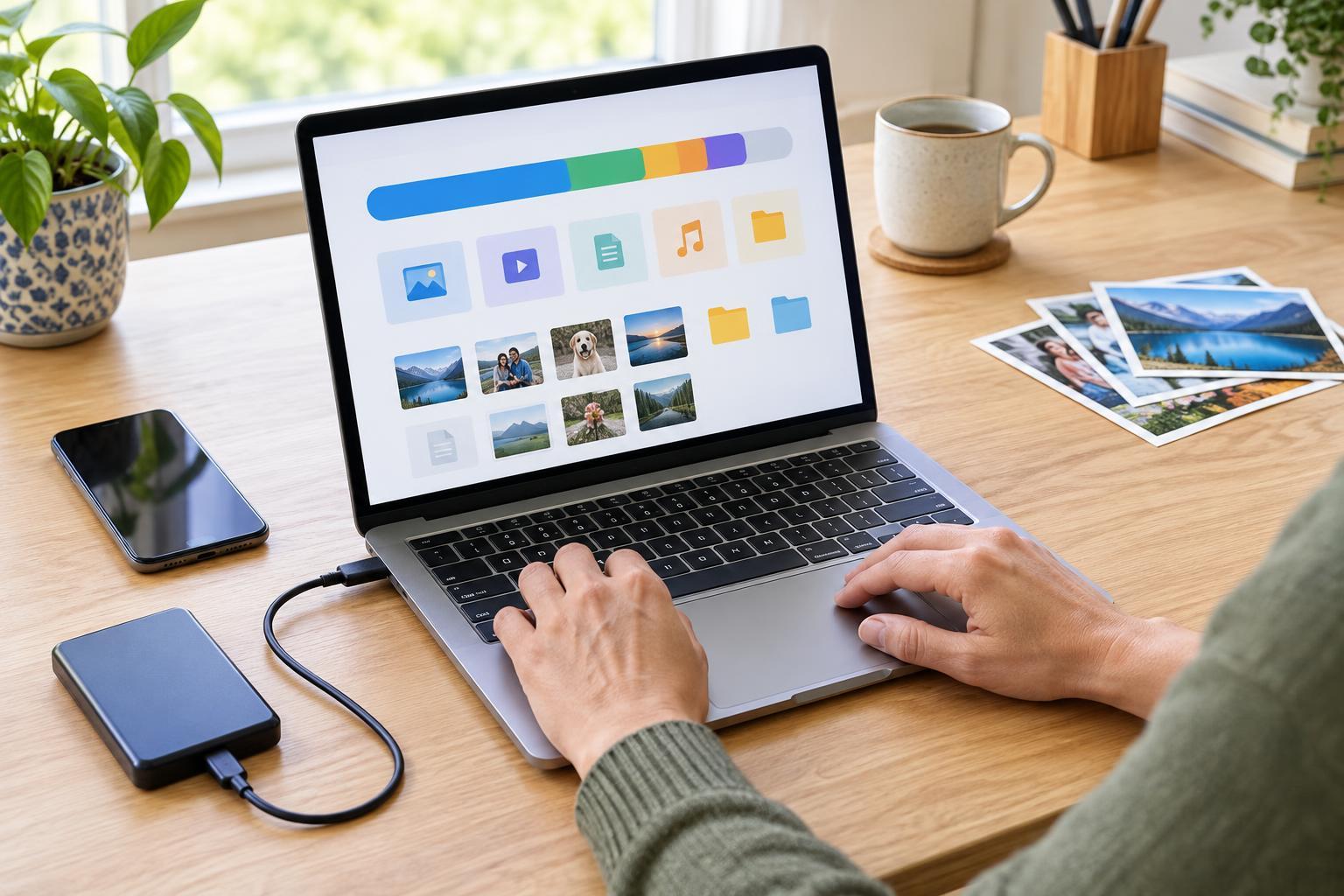
Digital SkillsA full device can make it hard to save files, install updates or take photos. Learn where to check available space, how to identify what is using it and which cleanup steps are least likely to remove something important.
Read article · 4 min↗
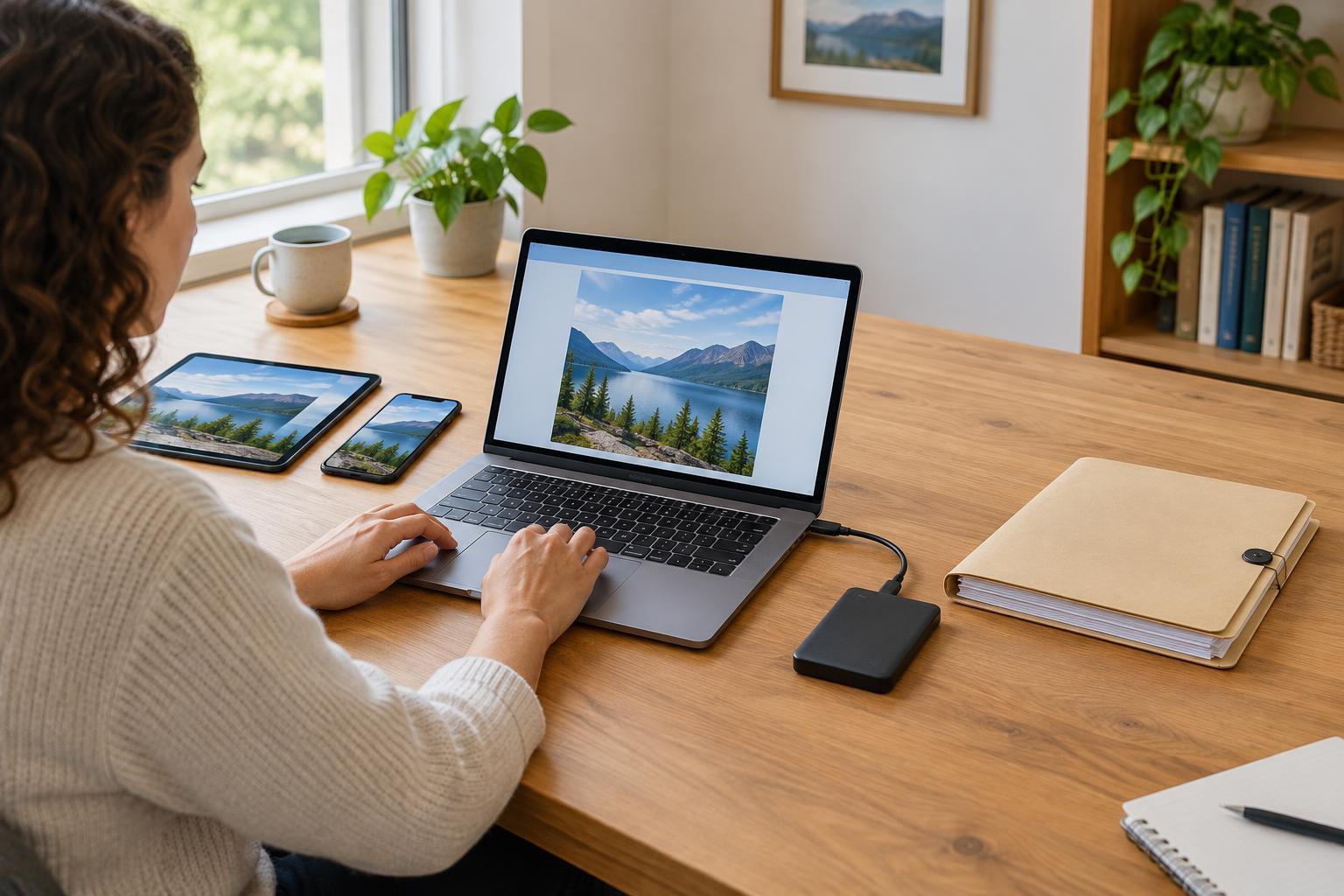
Digital SkillsSyncing makes files available across devices, while backing up gives you a separate way to recover them. Learn what happens when you edit or delete a file, and how to check that your important work is protected.
Read article · 4 min↗
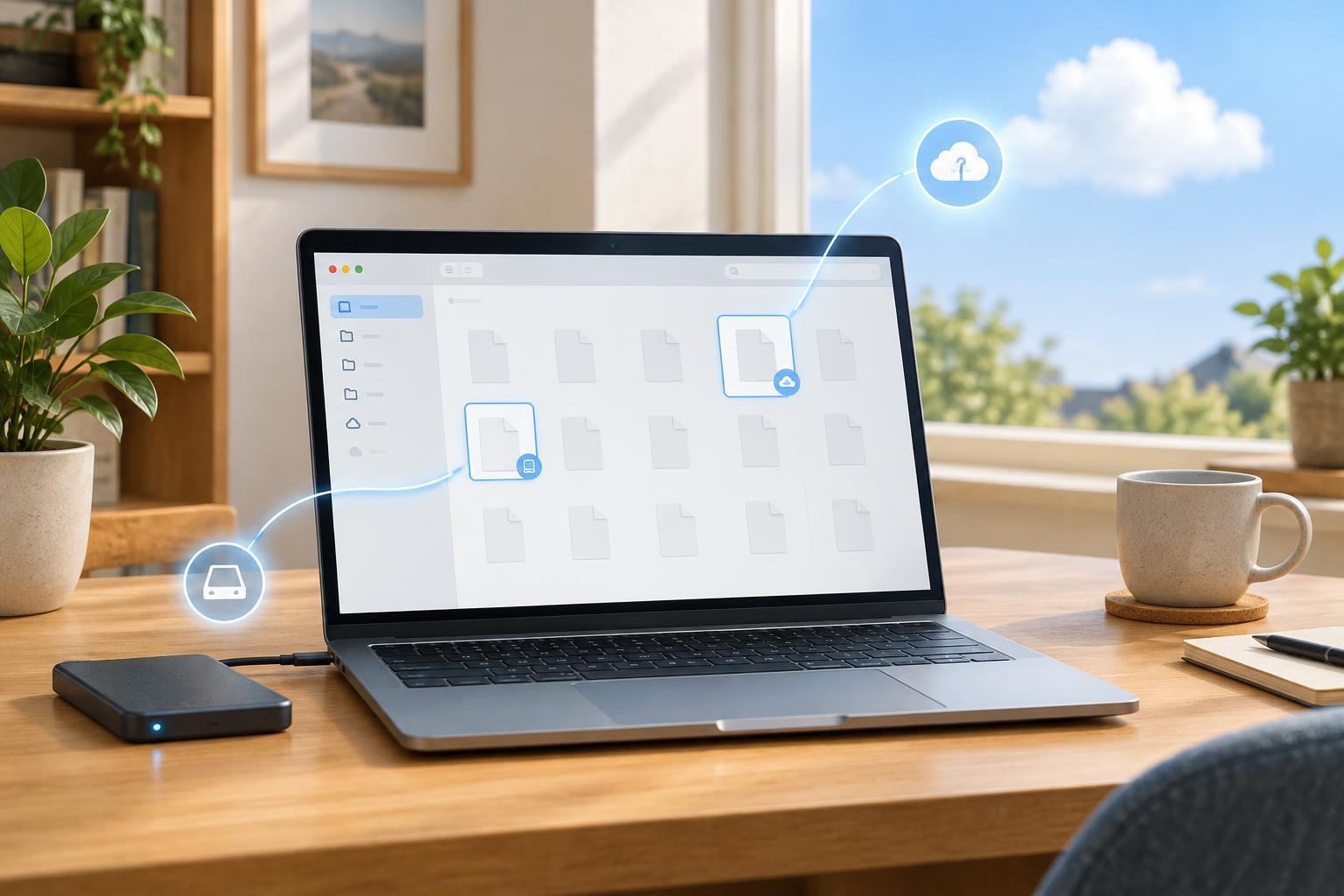
Digital SkillsA file can appear in a folder even when its contents are stored online, and some files exist in both places. Learn how to check a file’s location, test offline access, and avoid losing work when moving or deleting files.
Read article · 4 min↗
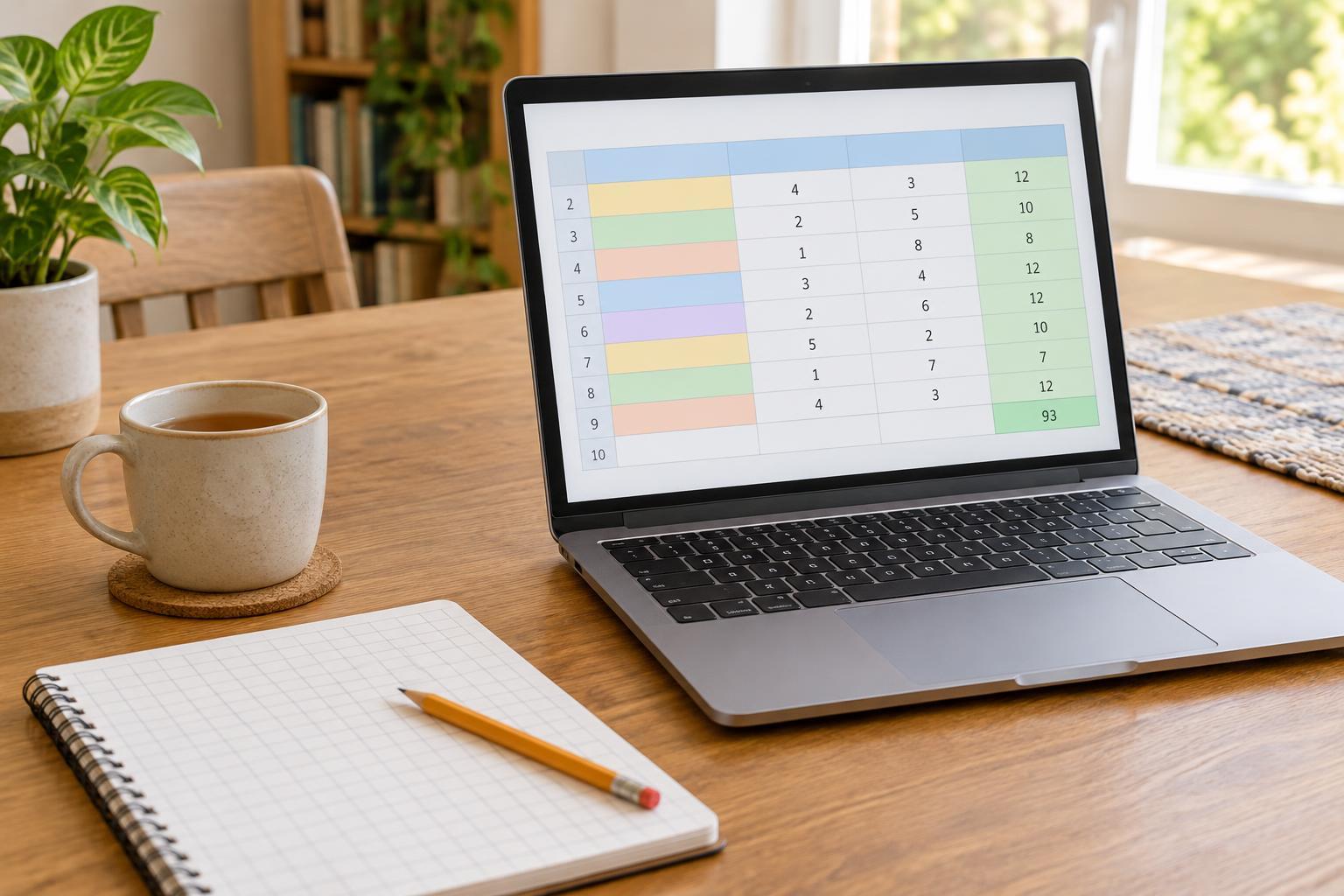
Digital SkillsA spreadsheet can help you organize a contact list, track supplies, or add up a simple budget. Learn how cells, rows, and columns work, then try a few formulas you can use in everyday tasks.
Read article · 4 min↗
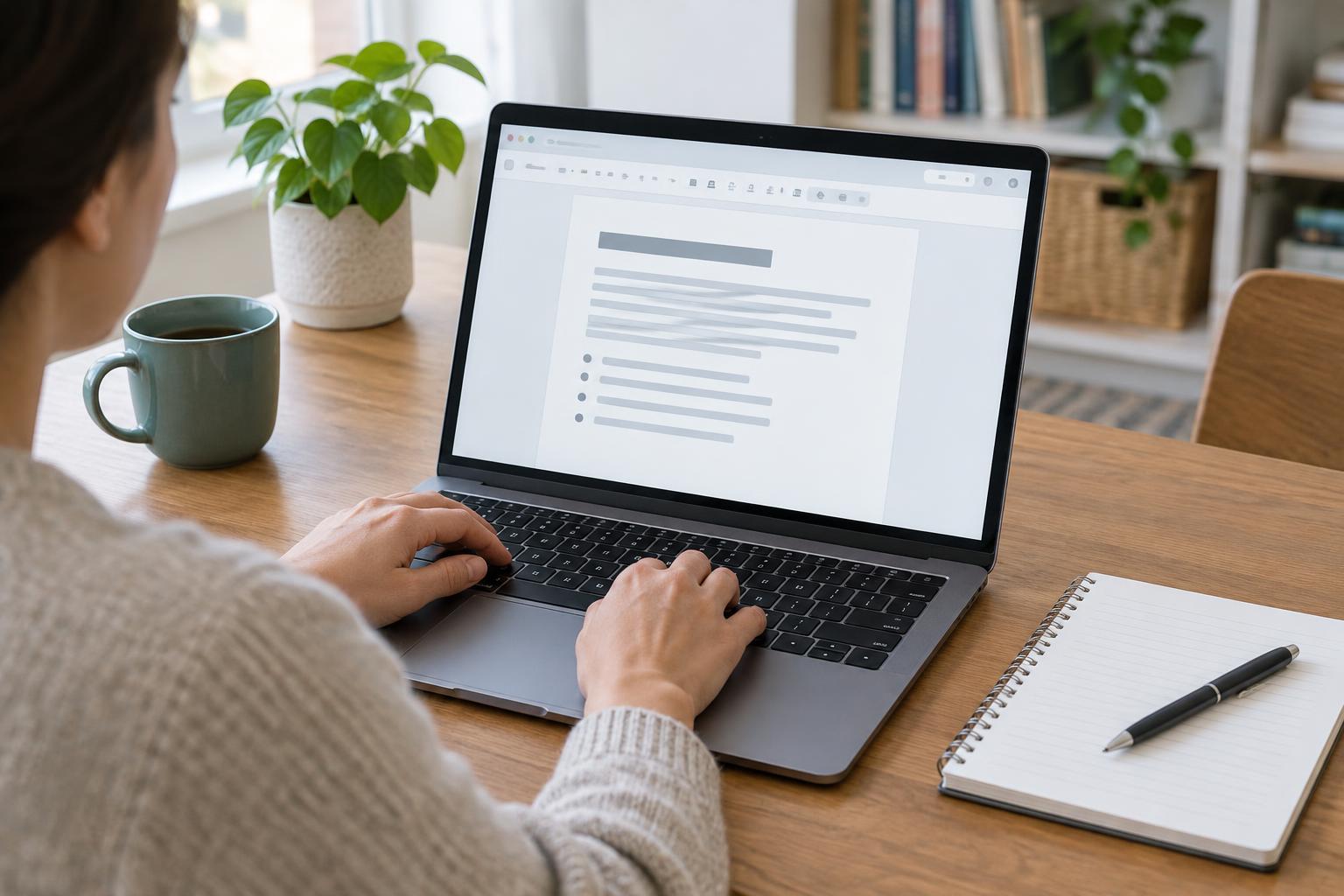
Digital SkillsA clear document does not need elaborate design. Learn how to set up a page, organize your writing, use headings and lists, save your work, and check it before sharing.
Read article · 4 min↗
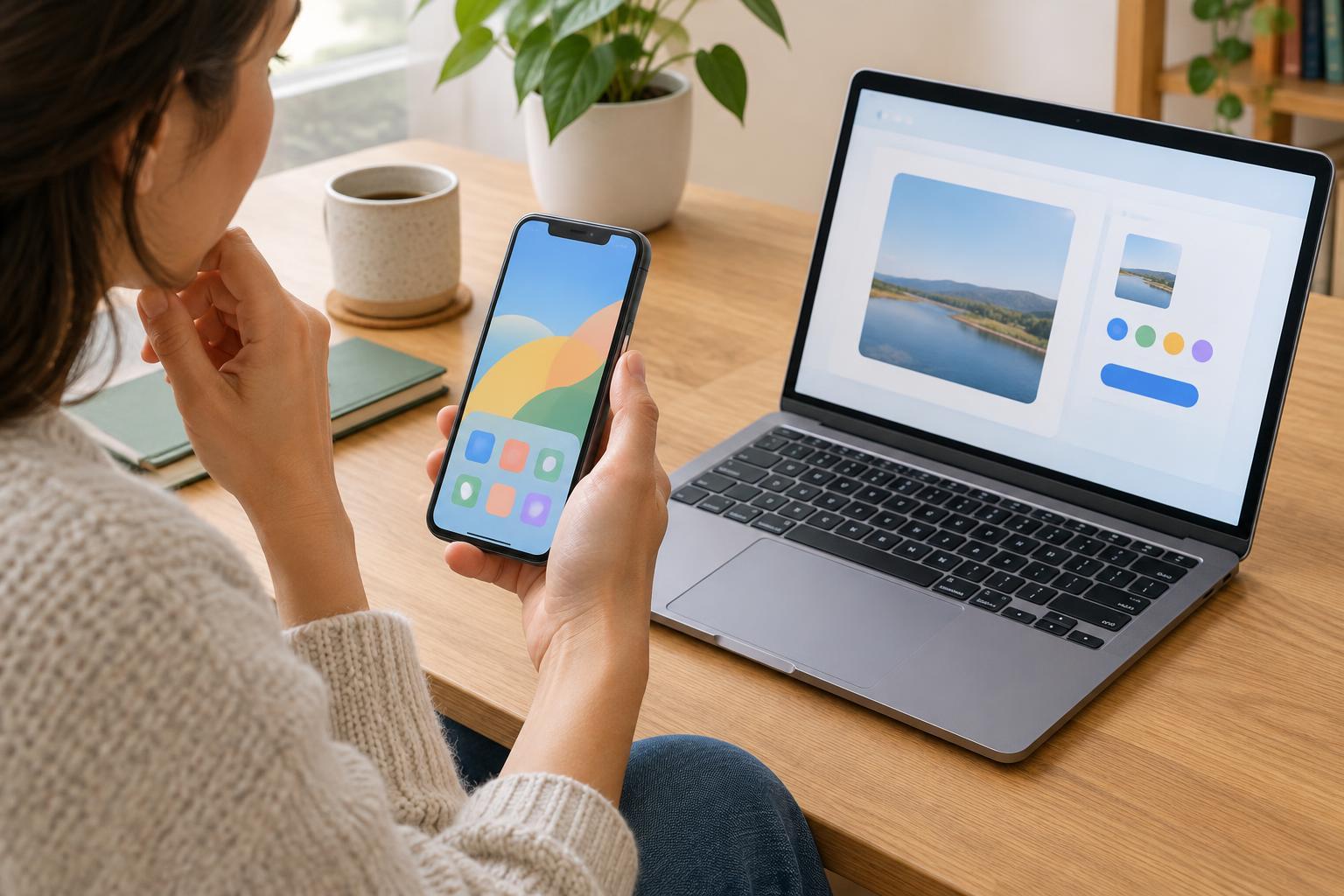
Digital SkillsA screenshot saves a picture of what is visible on your screen. Learn common ways to capture one on a phone or computer, find the saved image, share it, and check it for private information first.
Read article · 4 min↗
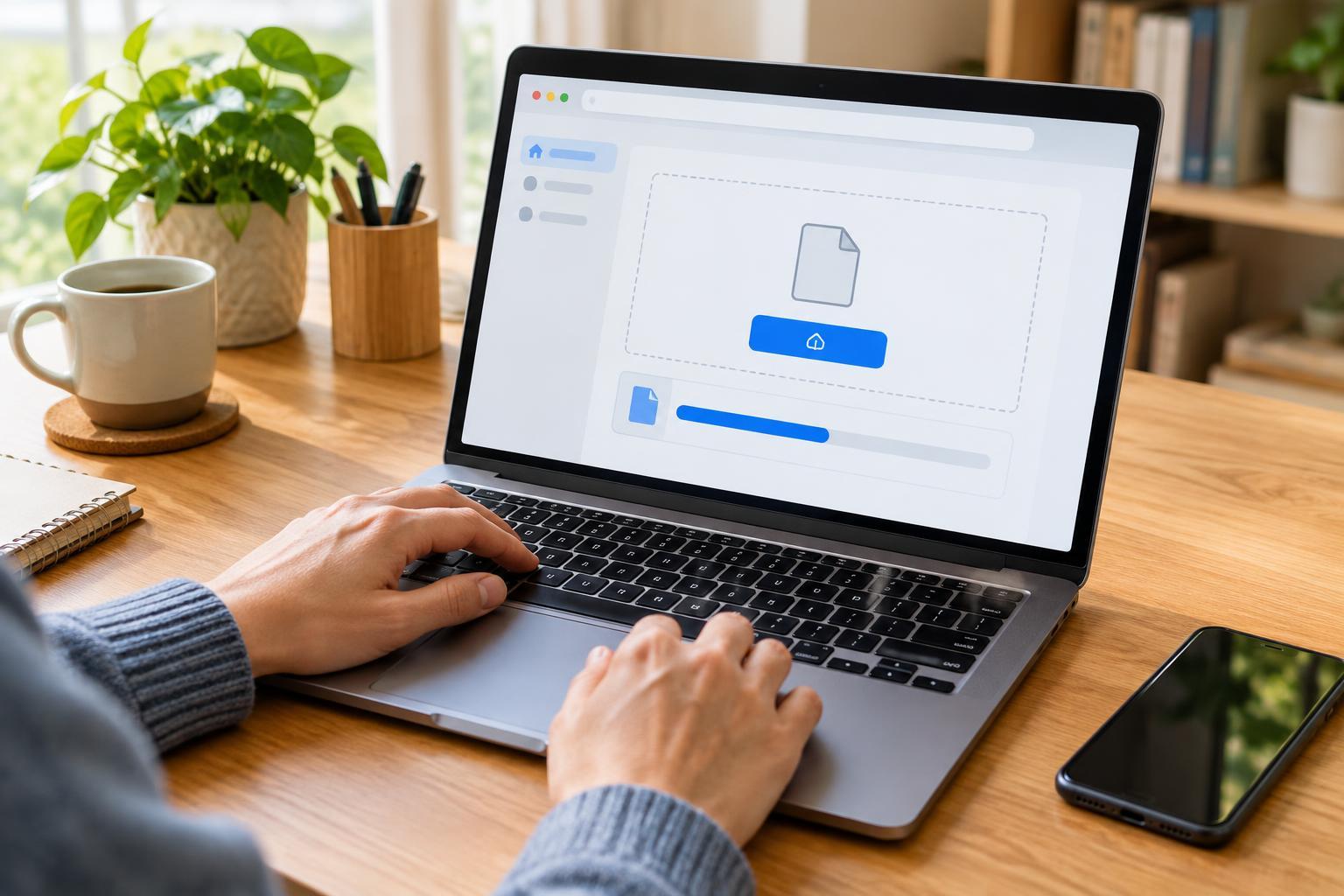
Digital SkillsUploading a file means sending a copy from your phone, tablet, or computer to a website. Learn how to find the right file, complete the upload, check that it worked, and avoid common mistakes.
Read article · 4 min↗

Digital SkillsA useful online answer is not always a trustworthy one. Learn how to check who made a claim, where its evidence comes from, whether important context is missing, and when to pause before sharing it.
Read article · 4 min↗
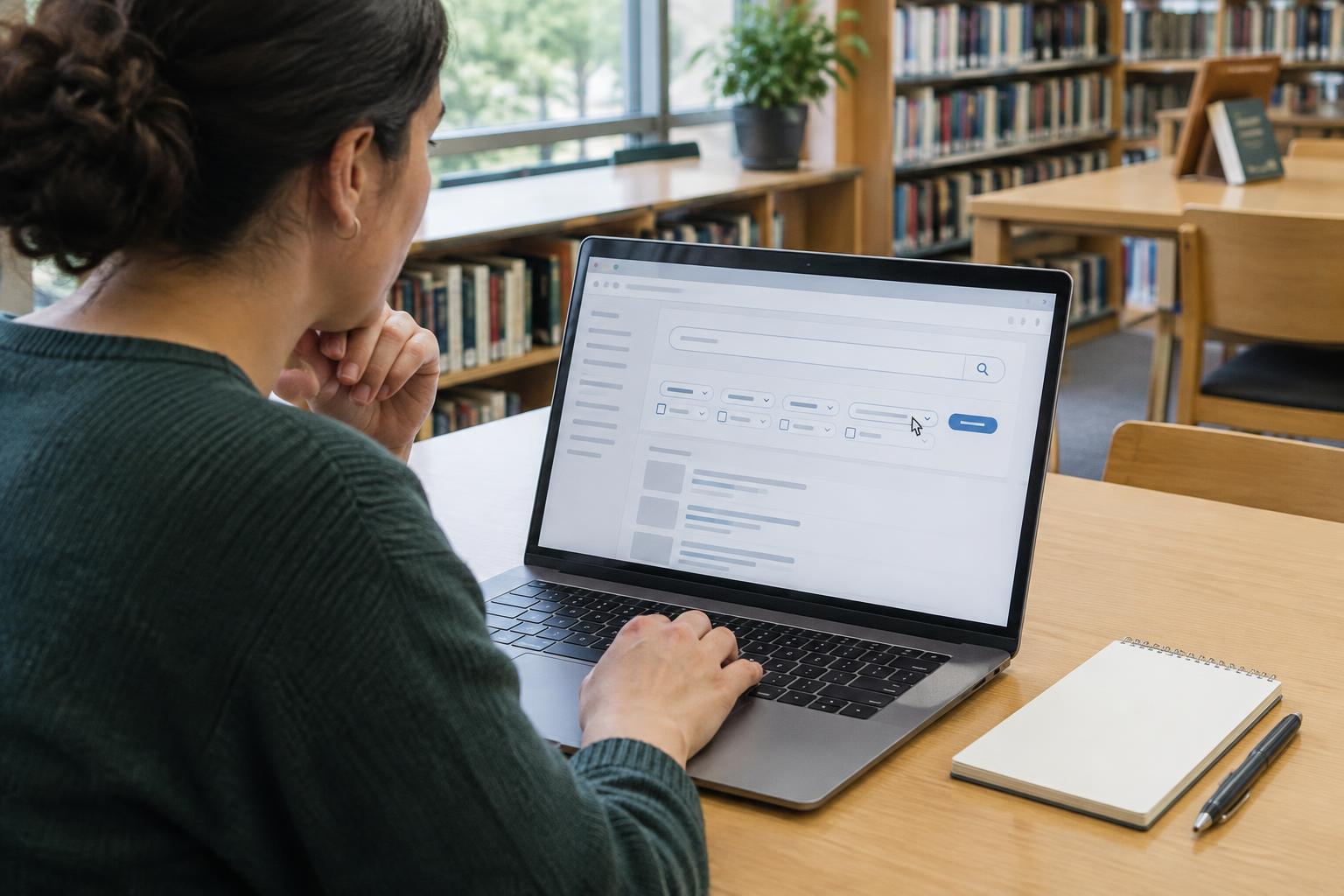
Digital SkillsA useful web search starts with the words you choose. Learn how to turn a question into specific keywords, narrow results with search tools, and check whether a result answers what you need.
Read article · 4 min↗

Digital SkillsA web browser opens and displays websites. A search engine helps you find them. Learn how the two tools work together, why the address bar can be confusing, and when to use a search instead of going directly to a website.
Read article · 4 min↗
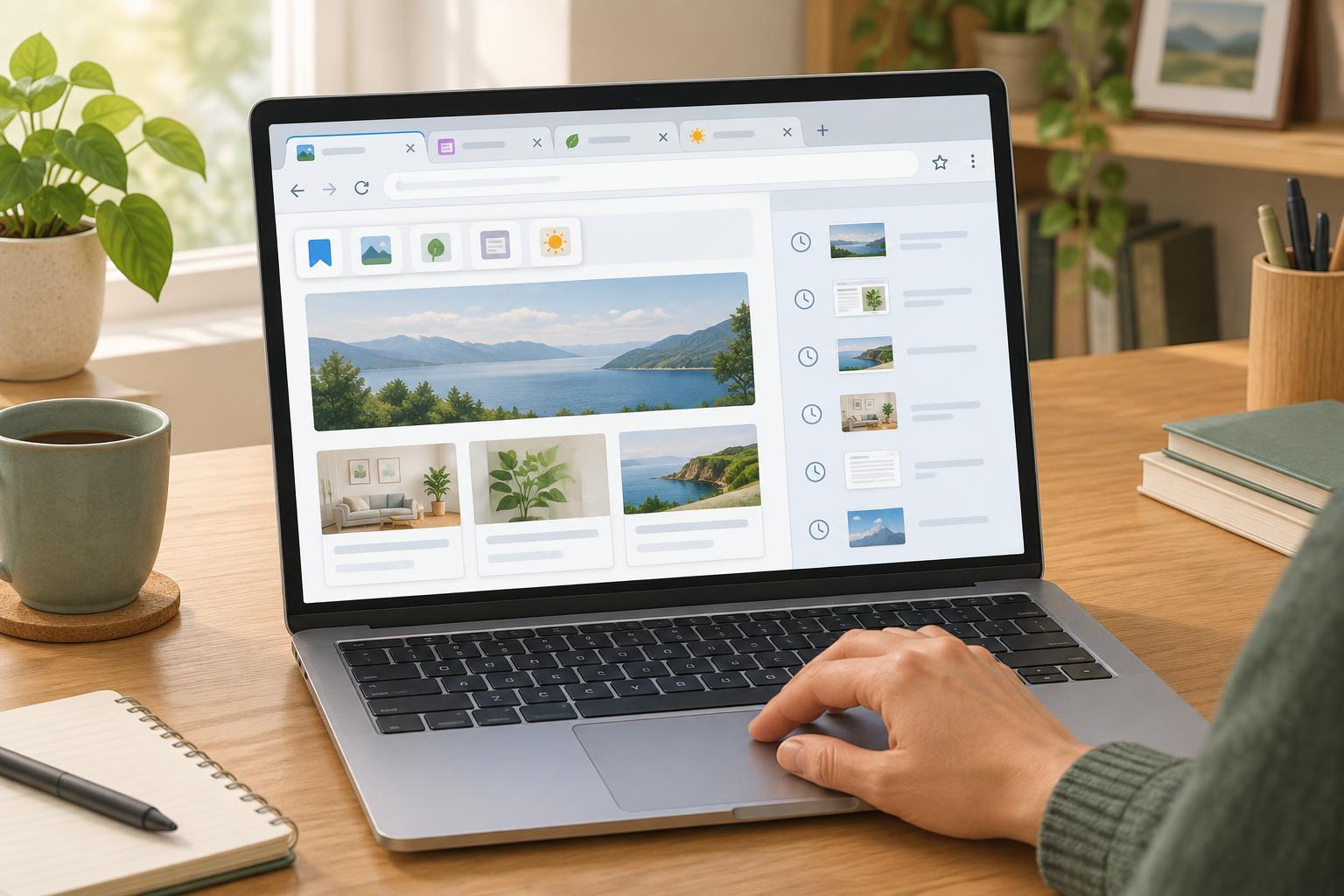
Digital SkillsTabs, bookmarks, and browsing history all help you find web pages, but they serve different purposes. Learn when to use each one, how they work together, and what to check when using a shared device.
Read article · 4 min↗
Digital SkillsA small set of keyboard shortcuts can make writing, searching, and switching between tasks feel easier. Learn useful combinations for Windows and Mac, when they may vary, and how to practice without memorizing a long list.
Read article · 4 min↗
Digital SkillsCopy, cut, paste, and undo are small actions that make writing and organizing information much easier. Learn what each one does, how to use common shortcuts, and how to recover when an edit does not go as planned.
Read article · 4 min↗
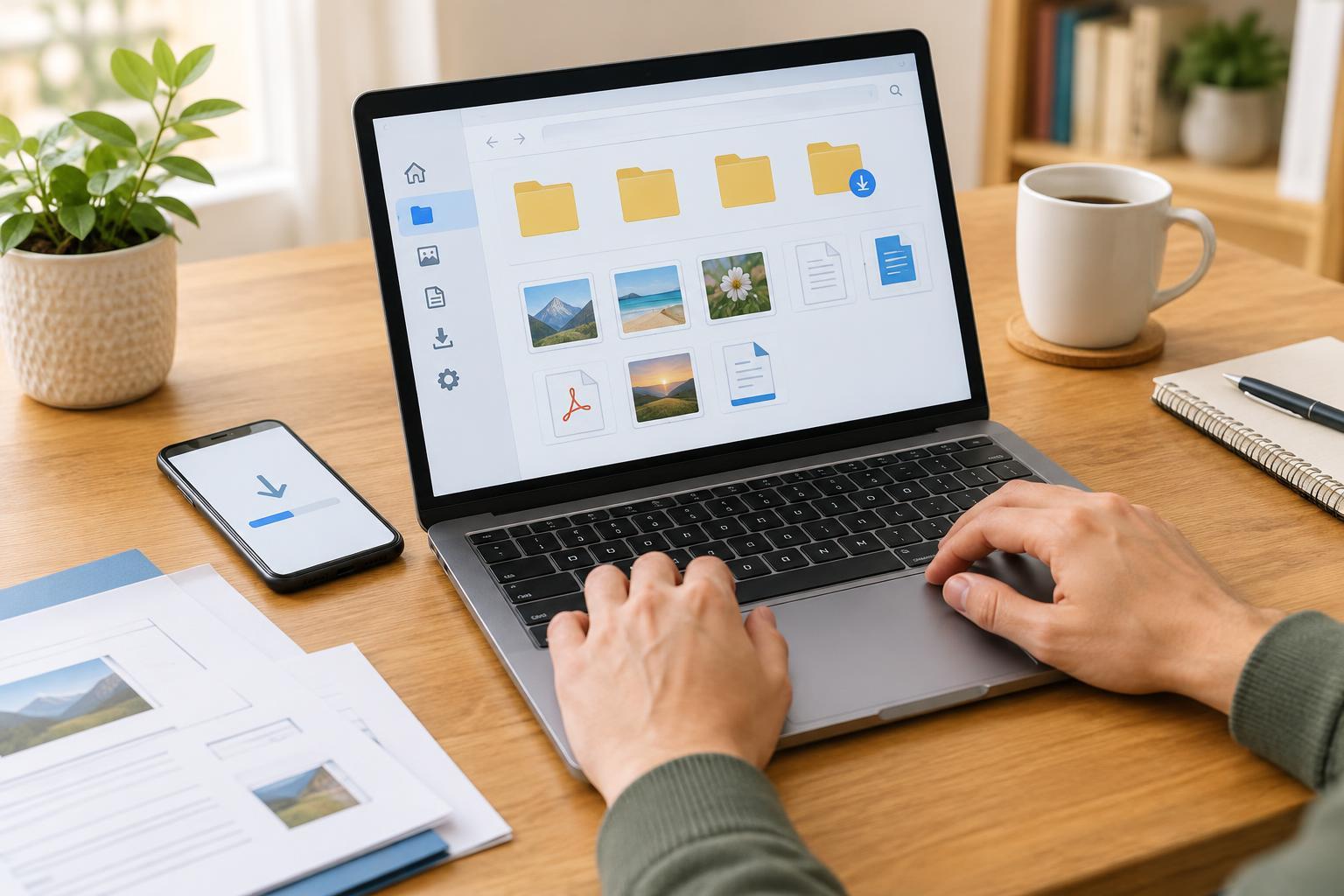
Digital SkillsA practical guide to downloading documents, pictures and other files, then locating them on a computer, phone or tablet. Learn where downloads usually go, how to search when a file seems missing and how to choose a place you can find again.
Read article · 4 min↗
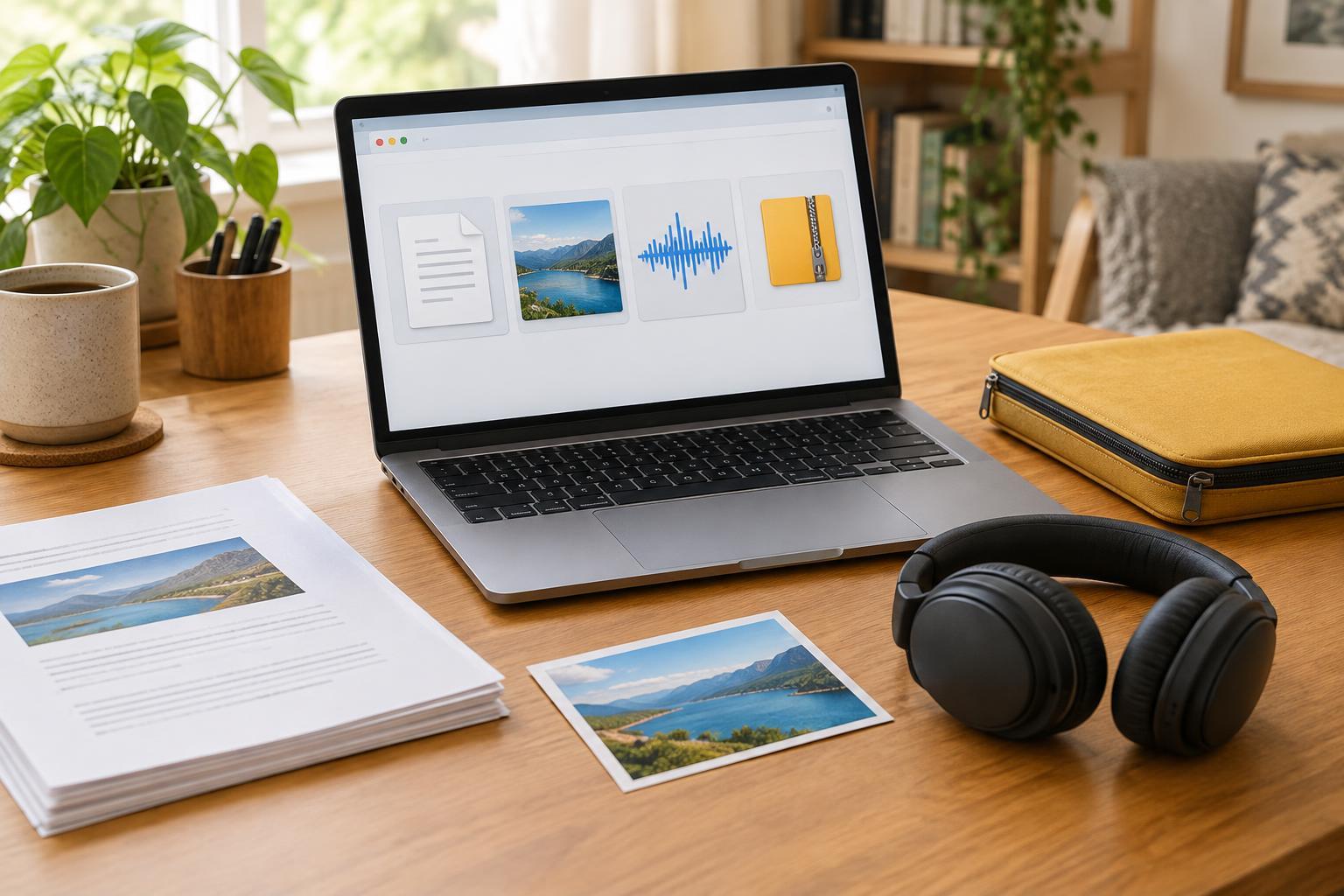
Digital SkillsWhat does the ending of a filename tell you? This guide explains common document, image, audio, and archive formats, with practical tips for opening, sharing, and organizing them.
Read article · 4 min↗
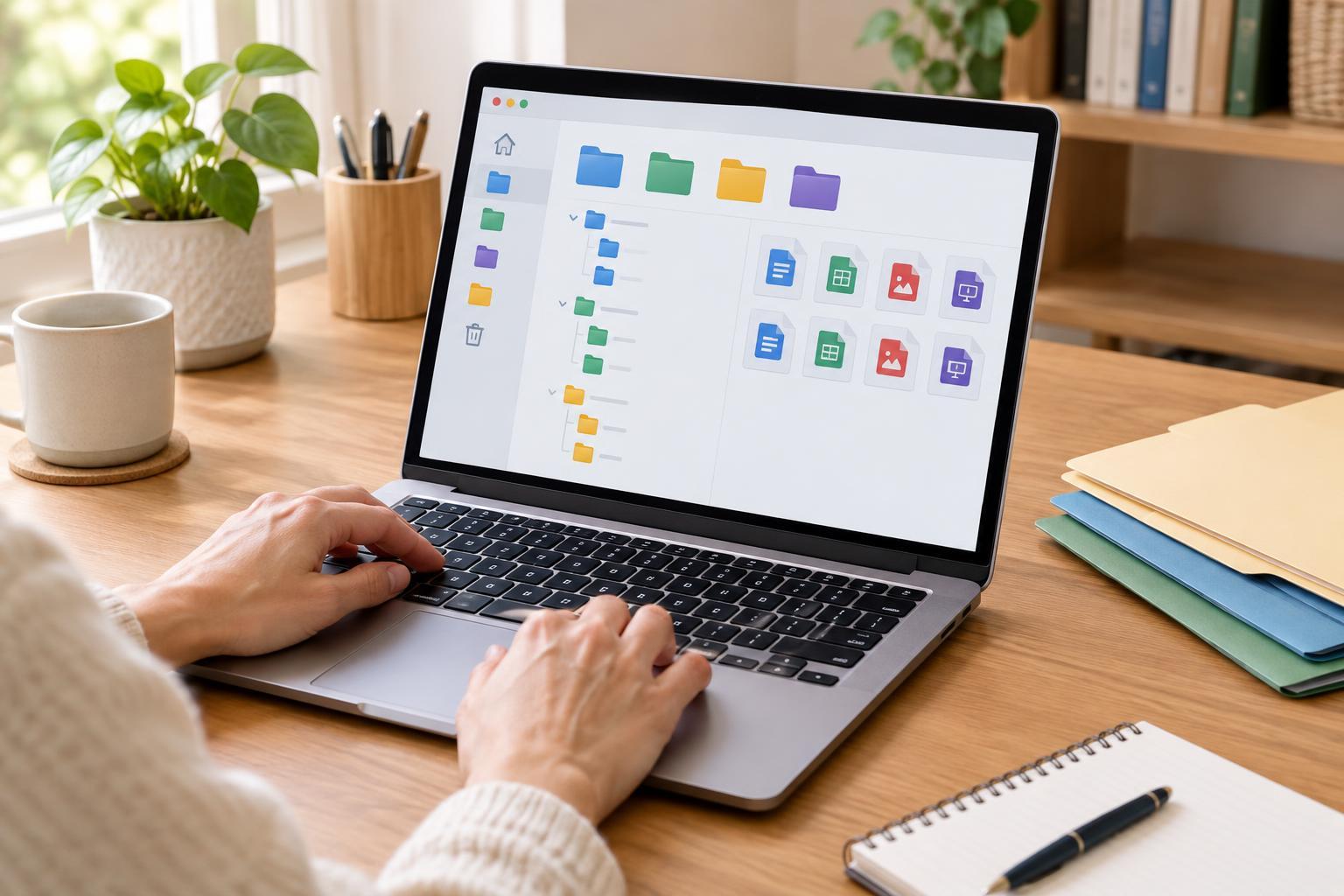
Digital SkillsA clear file name and a simple folder structure can save time whenever you need a document again. Learn how to choose useful names, sort files into manageable folders, handle versions and keep your system easy to maintain.
Read article · 4 min↗
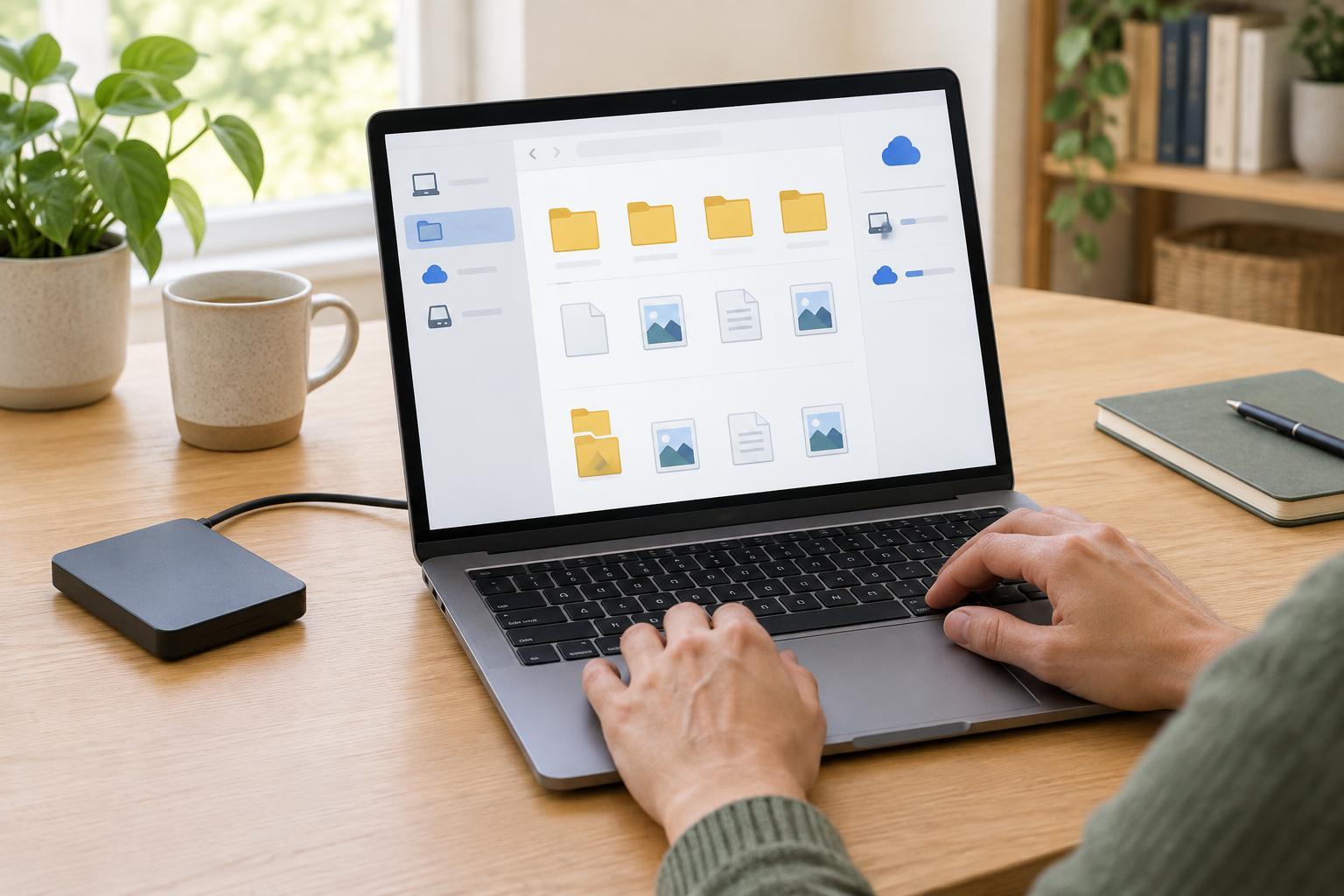
Digital SkillsA practical guide to finding your documents, understanding folders and file names, and checking whether your work is saved on your device or in an online account.
Read article · 4 min↗